Final Photoshop Project: Applying Advanced Editing Skills
Stryg for at vise menuen
A few things I mentioned in the video that can be helpful to you:
Ctrl/Cmd+ Create New Layer icon will create a new layer underneath the selected layer;Ctrl/Cmd+ Mouse click on the layer's thumbnail will make a selection around the layer's components;- Make sure to rename layers as you create them to keep things neat and tidy;
- Always focus on maintaining a non-destructive workflow (Creating layer masks, groups, smart objects, smart filters, etc.).
Download the image attached to this chapter and add a second shadow for the walking man. This is your reference:
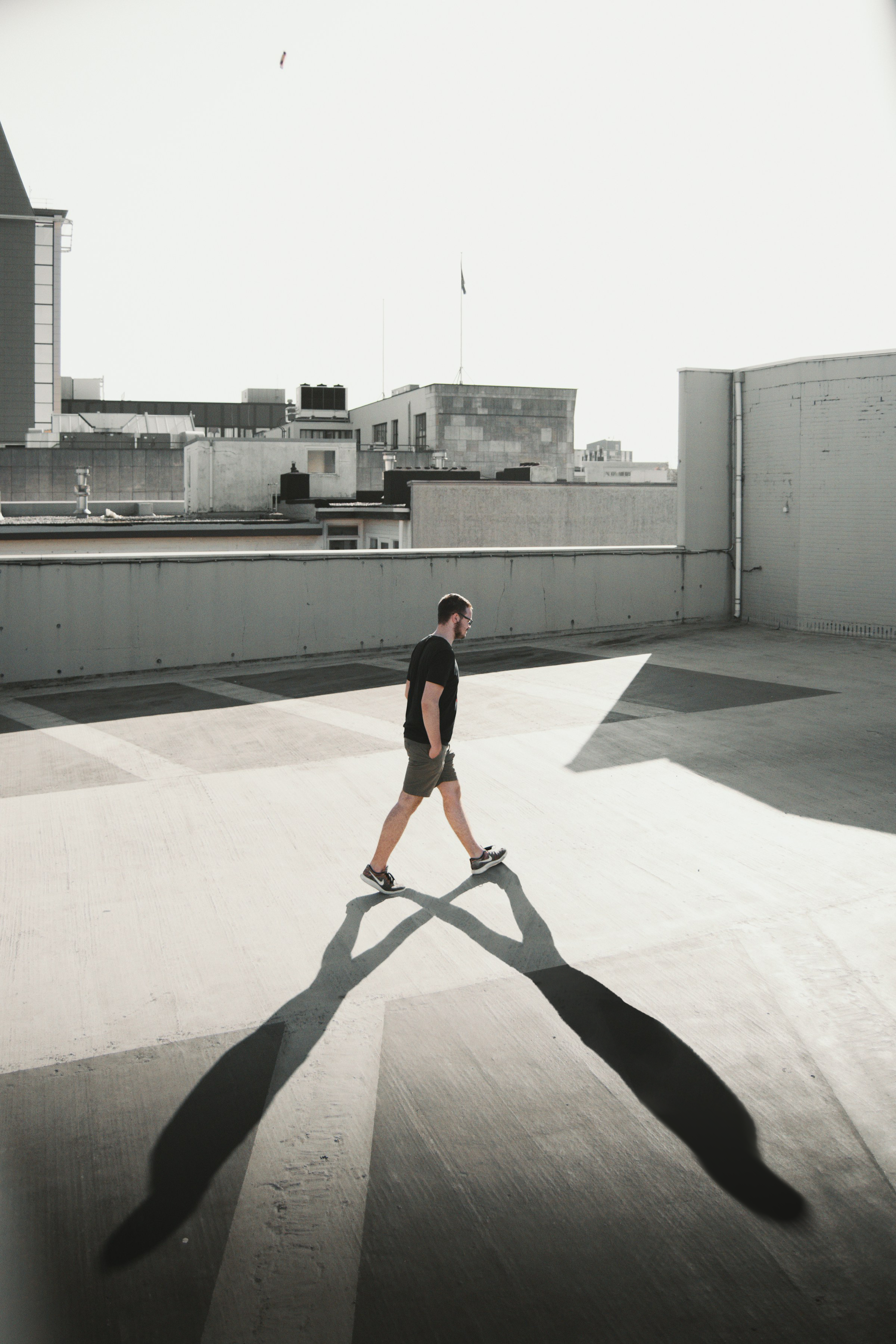
Here are some hints: Masking, Opacity, Blur, Brush, Blending.
Var alt klart?
Tak for dine kommentarer!
Sektion 1. Kapitel 28
Spørg AI

Spørg AI

Spørg om hvad som helst eller prøv et af de foreslåede spørgsmål for at starte vores chat
