Reusing Styles
Stryg for at vise menuen
As your UI grows, you will start repeating the same styles.
Instead of duplicating them, you can reuse styles to keep your code clean and consistent.
Example:
import { View, Text, StyleSheet } from 'react-native';

export default function App() {
  return (
    <View style={styles.container}>
      <Text style={styles.text}>First item</Text>
      <Text style={styles.text}>Second item</Text>
    </View>
  );
}

const styles = StyleSheet.create({
  container: {
    padding: 20
  },
  text: {
    fontSize: 16,
    marginBottom: 10
  }
});
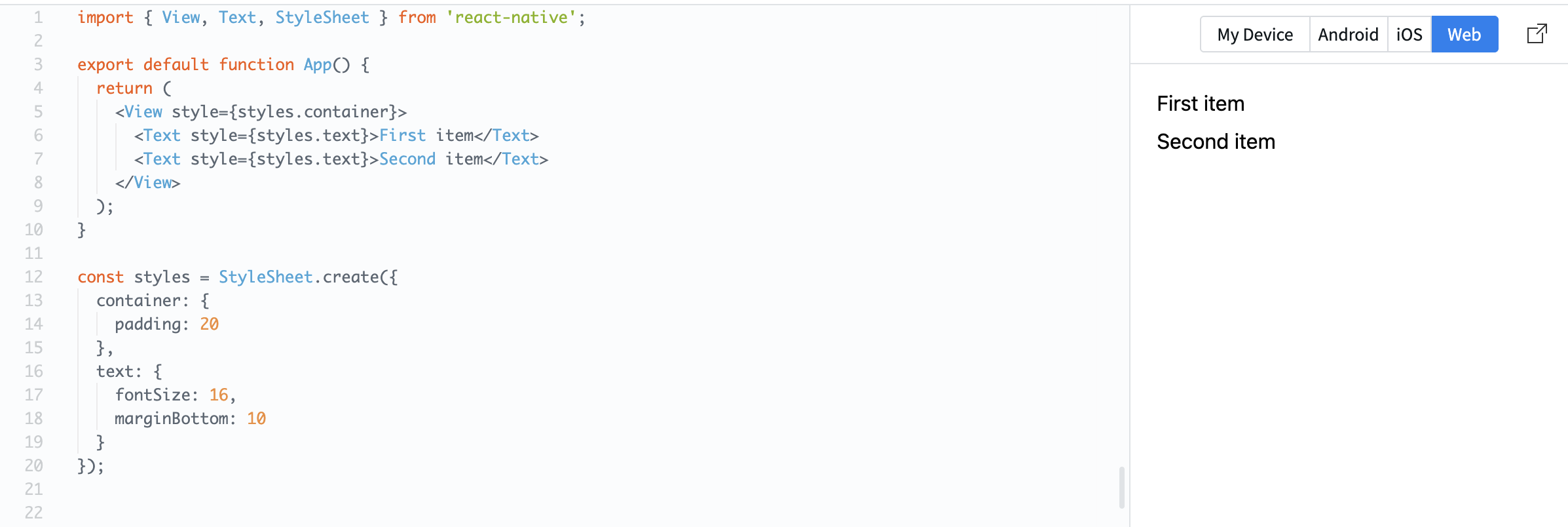
Here, the same text style is applied to multiple elements.
You can also combine styles:
const styles = StyleSheet.create({
  text: {
    fontSize: 16
  },
  bold: {
    fontWeight: 'bold'
  }
});
Usage:
<Text style={[styles.text, styles.bold]}>Important</Text>
This lets you build flexible and reusable UI patterns.
Reusing styles helps:
- Keep your code consistent;
- Reduce duplication;
- Make changes easier.
Var alt klart?
Tak for dine kommentarer!
Sektion 1. Kapitel 7
Spørg AI

Spørg AI

Spørg om hvad som helst eller prøv et af de foreslåede spørgsmål for at starte vores chat
Sektion 1. Kapitel 7
