Input and Interaction
Swipe um das Menü anzuzeigen
Mobile apps are not just static screens. Users need to interact with them.
In React Native, two basic components handle this:
TextInput: allows users to enter text;Button: allows users to trigger actions.
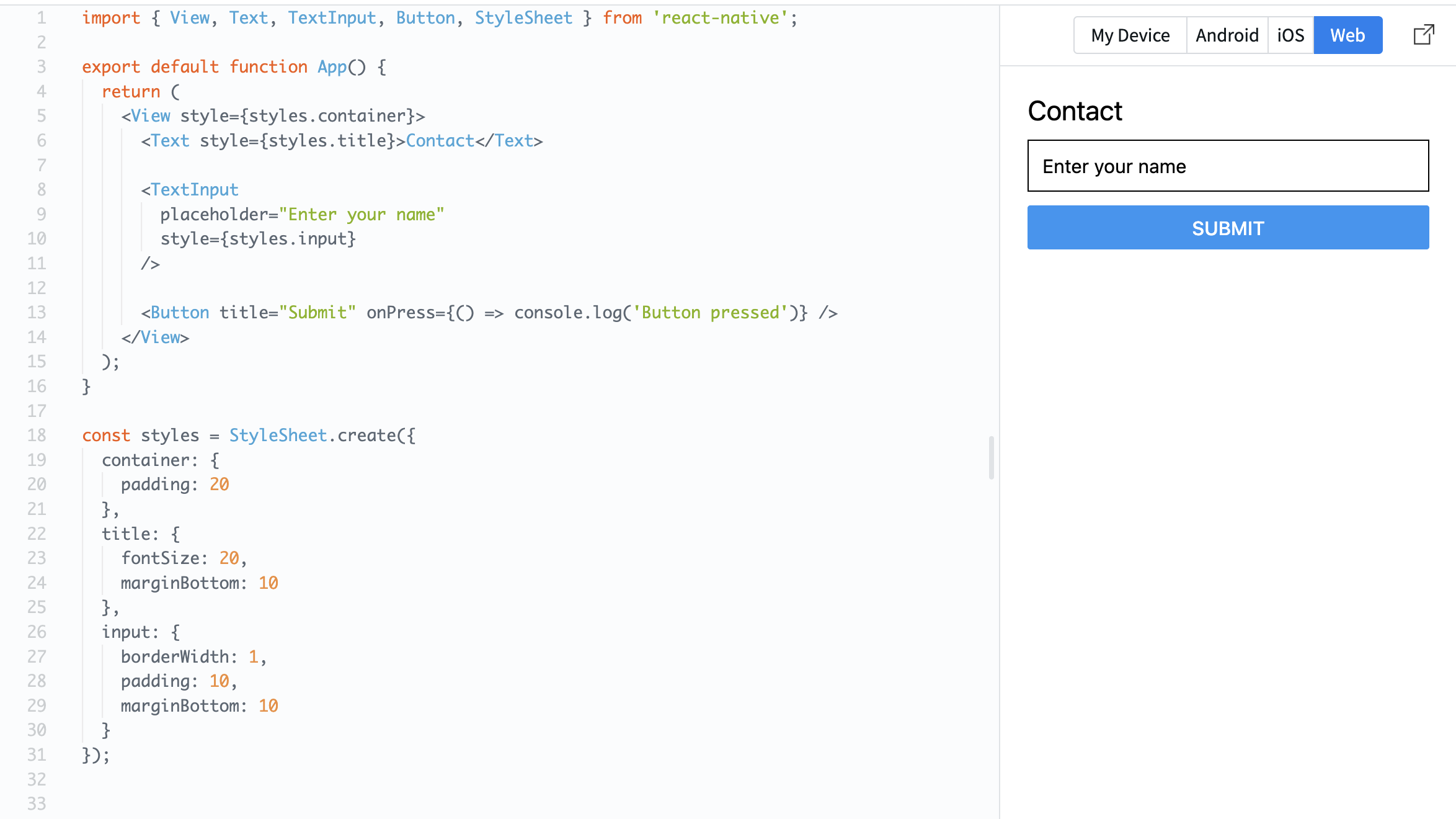
Example:
import { View, Text, TextInput, Button, StyleSheet } from 'react-native';

export default function App() {
  return (
    <View style={styles.container}>
      <Text style={styles.title}>Contact</Text>

      <TextInput
        placeholder="Enter your name"
        style={styles.input}
      />

      <Button title="Submit" onPress={() => console.log('Button pressed')} />
    </View>
  );
}

const styles = StyleSheet.create({
  container: {
    padding: 20
  },
  title: {
    fontSize: 20,
    marginBottom: 10
  },
  input: {
    borderWidth: 1,
    padding: 10,
    marginBottom: 10
  }
});
TextInput lets the user type something.
Button reacts to a press using the onPress property.
Now your screen is not just visual — it can respond to user actions.
War alles klar?
Danke für Ihr Feedback!
Abschnitt 1. Kapitel 6
Fragen Sie AI

Fragen Sie AI

Fragen Sie alles oder probieren Sie eine der vorgeschlagenen Fragen, um unser Gespräch zu beginnen
Abschnitt 1. Kapitel 6
