Reusing Styles
Swipe um das Menü anzuzeigen
As your UI grows, you will start repeating the same styles.
Instead of duplicating them, you can reuse styles to keep your code clean and consistent.
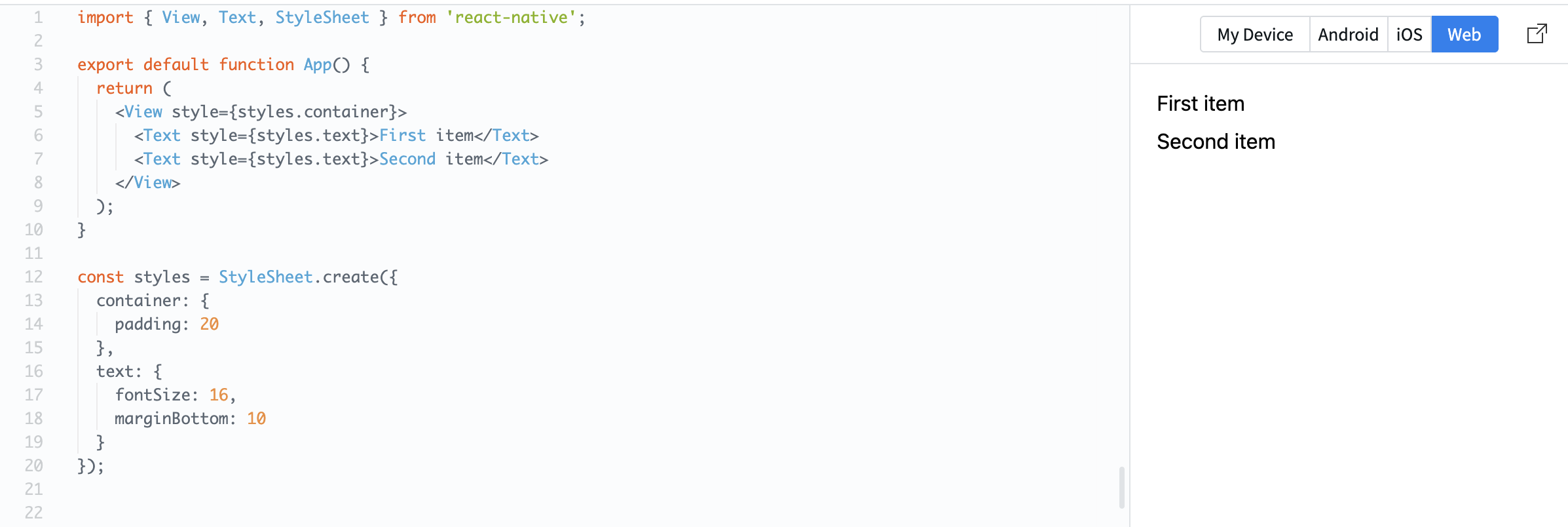
Example:
import { View, Text, StyleSheet } from 'react-native';

export default function App() {
  return (
    <View style={styles.container}>
      <Text style={styles.text}>First item</Text>
      <Text style={styles.text}>Second item</Text>
    </View>
  );
}

const styles = StyleSheet.create({
  container: {
    padding: 20
  },
  text: {
    fontSize: 16,
    marginBottom: 10
  }
});
Here, the same text style is applied to multiple elements.
You can also combine styles:
const styles = StyleSheet.create({
  text: {
    fontSize: 16
  },
  bold: {
    fontWeight: 'bold'
  }
});
Usage:
<Text style={[styles.text, styles.bold]}>Important</Text>
This lets you build flexible and reusable UI patterns.
Reusing styles helps:
- Keep your code consistent;
- Reduce duplication;
- Make changes easier.
War alles klar?
Danke für Ihr Feedback!
Abschnitt 1. Kapitel 7
Fragen Sie AI

Fragen Sie AI

Fragen Sie alles oder probieren Sie eine der vorgeschlagenen Fragen, um unser Gespräch zu beginnen
Abschnitt 1. Kapitel 7
