Starting the App
Swipe um das Menü anzuzeigen
Now you will start building a real app.
At first, the app will be simple. You will create one screen and display a list of items using static data. Later, you will replace this with real data and add more features.
First, define some mock data:
const items = [
  { id: 1, title: 'First item' },
  { id: 2, title: 'Second item' },
  { id: 3, title: 'Third item' }
];
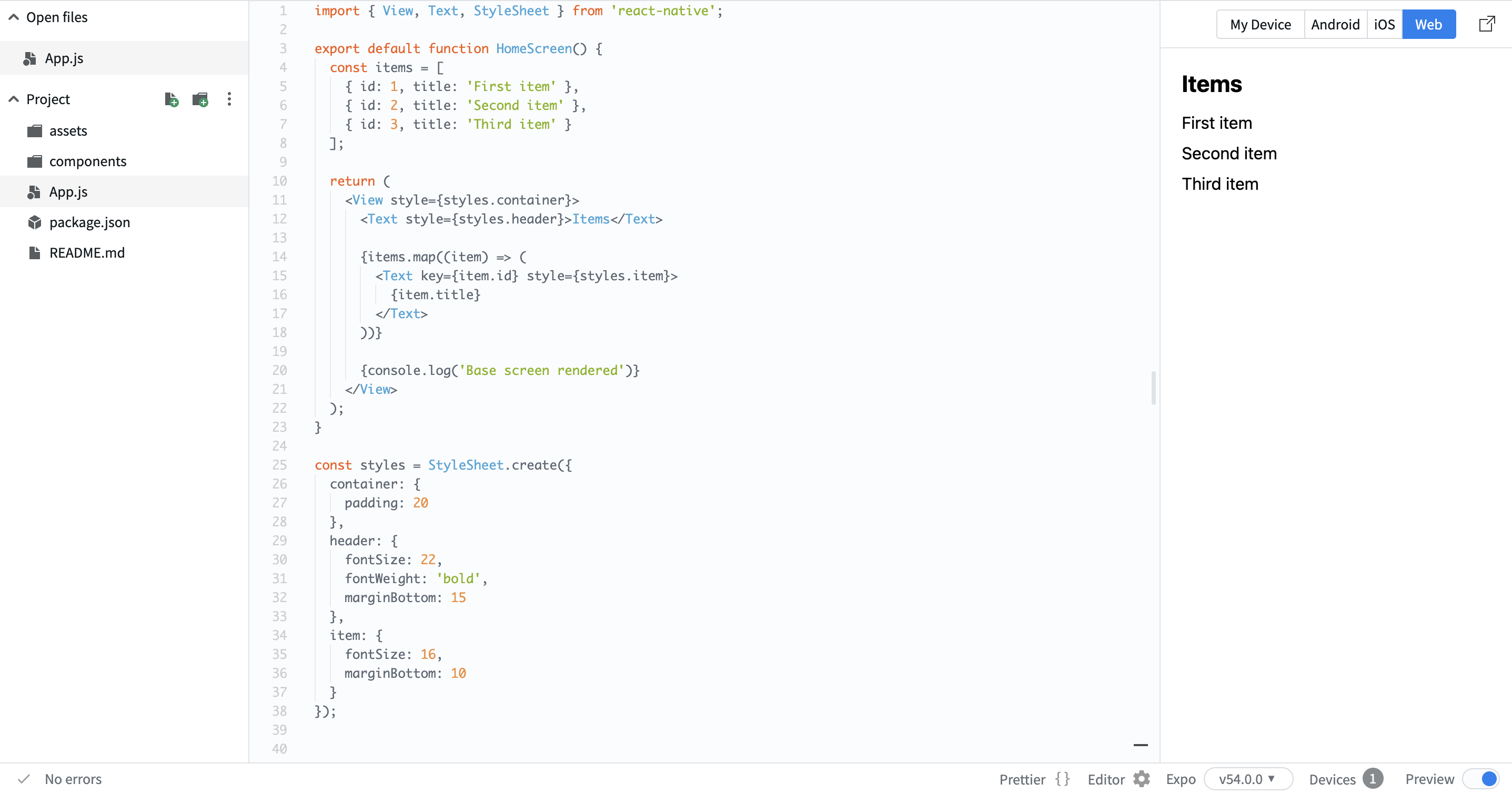
Now render this data on the screen:
import { View, Text, StyleSheet } from 'react-native';

export default function HomeScreen() {
  const items = [
    { id: 1, title: 'First item' },
    { id: 2, title: 'Second item' },
    { id: 3, title: 'Third item' }
  ];

  return (
    <View style={styles.container}>
      <Text style={styles.header}>Items</Text>

      {items.map((item) => (
        <Text key={item.id} style={styles.item}>
          {item.title}
        </Text>
      ))}

      {console.log('Base screen rendered')}
    </View>
  );
}

const styles = StyleSheet.create({
  container: {
    padding: 20
  },
  header: {
    fontSize: 22,
    fontWeight: 'bold',
    marginBottom: 15
  },
  item: {
    fontSize: 16,
    marginBottom: 10
  }
});
Here:
- You created a simple list using mock data;
- You used
mapto render multiple items; - You structured the screen with a header and list.
This is your starting point. Now you have a basic screen that displays data. In the next steps, you will expand this into a real app.
Danke für Ihr Feedback!
Fragen Sie AI

Fragen Sie AI

Fragen Sie alles oder probieren Sie eine der vorgeschlagenen Fragen, um unser Gespräch zu beginnen
Starting the App
Now you will start building a real app.
At first, the app will be simple. You will create one screen and display a list of items using static data. Later, you will replace this with real data and add more features.
First, define some mock data:
const items = [
  { id: 1, title: 'First item' },
  { id: 2, title: 'Second item' },
  { id: 3, title: 'Third item' }
];
Now render this data on the screen:
import { View, Text, StyleSheet } from 'react-native';

export default function HomeScreen() {
  const items = [
    { id: 1, title: 'First item' },
    { id: 2, title: 'Second item' },
    { id: 3, title: 'Third item' }
  ];

  return (
    <View style={styles.container}>
      <Text style={styles.header}>Items</Text>

      {items.map((item) => (
        <Text key={item.id} style={styles.item}>
          {item.title}
        </Text>
      ))}

      {console.log('Base screen rendered')}
    </View>
  );
}

const styles = StyleSheet.create({
  container: {
    padding: 20
  },
  header: {
    fontSize: 22,
    fontWeight: 'bold',
    marginBottom: 15
  },
  item: {
    fontSize: 16,
    marginBottom: 10
  }
});
Here:
- You created a simple list using mock data;
- You used
mapto render multiple items; - You structured the screen with a header and list.
This is your starting point. Now you have a basic screen that displays data. In the next steps, you will expand this into a real app.
Danke für Ihr Feedback!
