Input and Interaction
Desliza para mostrar el menú
Mobile apps are not just static screens. Users need to interact with them.
In React Native, two basic components handle this:
TextInput: allows users to enter text;Button: allows users to trigger actions.
Example:
import { View, Text, TextInput, Button, StyleSheet } from 'react-native';

export default function App() {
  return (
    <View style={styles.container}>
      <Text style={styles.title}>Contact</Text>

      <TextInput
        placeholder="Enter your name"
        style={styles.input}
      />

      <Button title="Submit" onPress={() => console.log('Button pressed')} />
    </View>
  );
}

const styles = StyleSheet.create({
  container: {
    padding: 20
  },
  title: {
    fontSize: 20,
    marginBottom: 10
  },
  input: {
    borderWidth: 1,
    padding: 10,
    marginBottom: 10
  }
});
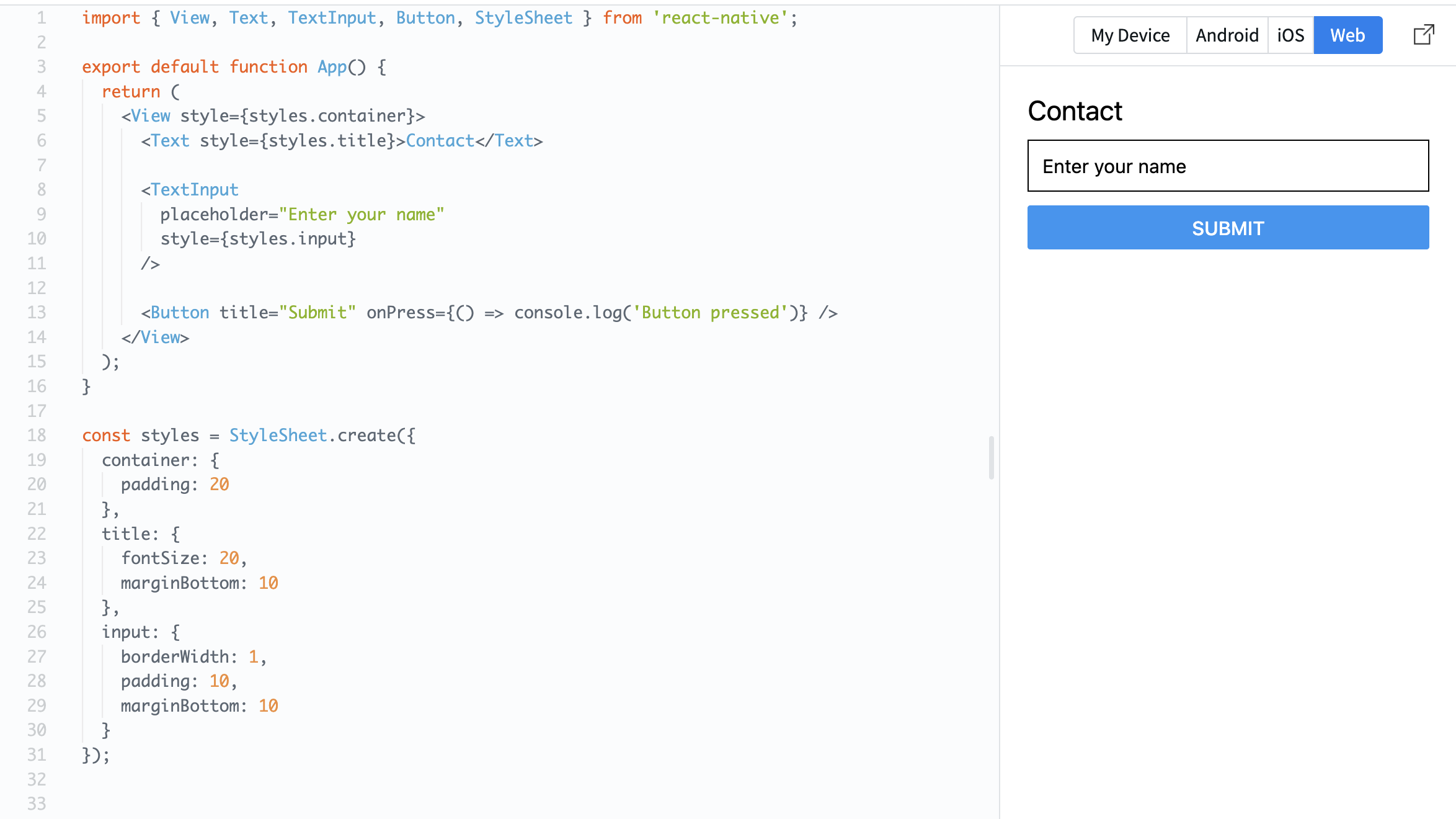
TextInput lets the user type something.
Button reacts to a press using the onPress property.
Now your screen is not just visual — it can respond to user actions.
¡Gracias por tus comentarios!
Pregunte a AI

Pregunte a AI

Pregunte lo que quiera o pruebe una de las preguntas sugeridas para comenzar nuestra charla
Input and Interaction
Mobile apps are not just static screens. Users need to interact with them.
In React Native, two basic components handle this:
TextInput: allows users to enter text;Button: allows users to trigger actions.
Example:
import { View, Text, TextInput, Button, StyleSheet } from 'react-native';

export default function App() {
  return (
    <View style={styles.container}>
      <Text style={styles.title}>Contact</Text>

      <TextInput
        placeholder="Enter your name"
        style={styles.input}
      />

      <Button title="Submit" onPress={() => console.log('Button pressed')} />
    </View>
  );
}

const styles = StyleSheet.create({
  container: {
    padding: 20
  },
  title: {
    fontSize: 20,
    marginBottom: 10
  },
  input: {
    borderWidth: 1,
    padding: 10,
    marginBottom: 10
  }
});
TextInput lets the user type something.
Button reacts to a press using the onPress property.
Now your screen is not just visual — it can respond to user actions.
¡Gracias por tus comentarios!
