Physical Operating System vs Virtual Machine
Glissez pour afficher le menu
Any operating system (including the one we downloaded in the previous chapter) can be installed on both a physical machine (such as a computer or server) and a virtual machine (a virtual emulation of such a computer or server).
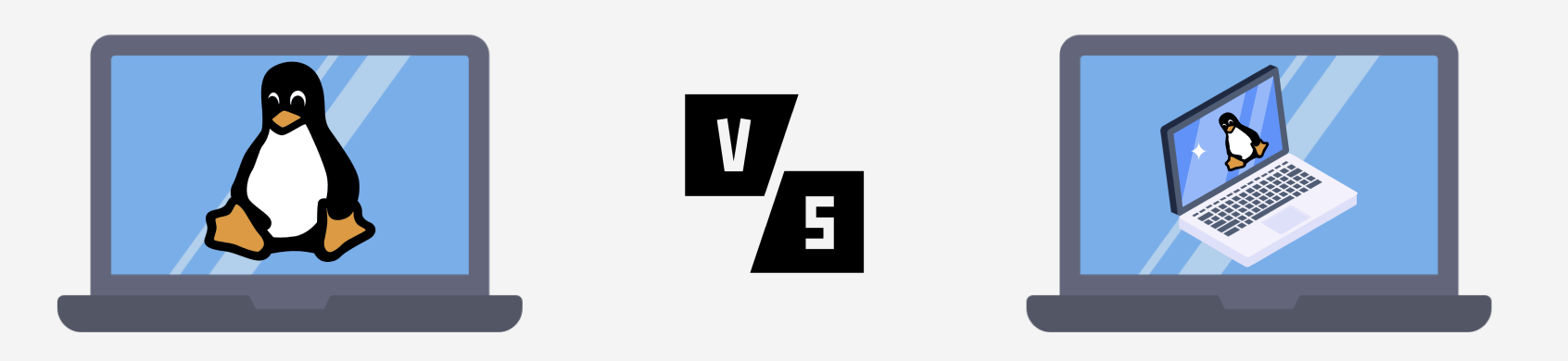
When deciding whether to install Linux on a physical machine or use a virtual machine for educational purposes, there are several factors to consider.
Installing Linux on a physical machine can provide a more authentic experience, as you're working directly with the hardware. You can fully utilize the computer's resources and achieve maximum productivity. However, this can also lead to the risk of data loss or compatibility issues with hardware.
On the other hand, using a virtual machine can be a safer and less risky option, as it isolates your main system from changes made in the virtual environment. You can also conveniently create backups and restore the system's state in case of issues.
Merci pour vos commentaires !
Demandez à l'IA

Demandez à l'IA

Posez n'importe quelle question ou essayez l'une des questions suggérées pour commencer notre discussion
