Animating UI in Figma: Bringing Designs to Life
Glissez pour afficher le menu
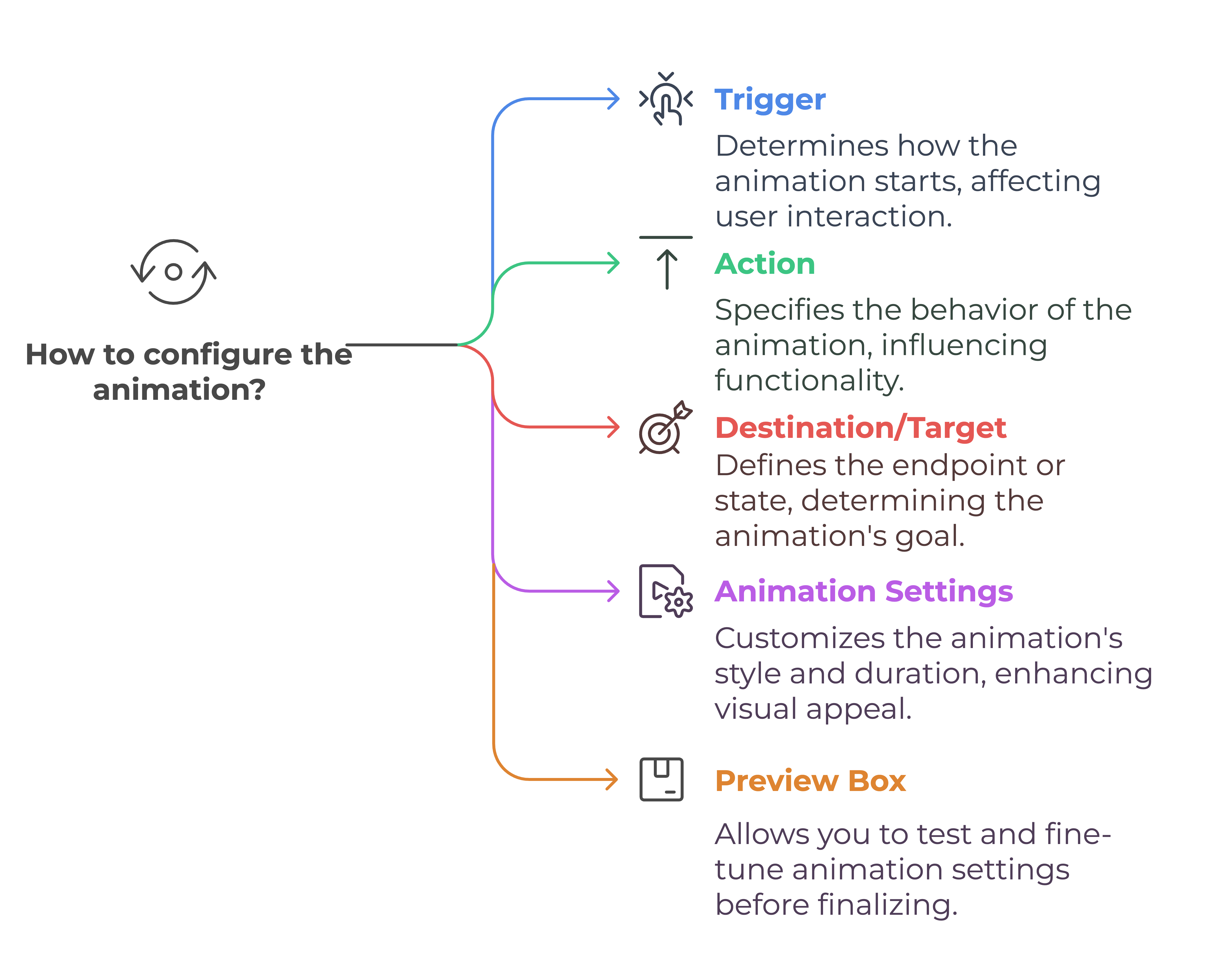

Definition
Interactive components are components that combine prototyping interactions and animations within a single frame. Toggle buttons or star rating buttons with smooth transitions are a good example. Multiple animations can coexist in a single frame using interactive components.
Tips for effective animation
- Always keep your frames named correctly. When you have a lot of frames, prototyping can be challenging;
- Ask yourself where the object is going, how fast it should move, and what its relationship to other objects is. Animations often require tweaking and experimentation to achieve the desired effect;
- Use consistent naming for layers to enable Smart Animate;
- Subtle animations enhance the flow without overwhelming users;
- Don't wait till you have high fidelity mockups to prototype. You can always prototype with rough wireframes in the early stages of a design;
- Prototyping is like failure, you should do it early and often when solving complex problems. Mastery comes from experimenting with different settings and understanding how each impacts the final result.
Tout était clair ?
Merci pour vos commentaires !
Section 1. Chapitre 10
Demandez à l'IA

Demandez à l'IA

Posez n'importe quelle question ou essayez l'une des questions suggérées pour commencer notre discussion
