Adding Images
Glissez pour afficher le menu
To display images in React Native, you use the Image component.
This allows you to show avatars, icons, or any visual content on the screen.
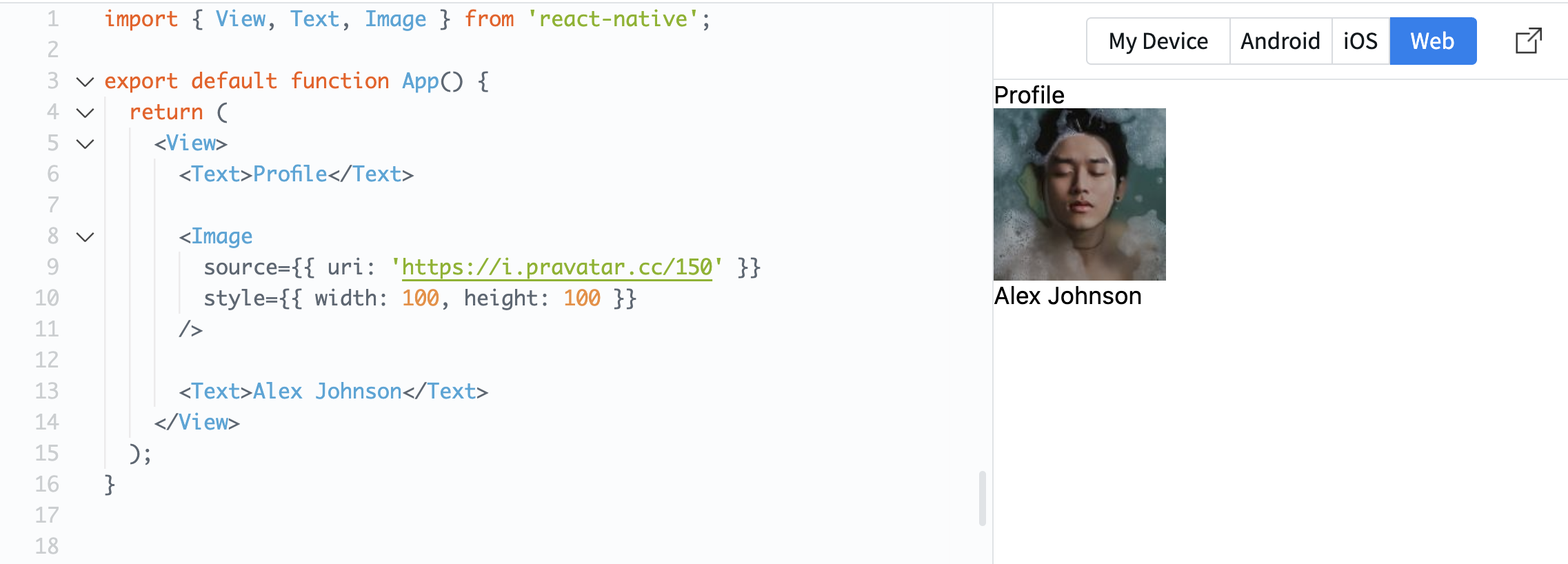
Example:
import { View, Text, Image } from 'react-native';

export default function App() {
  return (
    <View>
      <Text>Profile</Text>

      <Image
        source={{ uri: 'https://i.pravatar.cc/150' }}
        style={{ width: 100, height: 100 }}
      />

      <Text>Alex Johnson</Text>
    </View>
  );
}
The source property defines where the image comes from. In this case, it uses a URL.
The style property is required for images. Without width and height, the image will not be visible.
Now your screen starts to look more like a real mobile interface.
Tout était clair ?
Merci pour vos commentaires !
Section 1. Chapitre 3
Demandez à l'IA

Demandez à l'IA

Posez n'importe quelle question ou essayez l'une des questions suggérées pour commencer notre discussion
Section 1. Chapitre 3
