Styling Text
Scorri per mostrare il menu
Text is one of the most important parts of your UI.
If all text looks the same, the screen becomes hard to read. Good text styling creates a clear structure.
The most important properties are:
fontSize: controls text size;fontWeight: controls thickness;color: controls text color.
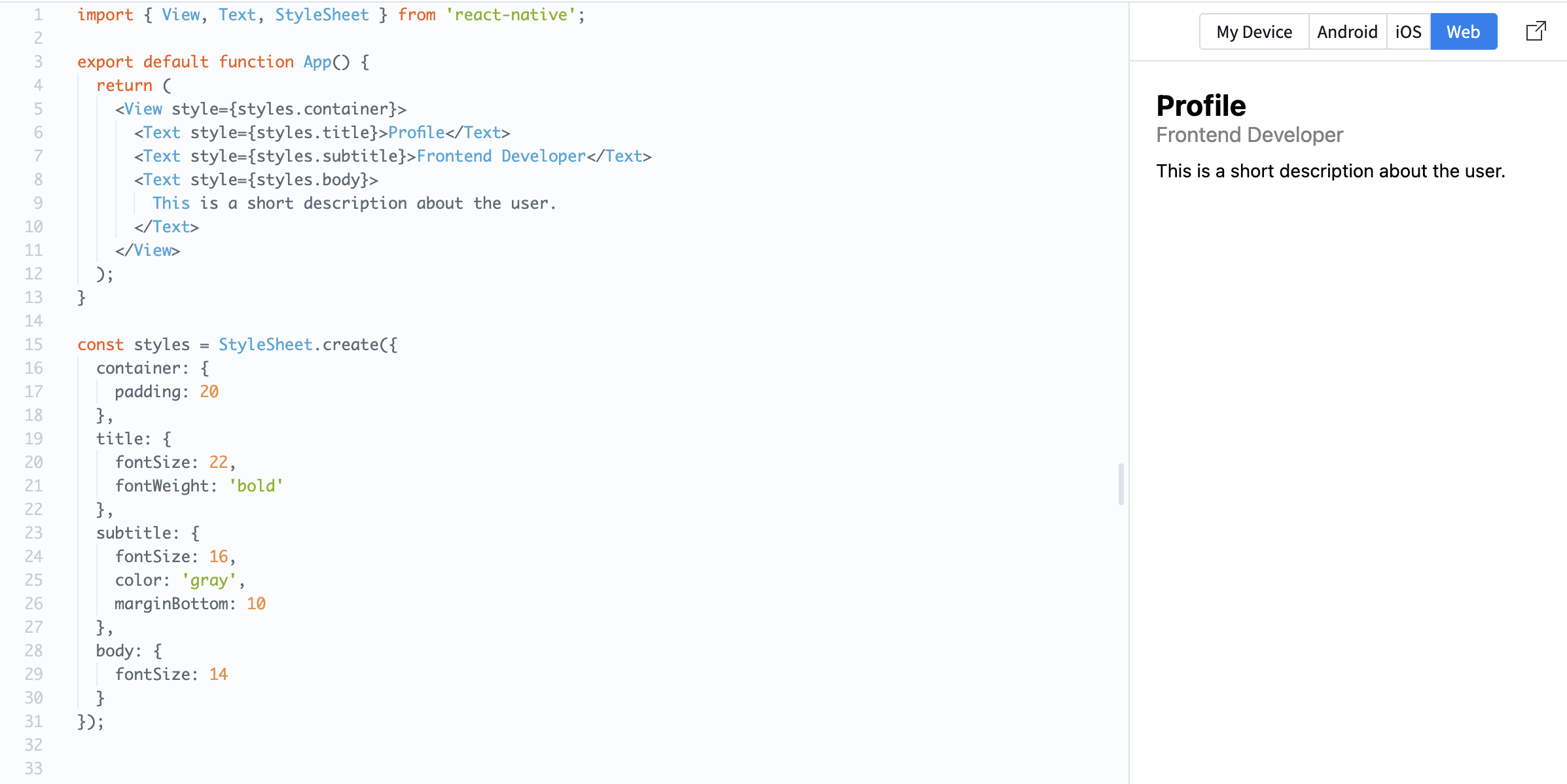
Example:
import { View, Text, StyleSheet } from 'react-native';

export default function App() {
  return (
    <View style={styles.container}>
      <Text style={styles.title}>Profile</Text>
      <Text style={styles.subtitle}>Frontend Developer</Text>
      <Text style={styles.body}>
        This is a short description about the user.
      </Text>
    </View>
  );
}

const styles = StyleSheet.create({
  container: {
    padding: 20
  },
  title: {
    fontSize: 22,
    fontWeight: 'bold'
  },
  subtitle: {
    fontSize: 16,
    color: 'gray',
    marginBottom: 10
  },
  body: {
    fontSize: 14
  }
});
Here, each text element has a different role:
- Title: large and bold;
- Subtitle: smaller and softer;
- Body: regular text.
This is called text hierarchy. It helps users quickly understand what is important on the screen.
Tutto è chiaro?
Grazie per i tuoi commenti!
Sezione 1. Capitolo 3
Chieda ad AI

Chieda ad AI

Chieda pure quello che desidera o provi una delle domande suggerite per iniziare la nostra conversazione
Sezione 1. Capitolo 3
