Building a List Item Component
Scorri per mostrare il menu
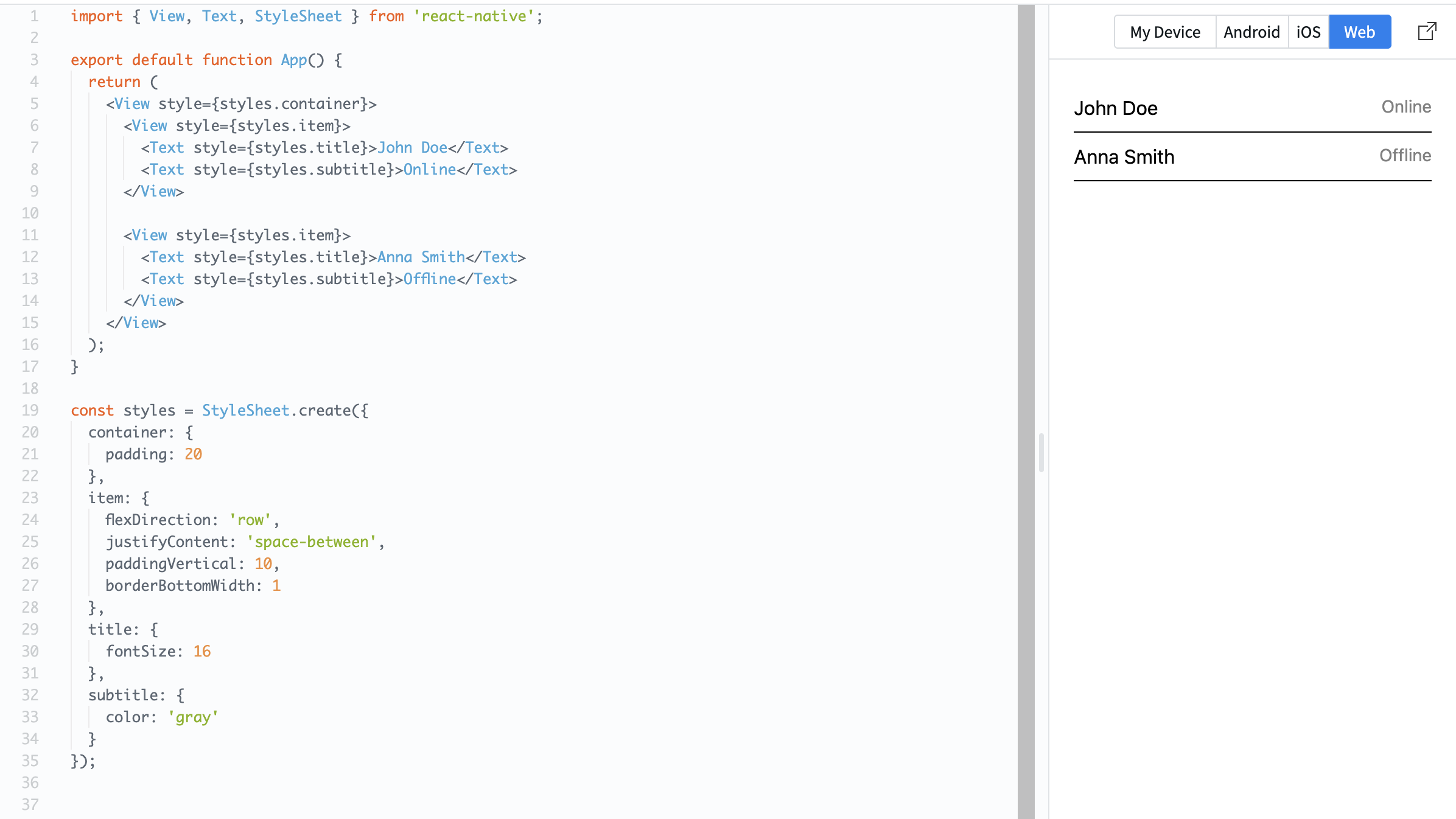
Many mobile apps display lists of items. Each item usually has the same structure: text, spacing, and sometimes an image or icon. You will build a simple list item using a row layout.
Example:
import { View, Text, StyleSheet } from 'react-native';

export default function App() {
  return (
    <View style={styles.container}>
      <View style={styles.item}>
        <Text style={styles.title}>John Doe</Text>
        <Text style={styles.subtitle}>Online</Text>
      </View>

      <View style={styles.item}>
        <Text style={styles.title}>Anna Smith</Text>
        <Text style={styles.subtitle}>Offline</Text>
      </View>
    </View>
  );
}

const styles = StyleSheet.create({
  container: {
    padding: 20
  },
  item: {
    flexDirection: 'row',
    justifyContent: 'space-between',
    paddingVertical: 10,
    borderBottomWidth: 1
  },
  title: {
    fontSize: 16
  },
  subtitle: {
    color: 'gray'
  }
});
Here:
- Each item is arranged in a row;
justifyContent: 'space-between'separates text;paddingVerticaladds spacing inside each item.
List items are important because most real apps display repeated data like messages, users, or products.
Tutto è chiaro?
Grazie per i tuoi commenti!
Sezione 1. Capitolo 6
Chieda ad AI

Chieda ad AI

Chieda pure quello che desidera o provi una delle domande suggerite per iniziare la nostra conversazione
Sezione 1. Capitolo 6
