Reusing Styles
メニューを表示するにはスワイプしてください
As your UI grows, you will start repeating the same styles.
Instead of duplicating them, you can reuse styles to keep your code clean and consistent.
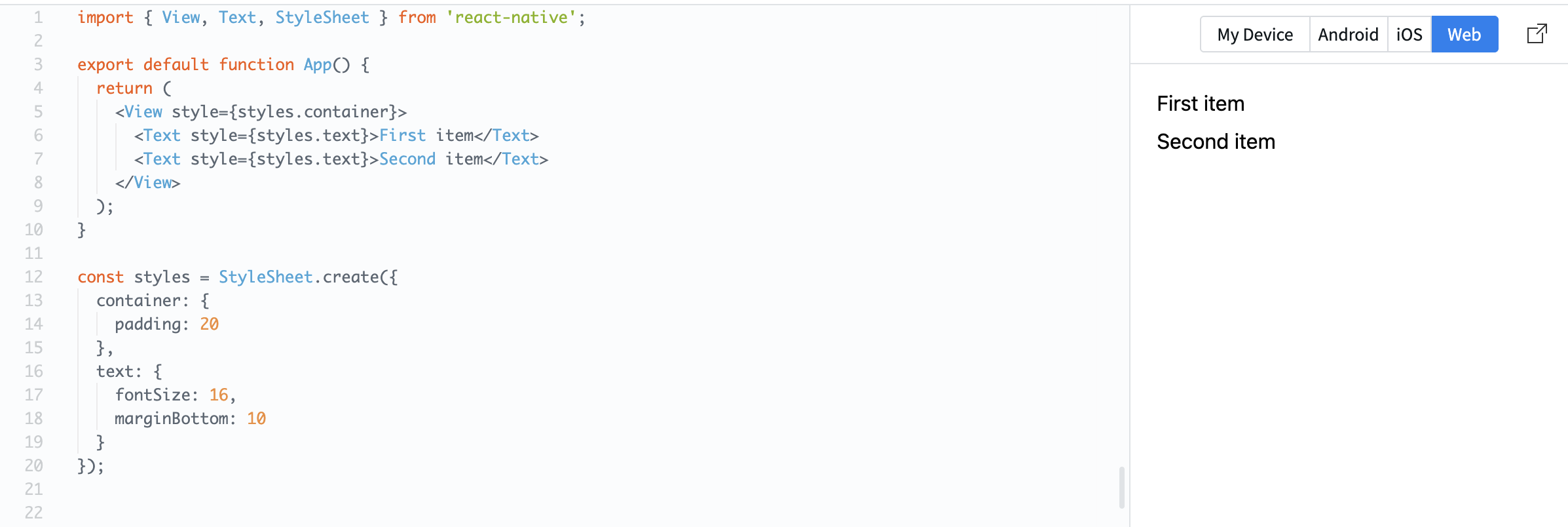
Example:
import { View, Text, StyleSheet } from 'react-native';

export default function App() {
  return (
    <View style={styles.container}>
      <Text style={styles.text}>First item</Text>
      <Text style={styles.text}>Second item</Text>
    </View>
  );
}

const styles = StyleSheet.create({
  container: {
    padding: 20
  },
  text: {
    fontSize: 16,
    marginBottom: 10
  }
});
Here, the same text style is applied to multiple elements.
You can also combine styles:
const styles = StyleSheet.create({
  text: {
    fontSize: 16
  },
  bold: {
    fontWeight: 'bold'
  }
});
Usage:
<Text style={[styles.text, styles.bold]}>Important</Text>
This lets you build flexible and reusable UI patterns.
Reusing styles helps:
- Keep your code consistent;
- Reduce duplication;
- Make changes easier.
すべて明確でしたか?
フィードバックありがとうございます!
セクション 1. 章 7
AIに質問する

AIに質問する

何でも質問するか、提案された質問の1つを試してチャットを始めてください
セクション 1. 章 7
