Notice: This page requires JavaScript to function properly.
Please enable JavaScript in your browser settings or update your browser.
学ぶ Building a Common Layout Component | Building Pages and Layouts in Next.js
Next.js 14 Mastery for Building Modern Web Apps

bookBuilding a Common Layout Component

メニューを表示するにはスワイプしてください

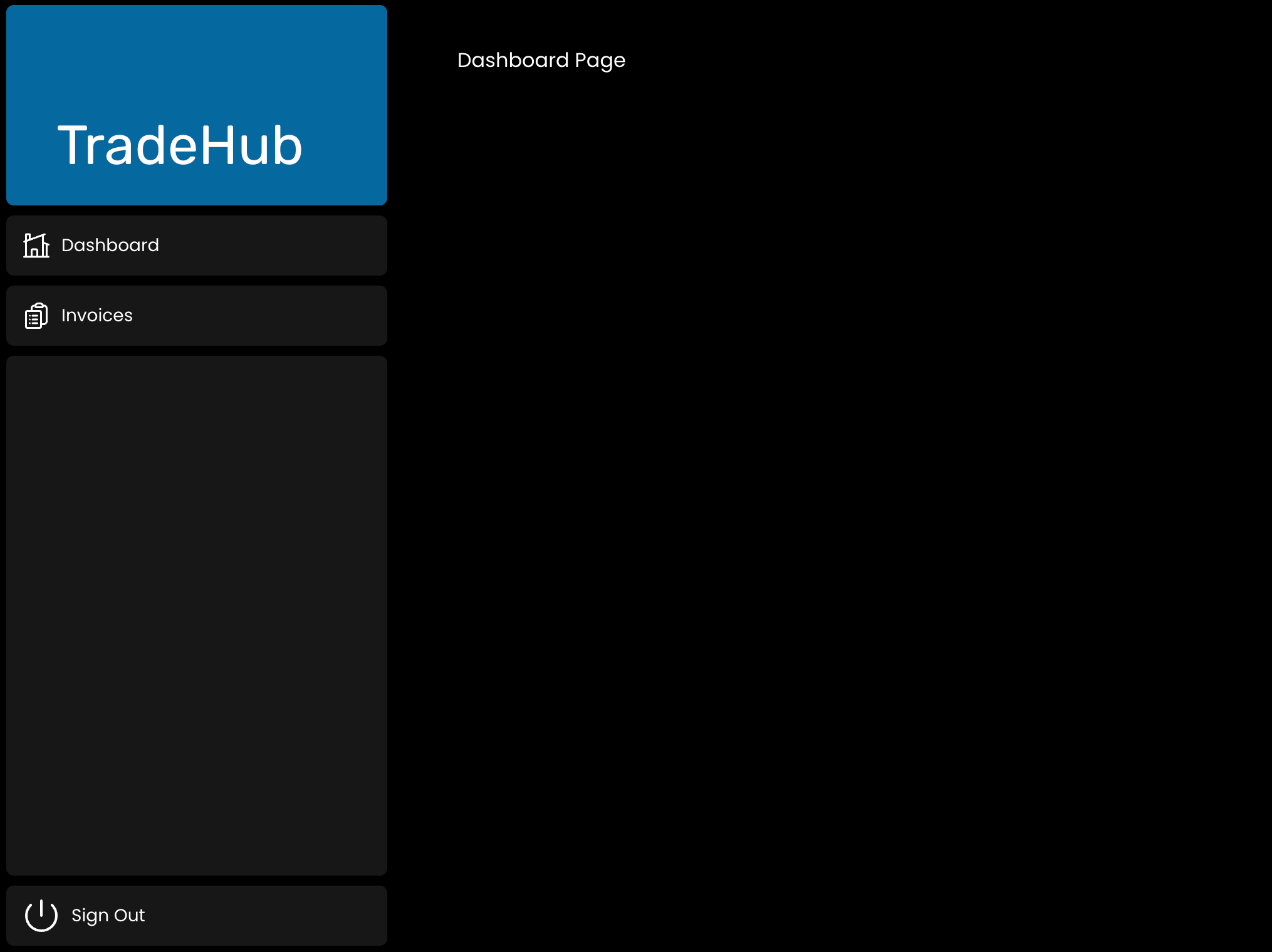
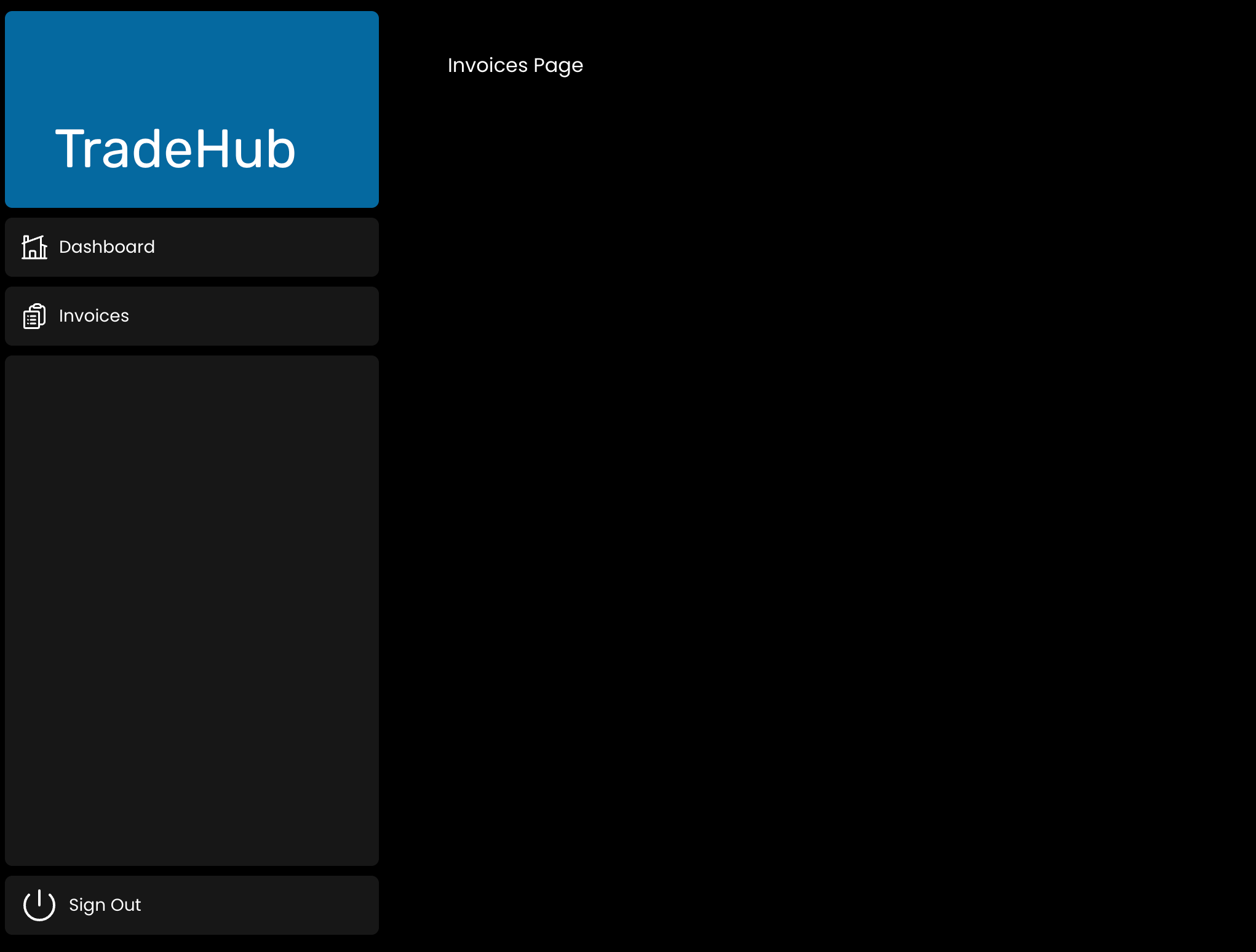
Let's design a layout for the entire app. In this scenario, we'll create a component that aids in navigating through the app's pages and also provides the option to log out (more on authorization in upcoming chapters).

Back to the Project

Now, let's generate a layout.tsx for the dashboard. Within the /dashboard folder, introduce a new file named layout.tsx and insert the following code:

In this code, a few key actions are happening. Let's take a closer look:

  • We are bringing in the <SideNav /> component and making it part of our layout. Any components we import here become part of the overall page design;
  • The <Layout /> component has a children prop. This "child" can be either a page or another layout. Specifically, the pages located in /dashboard will be automatically placed within a <Layout />.

Now, attempt to follow the link http://localhost:3000/dashboard and navigate between the dashboard and the invoices page.

carousel-imgcarousel-img
すべて明確でしたか?

どのように改善できますか?

フィードバックありがとうございます!

セクション 3.  3

AIに質問する

expand

AIに質問する

ChatGPT

何でも質問するか、提案された質問の1つを試してチャットを始めてください

セクション 3.  3
some-alt