Cybersecurity Habits That Actually Stick
メニューを表示するにはスワイプしてください
In 2025, 68% of all data breaches involved the human element, according to Verizon's Data Breach Investigations Report. Business Email Compromise attacks — where attackers impersonate executives or trusted contacts to authorize fraudulent transactions — generated $2.77 billion in losses in 2024 alone. The average cost of a single data breach hit $4.44 million globally.
None of these numbers are primarily about technical vulnerabilities. They're about human behavior under normal workplace conditions — time pressure, trust, distraction, and the assumption that something official-looking is probably legitimate.
The solution isn't more awareness. Most employees already know that phishing exists. The solution is habits that activate before conscious deliberation — behaviors so embedded in your routine that they happen even when you're busy, tired, or distracted.
Habit One: Pause Before You Click
Phishing — deceptive emails or messages designed to get you to click a malicious link or reveal credentials — remains the single most effective attack vector against organizations. It works not because people are naive but because modern phishing is designed to exploit urgency, authority, and familiarity.
The habit: before clicking any link in an email or message, pause for three seconds and ask two questions. First, does the sender's actual email address (not just the display name) match the organization it claims to be from? Second, does the request make sense in context — would this person actually send me this, through this channel, right now?
Attackers routinely impersonate senior executives, IT departments, and trusted vendors. The display name can say anything. The actual sending address usually reveals the deception — a string like "ceo@company-secure-login.net" instead of "ceo@company.com."
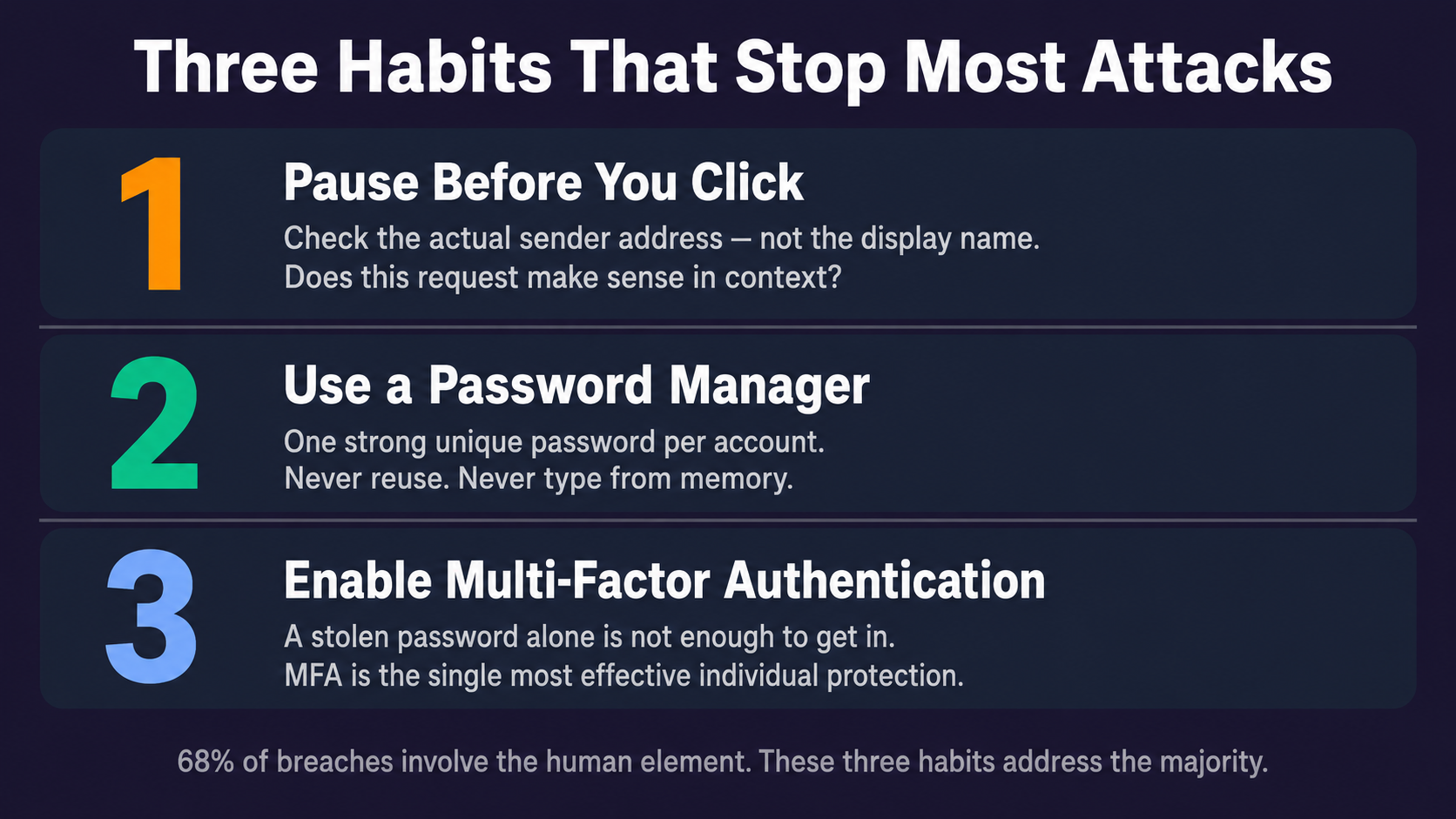
Habit Two: Use a Password Manager
Password reuse is one of the most common individual-level security vulnerabilities. When one service is breached and passwords are exposed, attackers systematically try those credentials against banking, email, and corporate systems — a technique called credential stuffing. It works because most people reuse passwords.
The solution isn't memorizing a unique complex password for every account — that's not realistic for the 50 to 100 accounts a typical professional maintains. The solution is a password manager: software that generates, stores, and autofills strong unique passwords for every account, protected by a single strong master password.
Password managers used by individuals — 1Password, Bitwarden, Dashlane — are available at low or no cost. Many organizations provide enterprise versions as part of their security stack. If yours does, use it. If yours doesn't, raise it.
Habit Three: Enable Multi-Factor Authentication
Multi-factor authentication (MFA) requires a second form of verification — a code from an authenticator app, a hardware key, a biometric — in addition to a password. Even if an attacker has your correct password through phishing or a data breach, MFA prevents them from accessing the account without the second factor.
MFA is the single most effective individual-level protection available. Security research consistently shows it blocks over 99% of automated credential-based attacks. It adds 10 to 30 seconds to a login. The trade-off is not remotely close.
Enable it on every account that offers it — starting with email, as email account access typically enables password resets on every other service.
フィードバックありがとうございます!
AIに質問する

AIに質問する

何でも質問するか、提案された質問の1つを試してチャットを始めてください
