Starting the App
メニューを表示するにはスワイプしてください
Now you will start building a real app.
At first, the app will be simple. You will create one screen and display a list of items using static data. Later, you will replace this with real data and add more features.
First, define some mock data:
const items = [
  { id: 1, title: 'First item' },
  { id: 2, title: 'Second item' },
  { id: 3, title: 'Third item' }
];
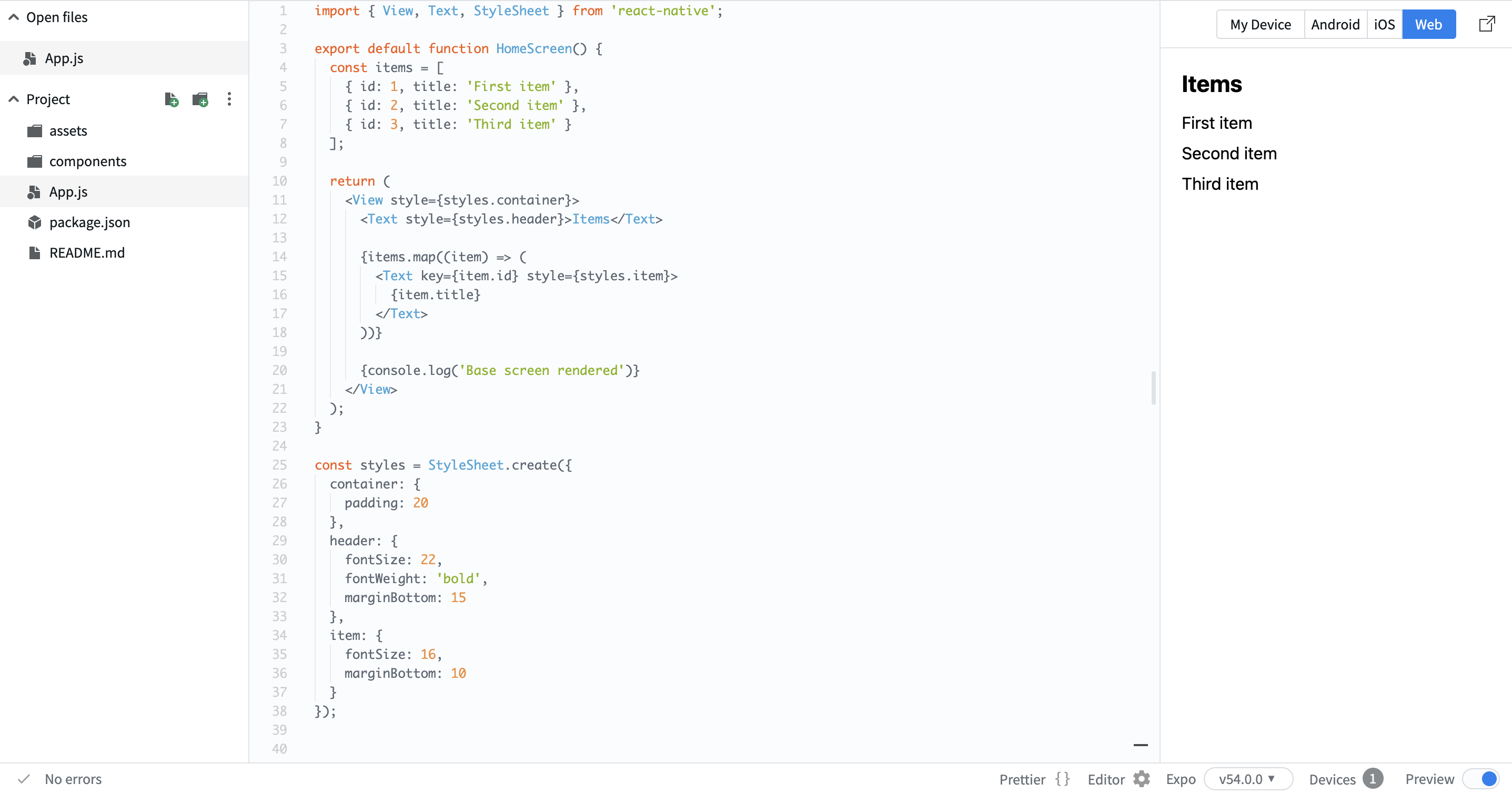
Now render this data on the screen:
import { View, Text, StyleSheet } from 'react-native';

export default function HomeScreen() {
  const items = [
    { id: 1, title: 'First item' },
    { id: 2, title: 'Second item' },
    { id: 3, title: 'Third item' }
  ];

  return (
    <View style={styles.container}>
      <Text style={styles.header}>Items</Text>

      {items.map((item) => (
        <Text key={item.id} style={styles.item}>
          {item.title}
        </Text>
      ))}

      {console.log('Base screen rendered')}
    </View>
  );
}

const styles = StyleSheet.create({
  container: {
    padding: 20
  },
  header: {
    fontSize: 22,
    fontWeight: 'bold',
    marginBottom: 15
  },
  item: {
    fontSize: 16,
    marginBottom: 10
  }
});
Here:
- You created a simple list using mock data;
- You used
mapto render multiple items; - You structured the screen with a header and list.
This is your starting point. Now you have a basic screen that displays data. In the next steps, you will expand this into a real app.
フィードバックありがとうございます!
AIに質問する

AIに質問する

何でも質問するか、提案された質問の1つを試してチャットを始めてください
Starting the App
Now you will start building a real app.
At first, the app will be simple. You will create one screen and display a list of items using static data. Later, you will replace this with real data and add more features.
First, define some mock data:
const items = [
  { id: 1, title: 'First item' },
  { id: 2, title: 'Second item' },
  { id: 3, title: 'Third item' }
];
Now render this data on the screen:
import { View, Text, StyleSheet } from 'react-native';

export default function HomeScreen() {
  const items = [
    { id: 1, title: 'First item' },
    { id: 2, title: 'Second item' },
    { id: 3, title: 'Third item' }
  ];

  return (
    <View style={styles.container}>
      <Text style={styles.header}>Items</Text>

      {items.map((item) => (
        <Text key={item.id} style={styles.item}>
          {item.title}
        </Text>
      ))}

      {console.log('Base screen rendered')}
    </View>
  );
}

const styles = StyleSheet.create({
  container: {
    padding: 20
  },
  header: {
    fontSize: 22,
    fontWeight: 'bold',
    marginBottom: 15
  },
  item: {
    fontSize: 16,
    marginBottom: 10
  }
});
Here:
- You created a simple list using mock data;
- You used
mapto render multiple items; - You structured the screen with a header and list.
This is your starting point. Now you have a basic screen that displays data. In the next steps, you will expand this into a real app.
フィードバックありがとうございます!
