Working with Spacing
Veeg om het menu te tonen
Spacing is the simplest way to improve how your UI looks.
Without spacing, elements feel crowded. With proper spacing, your screen becomes clear and easy to read.
There are two main types of spacing:
margin: space outside an element;padding: space inside an element.
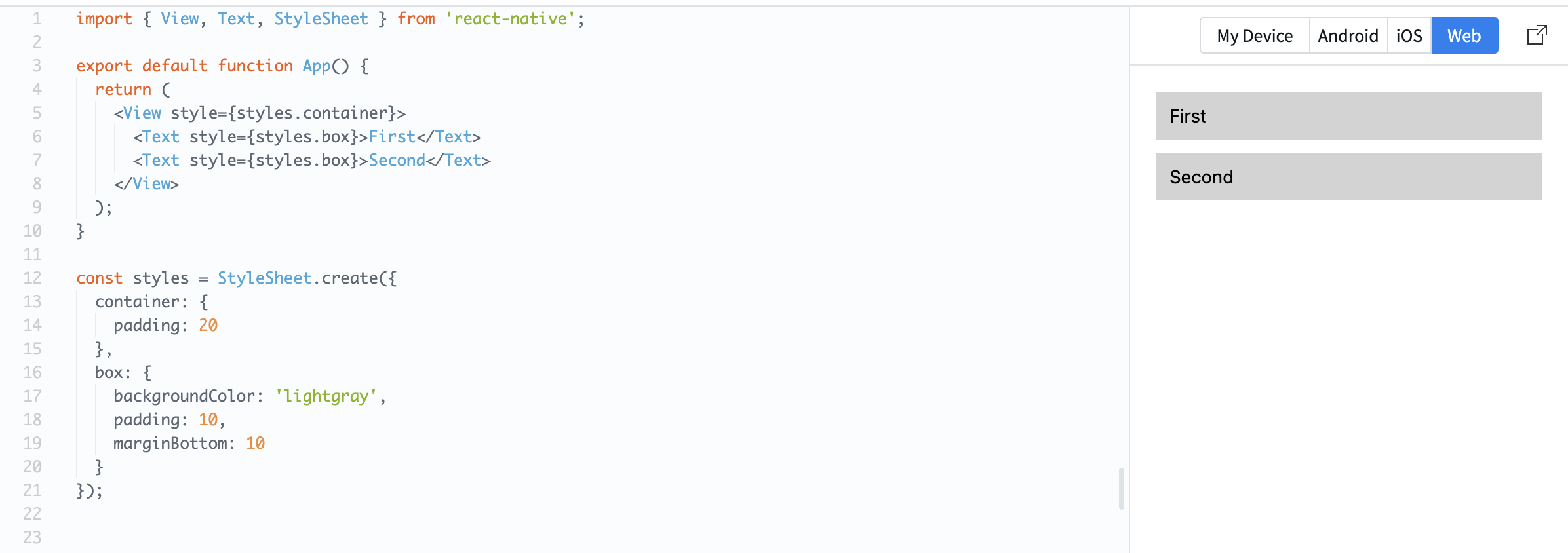
Example:
import { View, Text, StyleSheet } from 'react-native';

export default function App() {
  return (
    <View style={styles.container}>
      <Text style={styles.box}>First</Text>
      <Text style={styles.box}>Second</Text>
    </View>
  );
}

const styles = StyleSheet.create({
  container: {
    padding: 20
  },
  box: {
    backgroundColor: 'lightgray',
    padding: 10,
    marginBottom: 10
  }
});
Here:
paddingadds space inside each box;marginBottomcreates space between elements.
Spacing helps your UI "breathe" and makes content easier to scan.
At this stage, focus on adding simple spacing between sections and inside components.
Was alles duidelijk?
Bedankt voor je feedback!
Sectie 1. Hoofdstuk 2
Vraag AI

Vraag AI

Vraag wat u wilt of probeer een van de voorgestelde vragen om onze chat te starten.
Sectie 1. Hoofdstuk 2
