Adding Images
Deslize para mostrar o menu
To display images in React Native, you use the Image component.
This allows you to show avatars, icons, or any visual content on the screen.
Example:
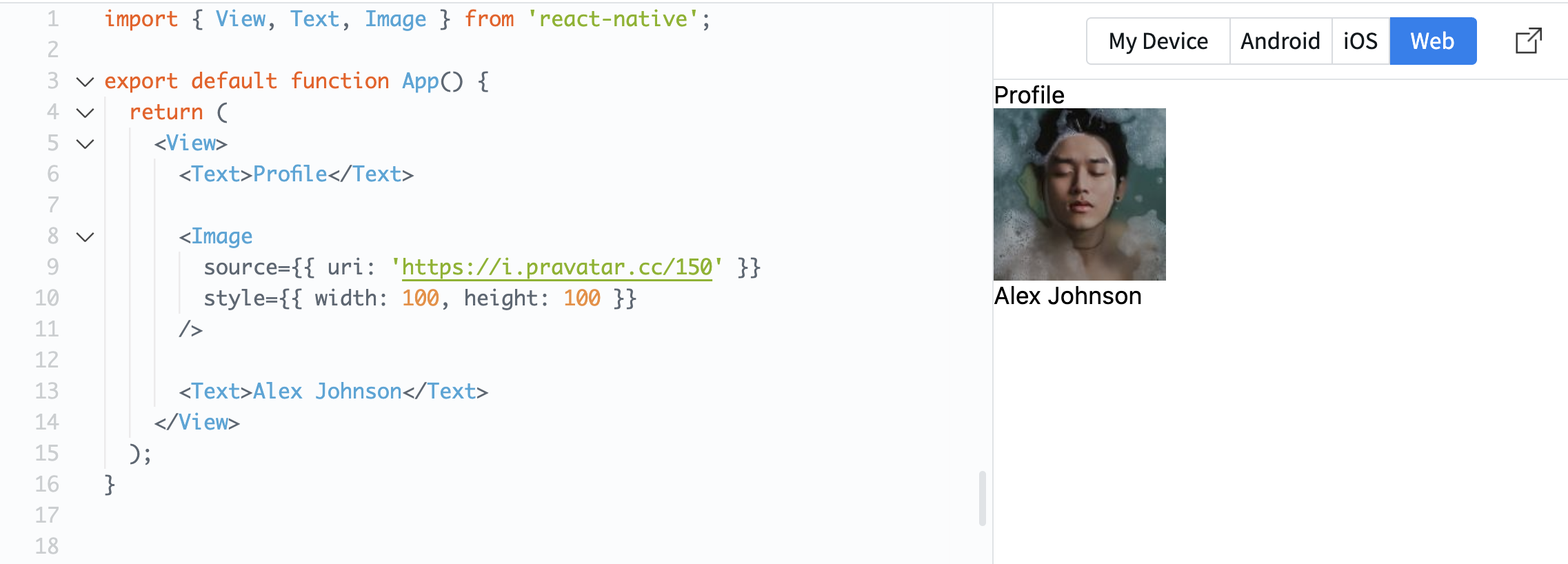
import { View, Text, Image } from 'react-native';

export default function App() {
  return (
    <View>
      <Text>Profile</Text>

      <Image
        source={{ uri: 'https://i.pravatar.cc/150' }}
        style={{ width: 100, height: 100 }}
      />

      <Text>Alex Johnson</Text>
    </View>
  );
}
The source property defines where the image comes from. In this case, it uses a URL.
The style property is required for images. Without width and height, the image will not be visible.
Now your screen starts to look more like a real mobile interface.
Tudo estava claro?
Obrigado pelo seu feedback!
Seção 1. Capítulo 3
Pergunte à IA

Pergunte à IA

Pergunte o que quiser ou experimente uma das perguntas sugeridas para iniciar nosso bate-papo
Seção 1. Capítulo 3
