Styling Text
Deslize para mostrar o menu
Text is one of the most important parts of your UI.
If all text looks the same, the screen becomes hard to read. Good text styling creates a clear structure.
The most important properties are:
fontSize: controls text size;fontWeight: controls thickness;color: controls text color.
Example:
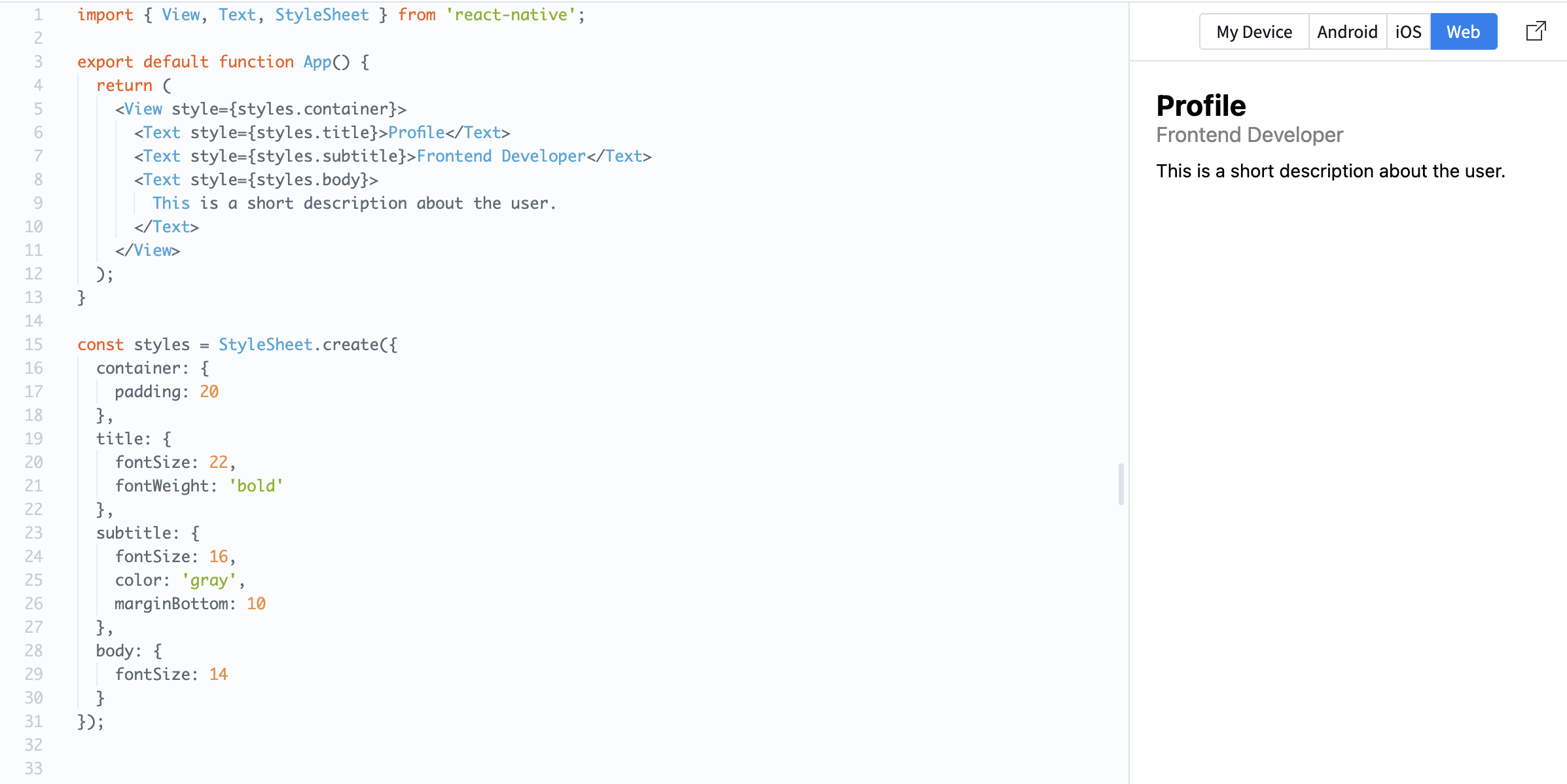
import { View, Text, StyleSheet } from 'react-native';

export default function App() {
  return (
    <View style={styles.container}>
      <Text style={styles.title}>Profile</Text>
      <Text style={styles.subtitle}>Frontend Developer</Text>
      <Text style={styles.body}>
        This is a short description about the user.
      </Text>
    </View>
  );
}

const styles = StyleSheet.create({
  container: {
    padding: 20
  },
  title: {
    fontSize: 22,
    fontWeight: 'bold'
  },
  subtitle: {
    fontSize: 16,
    color: 'gray',
    marginBottom: 10
  },
  body: {
    fontSize: 14
  }
});
Here, each text element has a different role:
- Title: large and bold;
- Subtitle: smaller and softer;
- Body: regular text.
This is called text hierarchy. It helps users quickly understand what is important on the screen.
Tudo estava claro?
Obrigado pelo seu feedback!
Seção 1. Capítulo 3
Pergunte à IA

Pergunte à IA

Pergunte o que quiser ou experimente uma das perguntas sugeridas para iniciar nosso bate-papo
Seção 1. Capítulo 3
