Flexbox for Layout
Deslize para mostrar o menu
Flexbox is used to control how elements are arranged on the screen.
It helps you place items in rows or columns and align them properly.
The most important properties are:
flexDirection: layout direction;justifyContent: alignment on the main axis;alignItems: alignment on the cross axis.
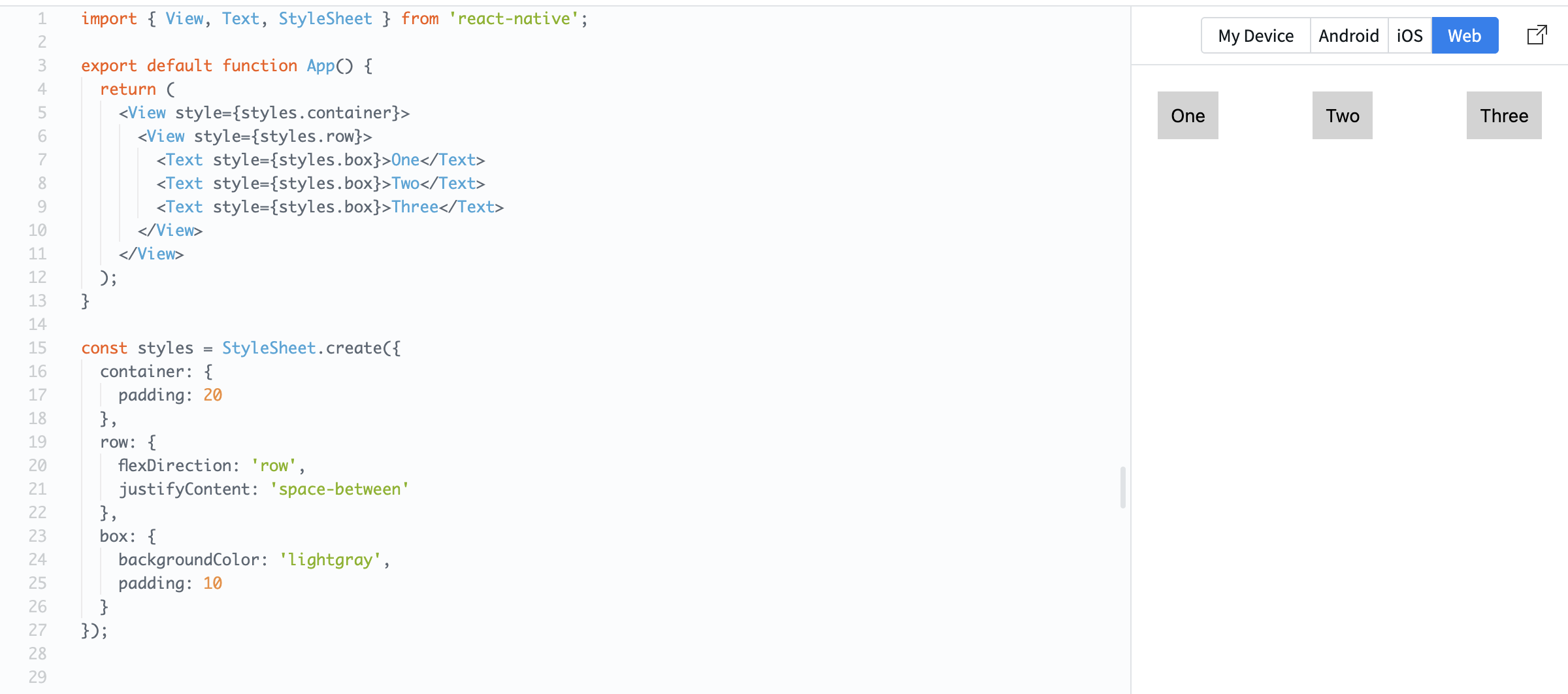
Example:
import { View, Text, StyleSheet } from 'react-native';

export default function App() {
  return (
    <View style={styles.container}>
      <View style={styles.row}>
        <Text style={styles.box}>One</Text>
        <Text style={styles.box}>Two</Text>
        <Text style={styles.box}>Three</Text>
      </View>
    </View>
  );
}

const styles = StyleSheet.create({
  container: {
    padding: 20
  },
  row: {
    flexDirection: 'row',
    justifyContent: 'space-between'
  },
  box: {
    backgroundColor: 'lightgray',
    padding: 10
  }
});
Here:
flexDirection: 'row'places items side by side;justifyContent: 'space-between'spreads them evenly across the row.
You can also center items:
row: {
  flexDirection: 'row',
  justifyContent: 'center',
  alignItems: 'center'
}
Flexbox is essential because it controls how your layout adapts to different screen sizes.
Tudo estava claro?
Obrigado pelo seu feedback!
Seção 1. Capítulo 4
Pergunte à IA

Pergunte à IA

Pergunte o que quiser ou experimente uma das perguntas sugeridas para iniciar nosso bate-papo
Seção 1. Capítulo 4
