Adding Images
Svep för att visa menyn
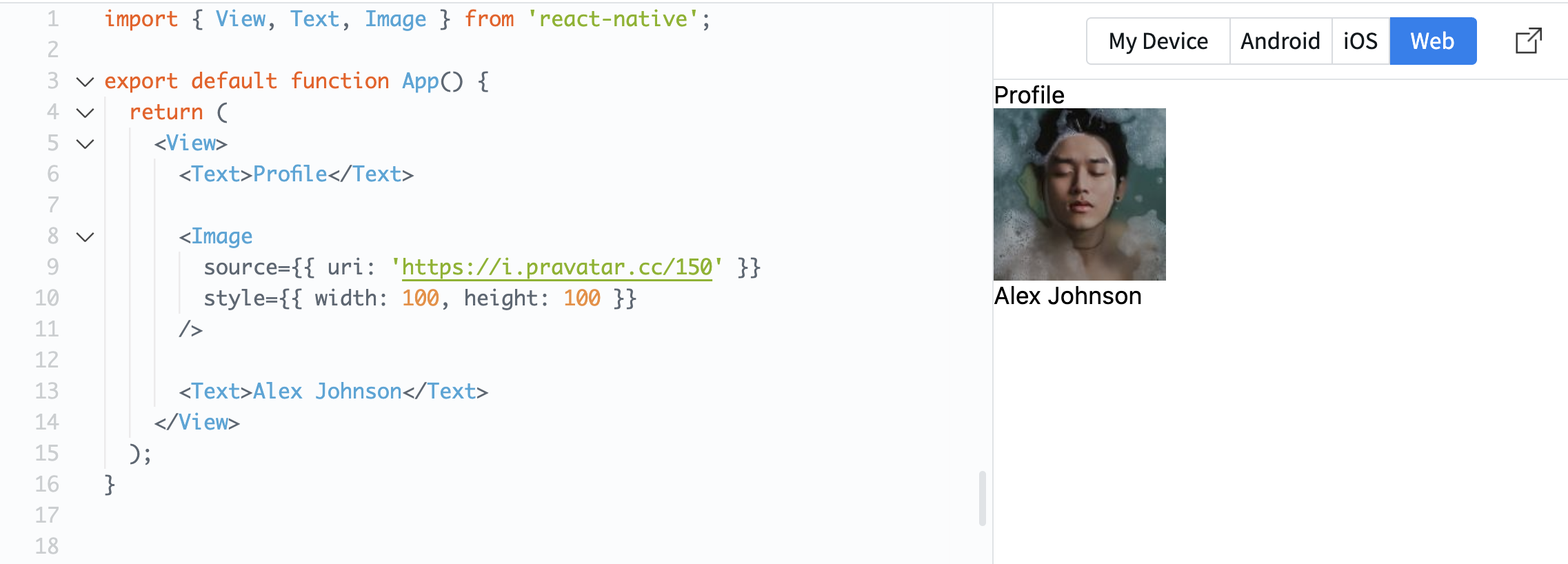
To display images in React Native, you use the Image component.
This allows you to show avatars, icons, or any visual content on the screen.
Example:
import { View, Text, Image } from 'react-native';

export default function App() {
  return (
    <View>
      <Text>Profile</Text>

      <Image
        source={{ uri: 'https://i.pravatar.cc/150' }}
        style={{ width: 100, height: 100 }}
      />

      <Text>Alex Johnson</Text>
    </View>
  );
}
The source property defines where the image comes from. In this case, it uses a URL.
The style property is required for images. Without width and height, the image will not be visible.
Now your screen starts to look more like a real mobile interface.
Var allt tydligt?
Tack för dina kommentarer!
Avsnitt 1. Kapitel 3
Fråga AI

Fråga AI

Fråga vad du vill eller prova någon av de föreslagna frågorna för att starta vårt samtal
Avsnitt 1. Kapitel 3
