Layout with Flexbox
Svep för att visa menyn
React Native uses Flexbox to control layout.
Flexbox helps you position elements on the screen.
The most important properties are:
flexDirection: layout direction;justifyContent: alignment on the main axis;alignItems: alignment on the cross axis.
Example:
import { View, Text, Image, StyleSheet } from 'react-native';

export default function App() {
  return (
    <View style={styles.container}>
      <Text style={styles.title}>Profile</Text>

      <View style={styles.row}>
        <Image
          source={{ uri: 'https://i.pravatar.cc/150' }}
          style={styles.avatar}
        />

        <View>
          <Text style={styles.name}>Alex Johnson</Text>
          <Text>Frontend Developer</Text>
        </View>
      </View>
    </View>
  );
}

const styles = StyleSheet.create({
  container: {
    padding: 20
  },
  title: {
    fontSize: 20,
    marginBottom: 10
  },
  row: {
    flexDirection: 'row',
    alignItems: 'center'
  },
  avatar: {
    width: 80,
    height: 80,
    marginRight: 10
  },
  name: {
    fontSize: 18
  }
});
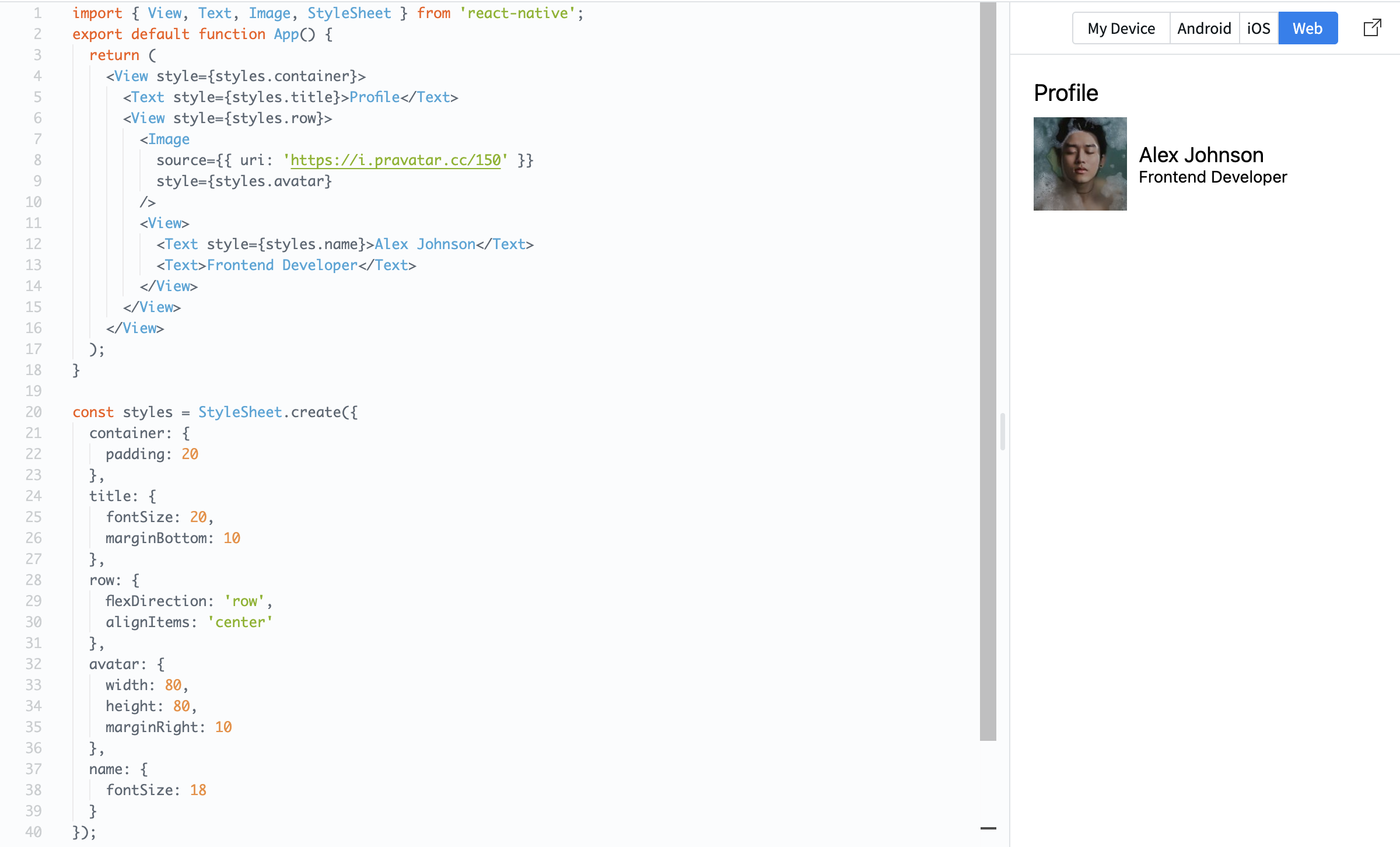
Here, flexDirection: 'row' places items side by side, and alignItems: 'center' aligns them vertically.
Flexbox is essential because it controls how your layout looks on different screen sizes.
Tack för dina kommentarer!
Fråga AI

Fråga AI

Fråga vad du vill eller prova någon av de föreslagna frågorna för att starta vårt samtal
Layout with Flexbox
React Native uses Flexbox to control layout.
Flexbox helps you position elements on the screen.
The most important properties are:
flexDirection: layout direction;justifyContent: alignment on the main axis;alignItems: alignment on the cross axis.
Example:
import { View, Text, Image, StyleSheet } from 'react-native';

export default function App() {
  return (
    <View style={styles.container}>
      <Text style={styles.title}>Profile</Text>

      <View style={styles.row}>
        <Image
          source={{ uri: 'https://i.pravatar.cc/150' }}
          style={styles.avatar}
        />

        <View>
          <Text style={styles.name}>Alex Johnson</Text>
          <Text>Frontend Developer</Text>
        </View>
      </View>
    </View>
  );
}

const styles = StyleSheet.create({
  container: {
    padding: 20
  },
  title: {
    fontSize: 20,
    marginBottom: 10
  },
  row: {
    flexDirection: 'row',
    alignItems: 'center'
  },
  avatar: {
    width: 80,
    height: 80,
    marginRight: 10
  },
  name: {
    fontSize: 18
  }
});
Here, flexDirection: 'row' places items side by side, and alignItems: 'center' aligns them vertically.
Flexbox is essential because it controls how your layout looks on different screen sizes.
Tack för dina kommentarer!
