Reusing Styles
Svep för att visa menyn
As your UI grows, you will start repeating the same styles.
Instead of duplicating them, you can reuse styles to keep your code clean and consistent.
Example:
import { View, Text, StyleSheet } from 'react-native';

export default function App() {
  return (
    <View style={styles.container}>
      <Text style={styles.text}>First item</Text>
      <Text style={styles.text}>Second item</Text>
    </View>
  );
}

const styles = StyleSheet.create({
  container: {
    padding: 20
  },
  text: {
    fontSize: 16,
    marginBottom: 10
  }
});
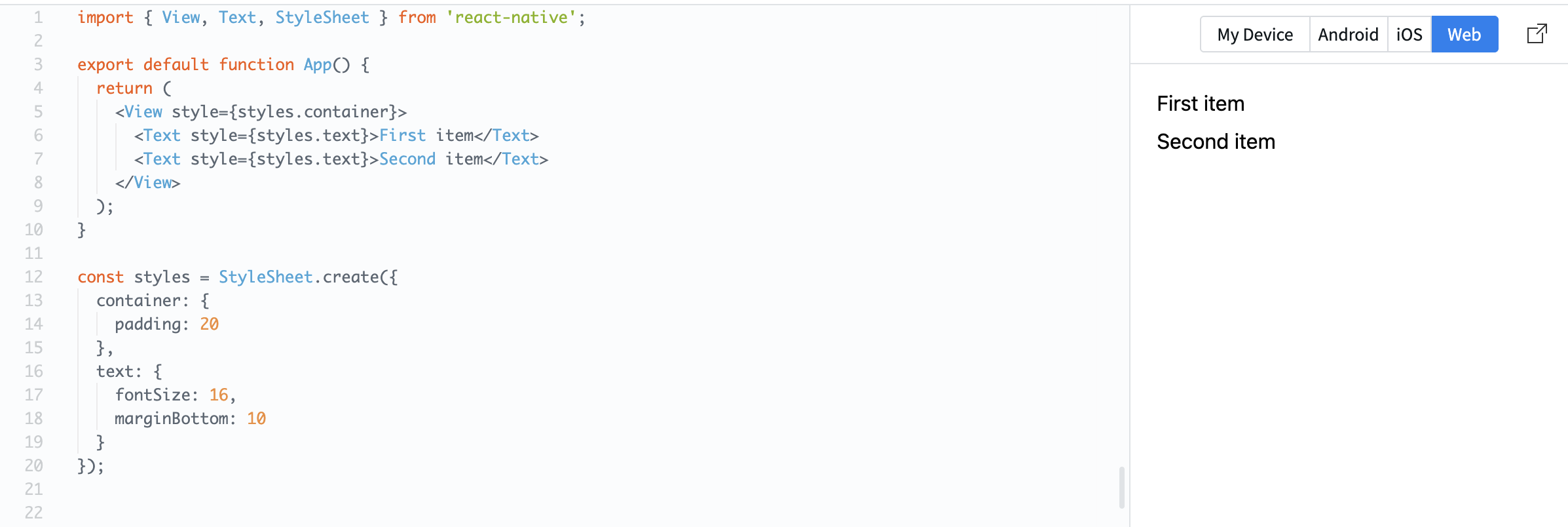
Here, the same text style is applied to multiple elements.
You can also combine styles:
const styles = StyleSheet.create({
  text: {
    fontSize: 16
  },
  bold: {
    fontWeight: 'bold'
  }
});
Usage:
<Text style={[styles.text, styles.bold]}>Important</Text>
This lets you build flexible and reusable UI patterns.
Reusing styles helps:
- Keep your code consistent;
- Reduce duplication;
- Make changes easier.
Tack för dina kommentarer!
Fråga AI

Fråga AI

Fråga vad du vill eller prova någon av de föreslagna frågorna för att starta vårt samtal
Reusing Styles
As your UI grows, you will start repeating the same styles.
Instead of duplicating them, you can reuse styles to keep your code clean and consistent.
Example:
import { View, Text, StyleSheet } from 'react-native';

export default function App() {
  return (
    <View style={styles.container}>
      <Text style={styles.text}>First item</Text>
      <Text style={styles.text}>Second item</Text>
    </View>
  );
}

const styles = StyleSheet.create({
  container: {
    padding: 20
  },
  text: {
    fontSize: 16,
    marginBottom: 10
  }
});
Here, the same text style is applied to multiple elements.
You can also combine styles:
const styles = StyleSheet.create({
  text: {
    fontSize: 16
  },
  bold: {
    fontWeight: 'bold'
  }
});
Usage:
<Text style={[styles.text, styles.bold]}>Important</Text>
This lets you build flexible and reusable UI patterns.
Reusing styles helps:
- Keep your code consistent;
- Reduce duplication;
- Make changes easier.
Tack för dina kommentarer!
