Final Photoshop Project: Applying Advanced Editing Skills
Swipe to show menu
A few things I mentioned in the video that can be helpful to you:
Ctrl/Cmd+ Create New Layer icon will create a new layer underneath the selected layer;Ctrl/Cmd+ Mouse click on the layer's thumbnail will make a selection around the layer's components;- Make sure to rename layers as you create them to keep things neat and tidy;
- Always focus on maintaining a non-destructive workflow (Creating layer masks, groups, smart objects, smart filters, etc.).
Download the image attached to this chapter and add a second shadow for the walking man. This is your reference:
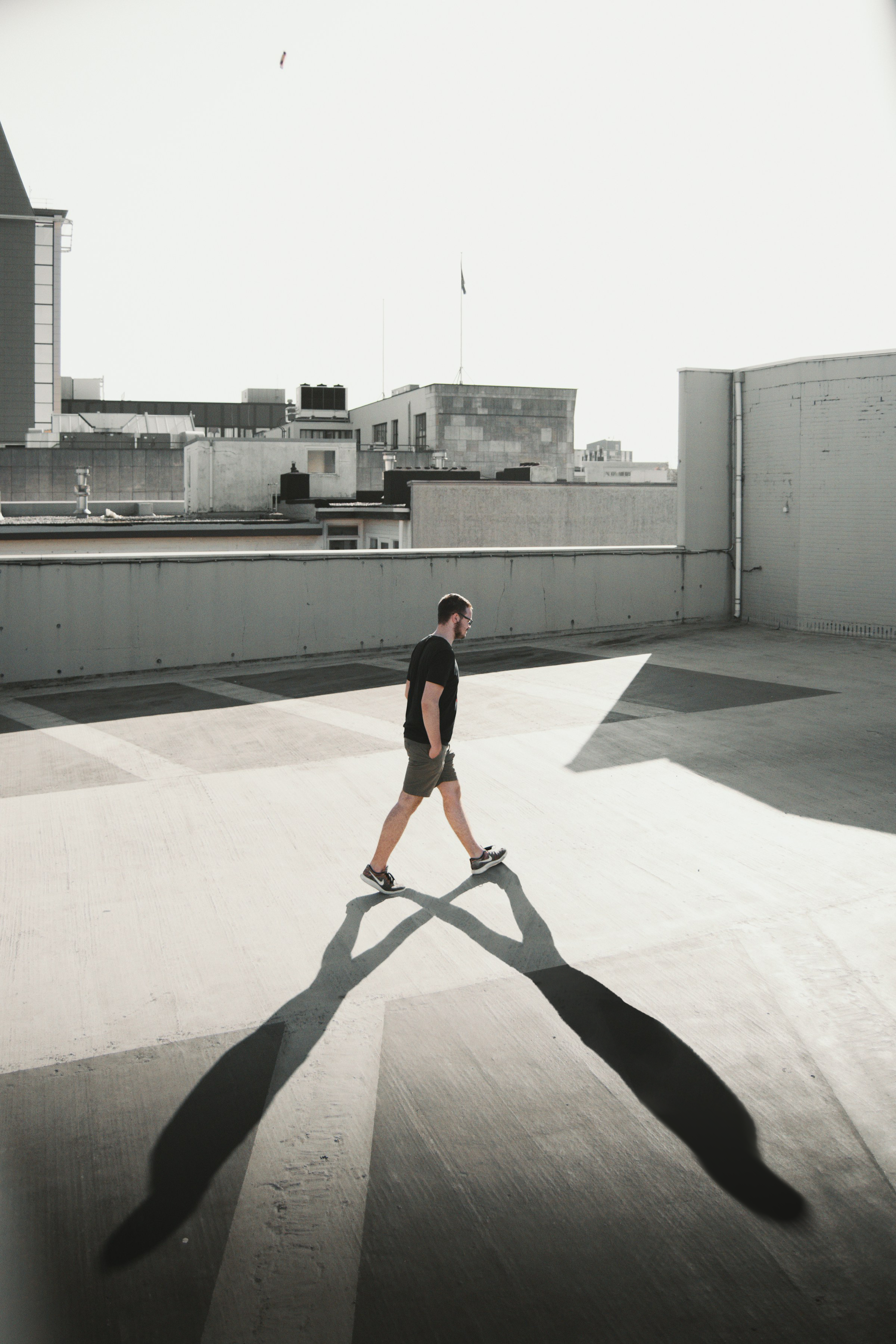
Here are some hints: Masking, Opacity, Blur, Brush, Blending.
Everything was clear?
Thanks for your feedback!
Section 1. Chapter 28
Ask AI

Ask AI

Ask anything or try one of the suggested questions to begin our chat
