Summarizing Long Content
Swipe to show menu
Long documents take time to read, especially when you only need the key points. Gemini helps you extract the most important information in seconds.
Situation
You receive a long document from a colleague. It can be a report, internal policy, or meeting notes. You do not need every detail. You need to quickly understand:
- What this document is about;
- What decisions were made;
- What actions are required.
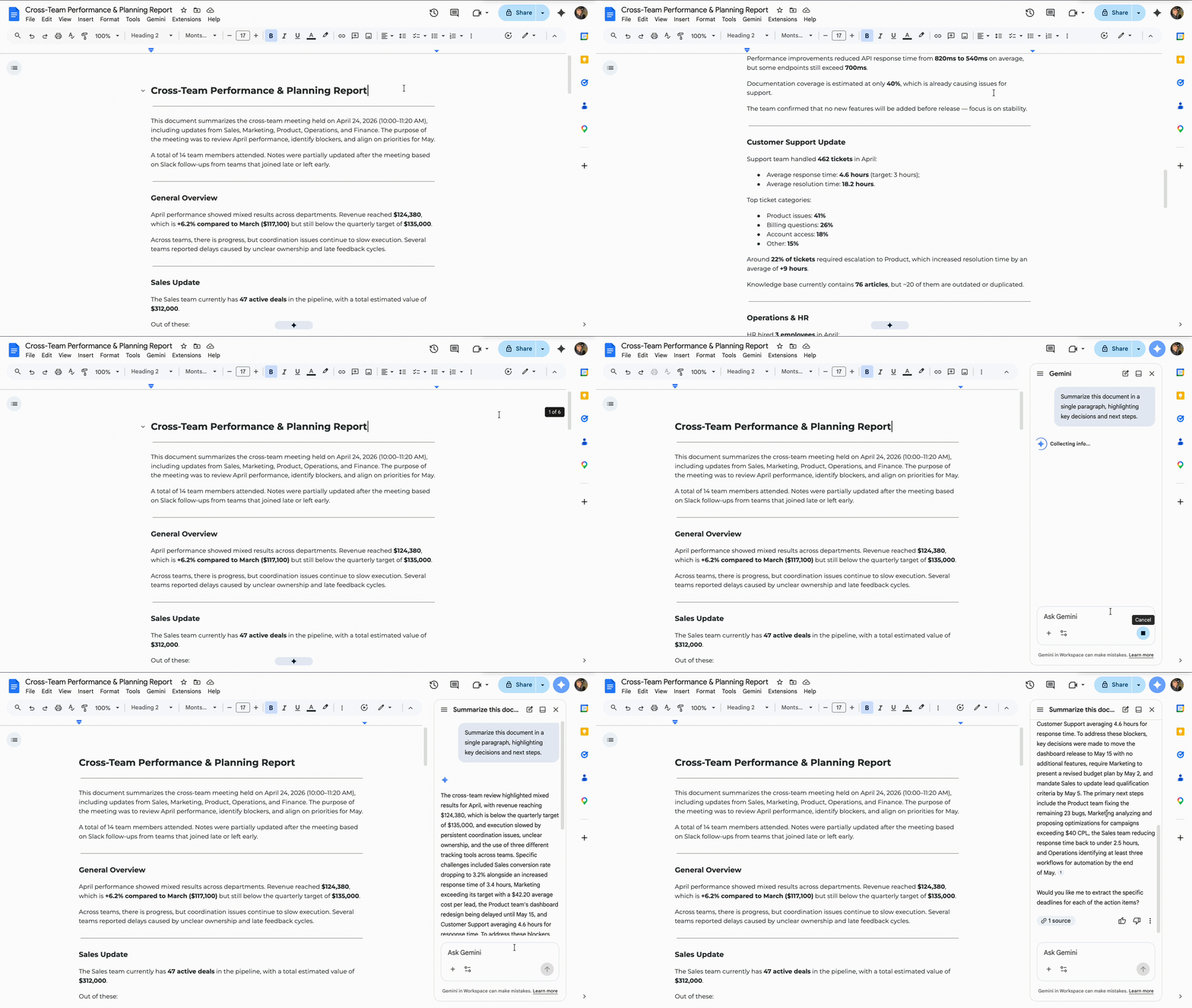
Inside Google Docs, you open the document and use Gemini.

Summarize this document in a single paragraph, highlighting key decisions and next steps.
Gemini generates a short version with the main ideas.
You can guide the result depending on your goal.
Provide a short summary in 5 bullet points.
Summarize this document for a quick update to a manager.
You receive a concise summary instead of having to read the entire document. The output highlights what is important, rather than every minor detail.
Thanks for your feedback!
Ask AI

Ask AI

Ask anything or try one of the suggested questions to begin our chat
Summarizing Long Content
Long documents take time to read, especially when you only need the key points. Gemini helps you extract the most important information in seconds.
Situation
You receive a long document from a colleague. It can be a report, internal policy, or meeting notes. You do not need every detail. You need to quickly understand:
- What this document is about;
- What decisions were made;
- What actions are required.
Inside Google Docs, you open the document and use Gemini.
Summarize this document in a single paragraph, highlighting key decisions and next steps.
Gemini generates a short version with the main ideas.
You can guide the result depending on your goal.
Provide a short summary in 5 bullet points.
Summarize this document for a quick update to a manager.
You receive a concise summary instead of having to read the entire document. The output highlights what is important, rather than every minor detail.
Thanks for your feedback!
