Generating Documents from Scratch
Swipe to show menu
Starting a document from a blank page is one of the most common slowdowns at work. Gemini helps you turn a real task into a structured document in seconds.
Situation
You are asked to create a short internal guide for new employees. The goal is to explain how to request vacation days in your company.
You know the process, but you do not want to spend time structuring and writing everything from scratch.
The process has specific rules, and you need to include them clearly.
Inside Google Docs, you click 'Help me write' and describe the task with real details.

Write an internal guide for new employees on how to request vacation days. Employees must submit a request through the HR system at least 5 working days in advance. The request must be approved by their manager. HR confirms the request within 2 days. Include steps, rules, and expected timelines.
Gemini generates a structured document based on your actual process.
You can refine it:
Make it more clear and easier to follow.
Add a short example of a vacation request.
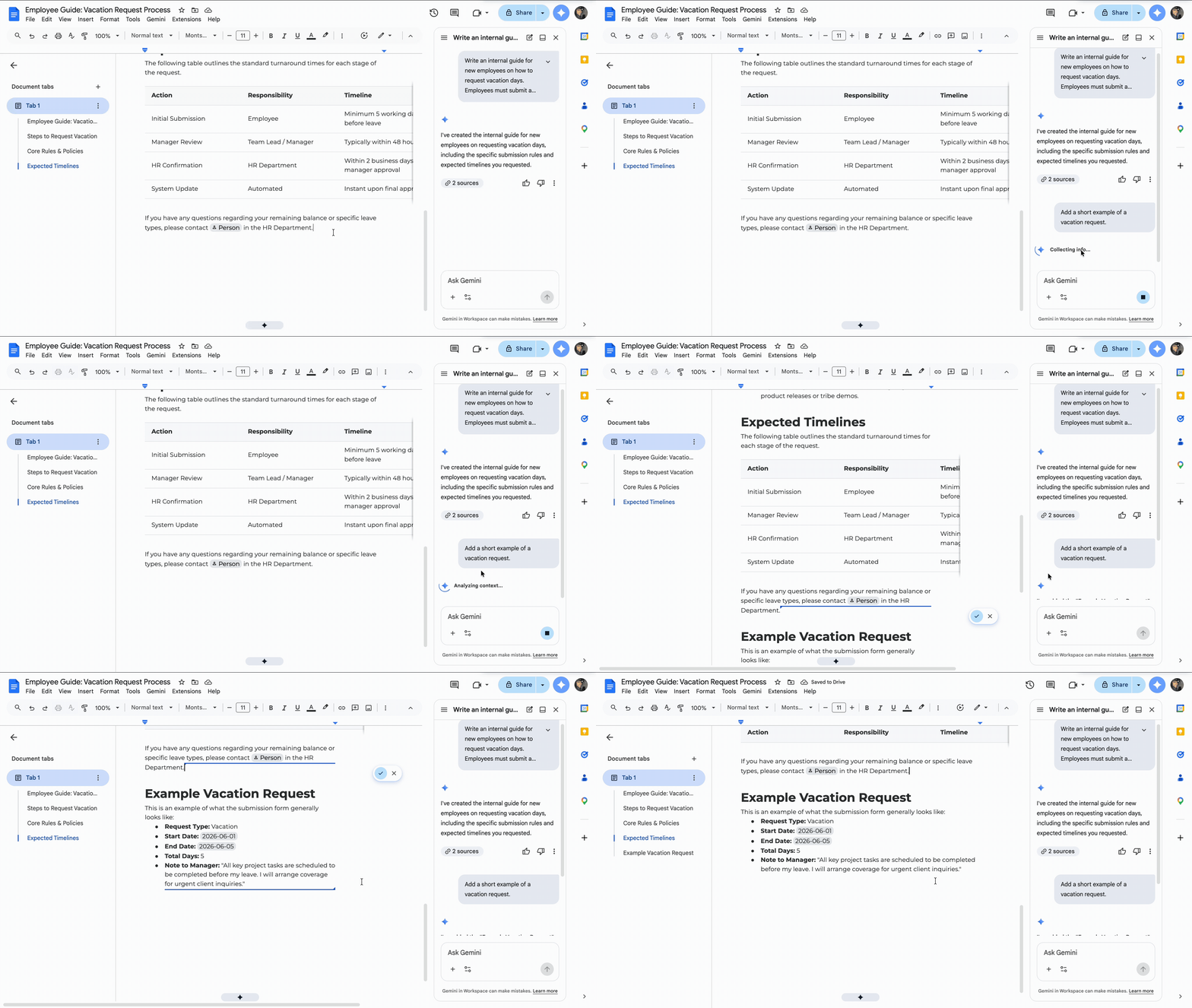
You get a document that reflects your real process, not a generic template. You only adjust small details instead of writing everything yourself.

You do not expect Gemini to know your company rules. When you include real details, Gemini produces usable documents, not generic content.
Thanks for your feedback!
Ask AI

Ask AI

Ask anything or try one of the suggested questions to begin our chat
