Sharing Meeting Notes and Follow-Ups
Swipe to show menu
After a meeting, you often need to send a summary to participants. Gemini helps you turn meeting content into a clear follow-up message.
Situation
The meeting is finished.
You need to send a message that includes:
- Key decisions;
- Action items;
- Next steps.
You do not want to write it manually from scratch.
Using the meeting summary or action items, you ask Gemini:

Write a follow-up email based on this meeting summary. Include key decisions and action items.
Gemini generates a structured message ready to send.
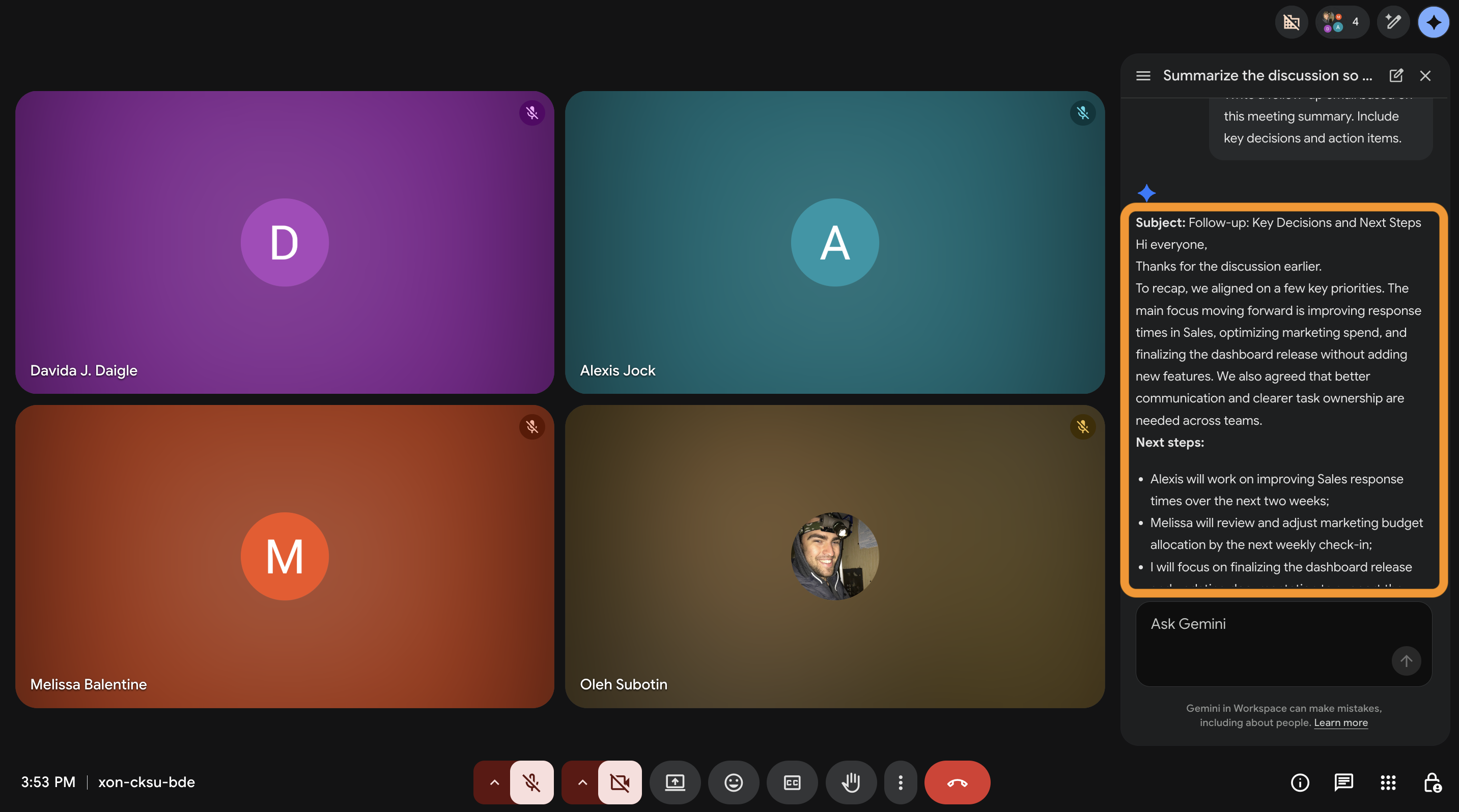
You receive a concise follow-up message that clearly outlines the discussion and the next steps. There's no need to take notes after each meeting.
Thanks for your feedback!
Ask AI

Ask AI

Ask anything or try one of the suggested questions to begin our chat
Sharing Meeting Notes and Follow-Ups
After a meeting, you often need to send a summary to participants. Gemini helps you turn meeting content into a clear follow-up message.
Situation
The meeting is finished.
You need to send a message that includes:
- Key decisions;
- Action items;
- Next steps.
You do not want to write it manually from scratch.
Using the meeting summary or action items, you ask Gemini:
Write a follow-up email based on this meeting summary. Include key decisions and action items.
Gemini generates a structured message ready to send.
You receive a concise follow-up message that clearly outlines the discussion and the next steps. There's no need to take notes after each meeting.
Thanks for your feedback!
