Gemini Access and Pricing
Swipe to show menu
Gemini is not always free. In most cases, it is part of a paid plan inside Google Workspace. Access depends on your account type, your location, and whether your organization has enabled it. Because of this, the price can vary and may change over time.
What You Are Paying For
When Gemini is available, you are not paying for a separate app. You are paying for AI features inside the tools you already use. These features appear directly in tools like Gmail, Google Docs, Sheets, Slides, Meet, and Drive.
Instead of switching between tools or copying content into a chatbot, you work in one place and get results immediately.
How Access Works
Gemini is enabled differently depending on your setup.
- If you use a personal account, access may be included in certain plans or limited features;
- If you use a work account, access is often controlled by your organization. In many cases, an administrator decides whether Gemini is available and which features you can use.
This is why two users may see completely different capabilities.
What You Might See
When Gemini is available, it appears naturally inside the interface. For example, you may see a 'Help me write' option in Docs or Gmail, a Gemini icon in the toolbar, or suggestions while working with content.
In some cases, you will also see options for summarizing, analyzing, or generating content directly inside a file.
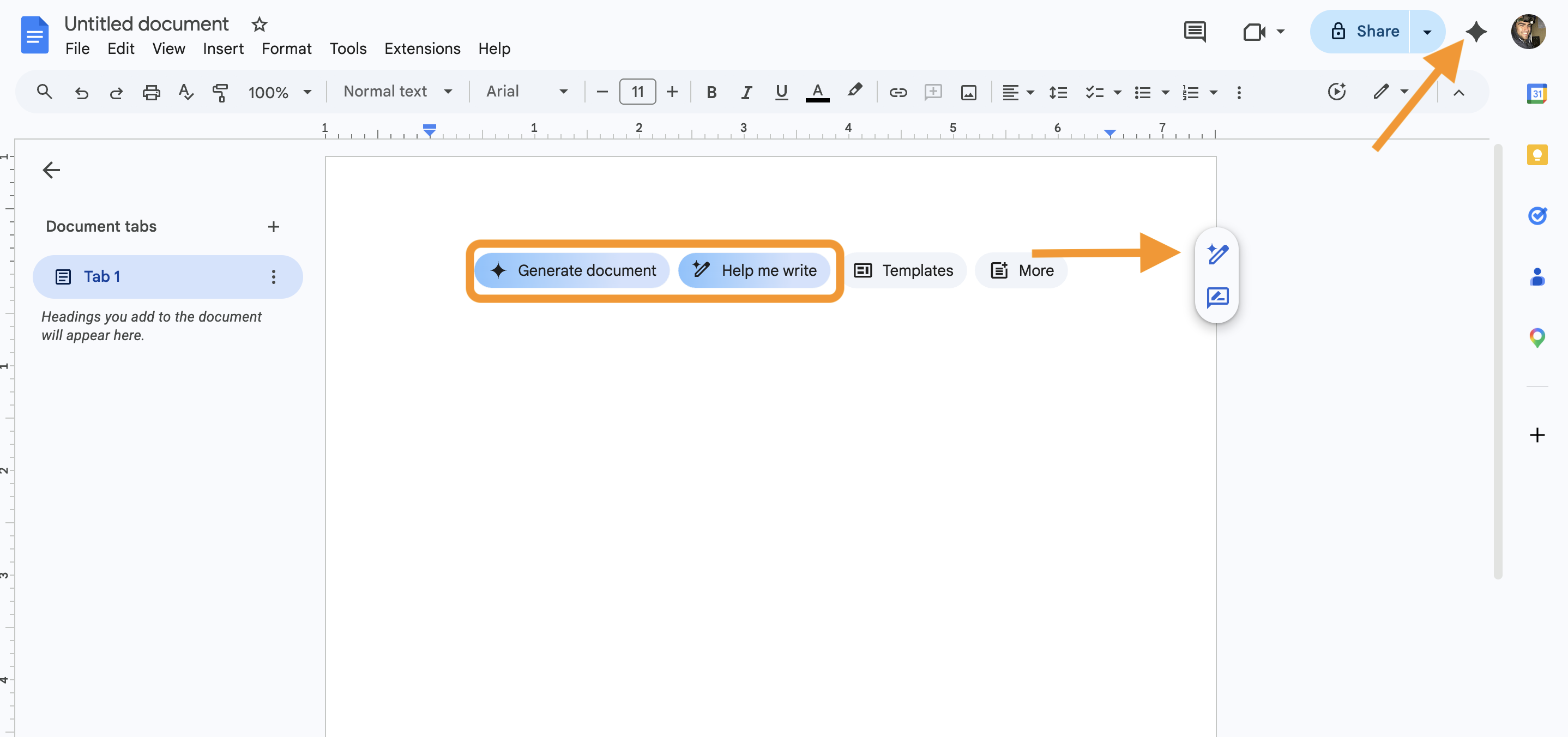
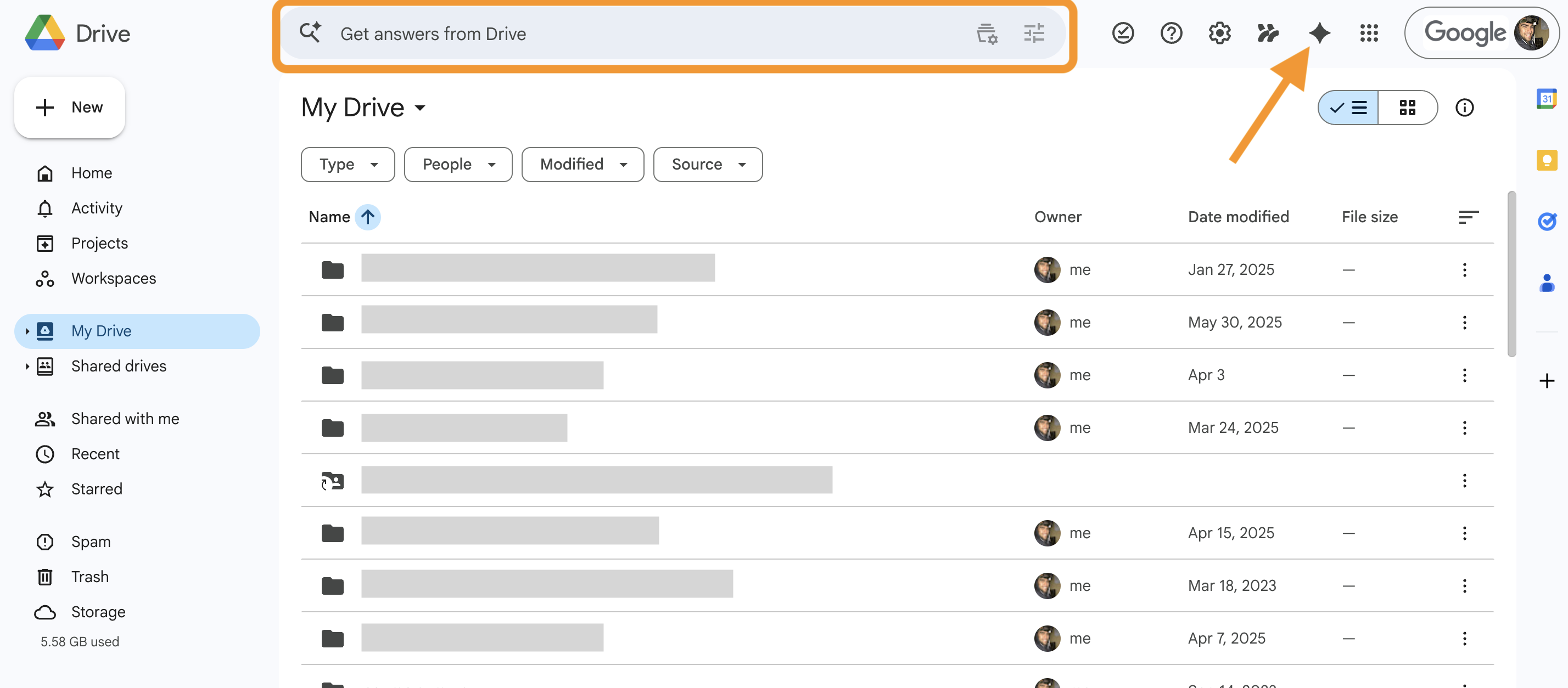
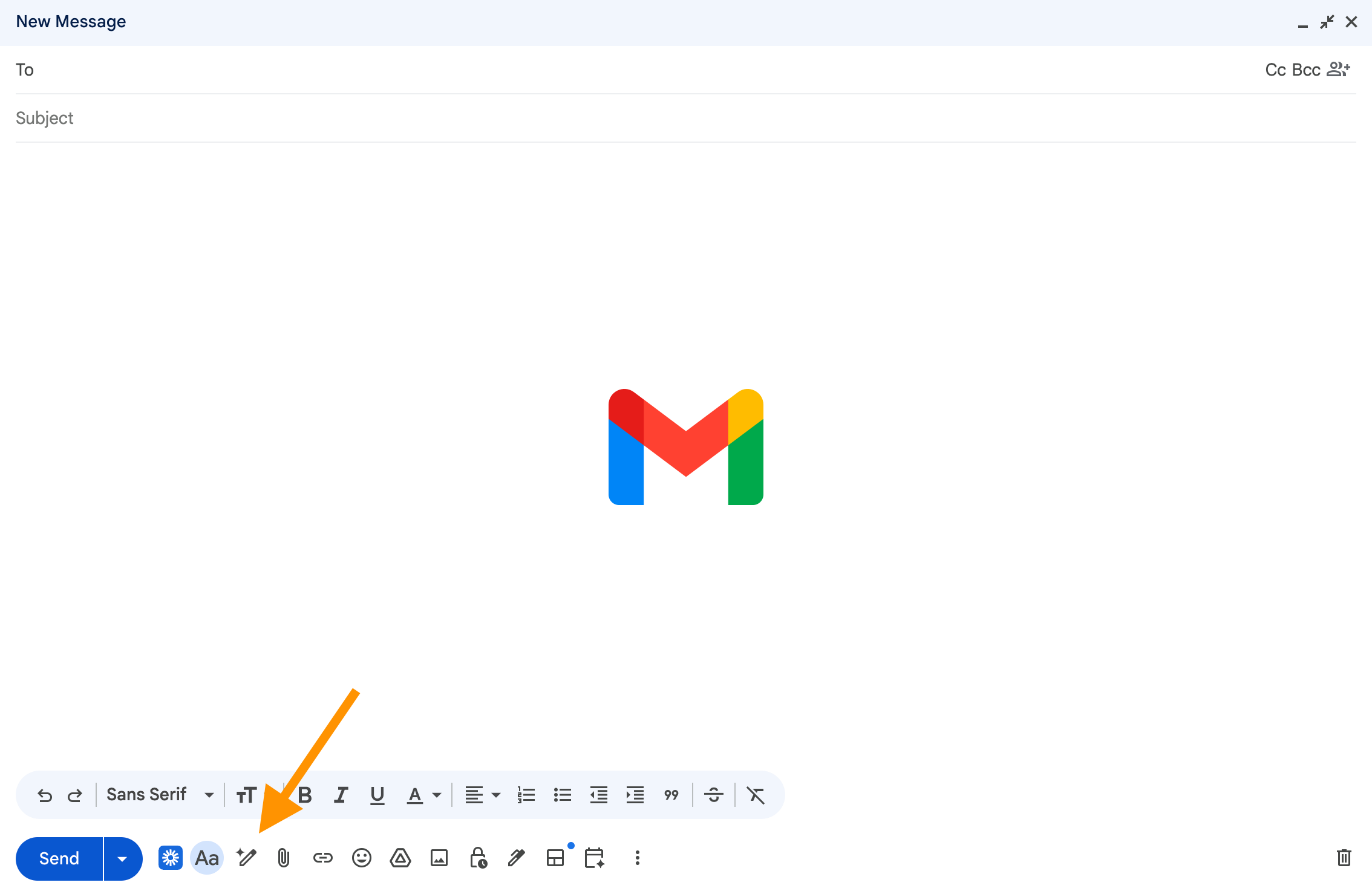
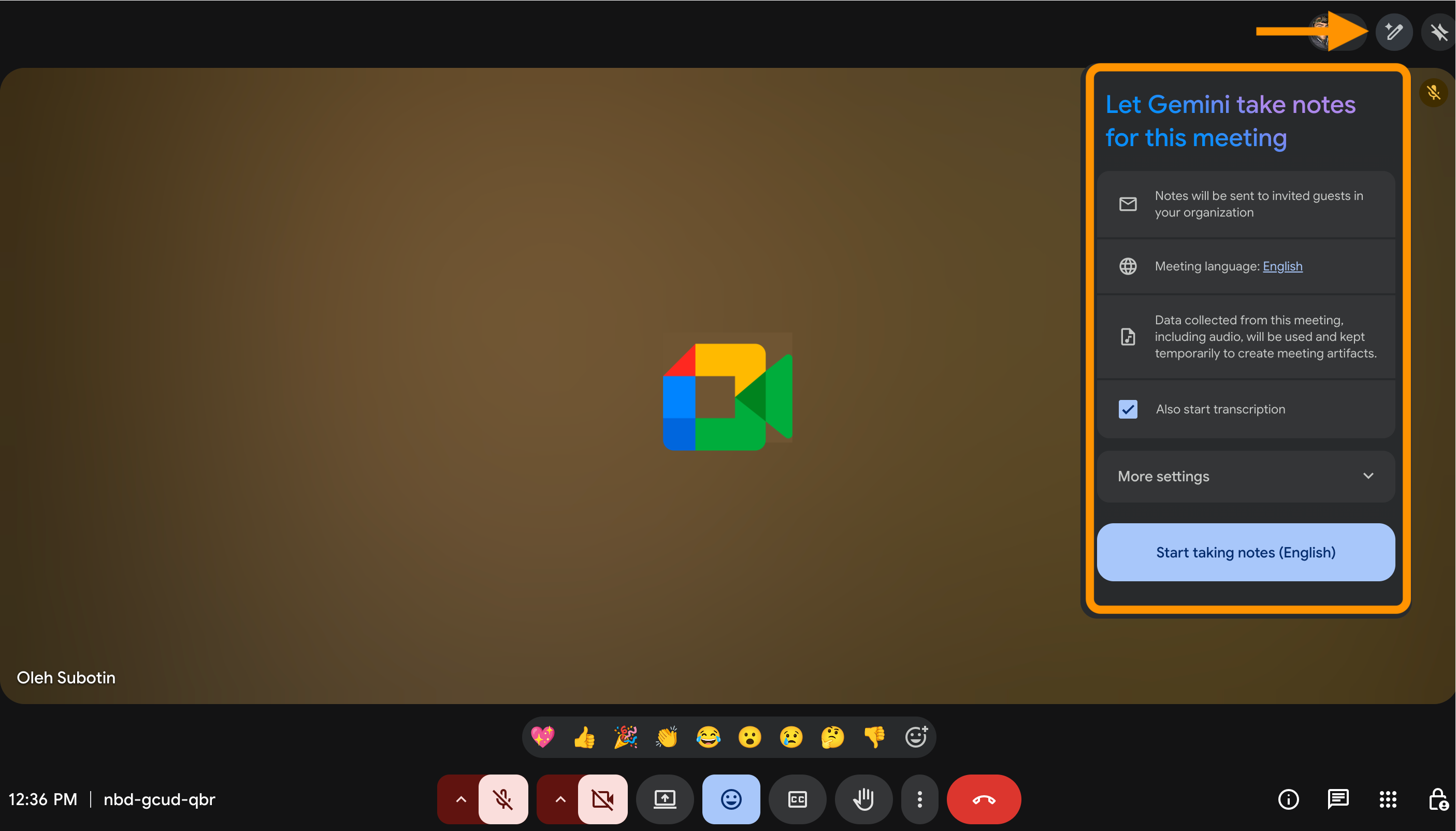
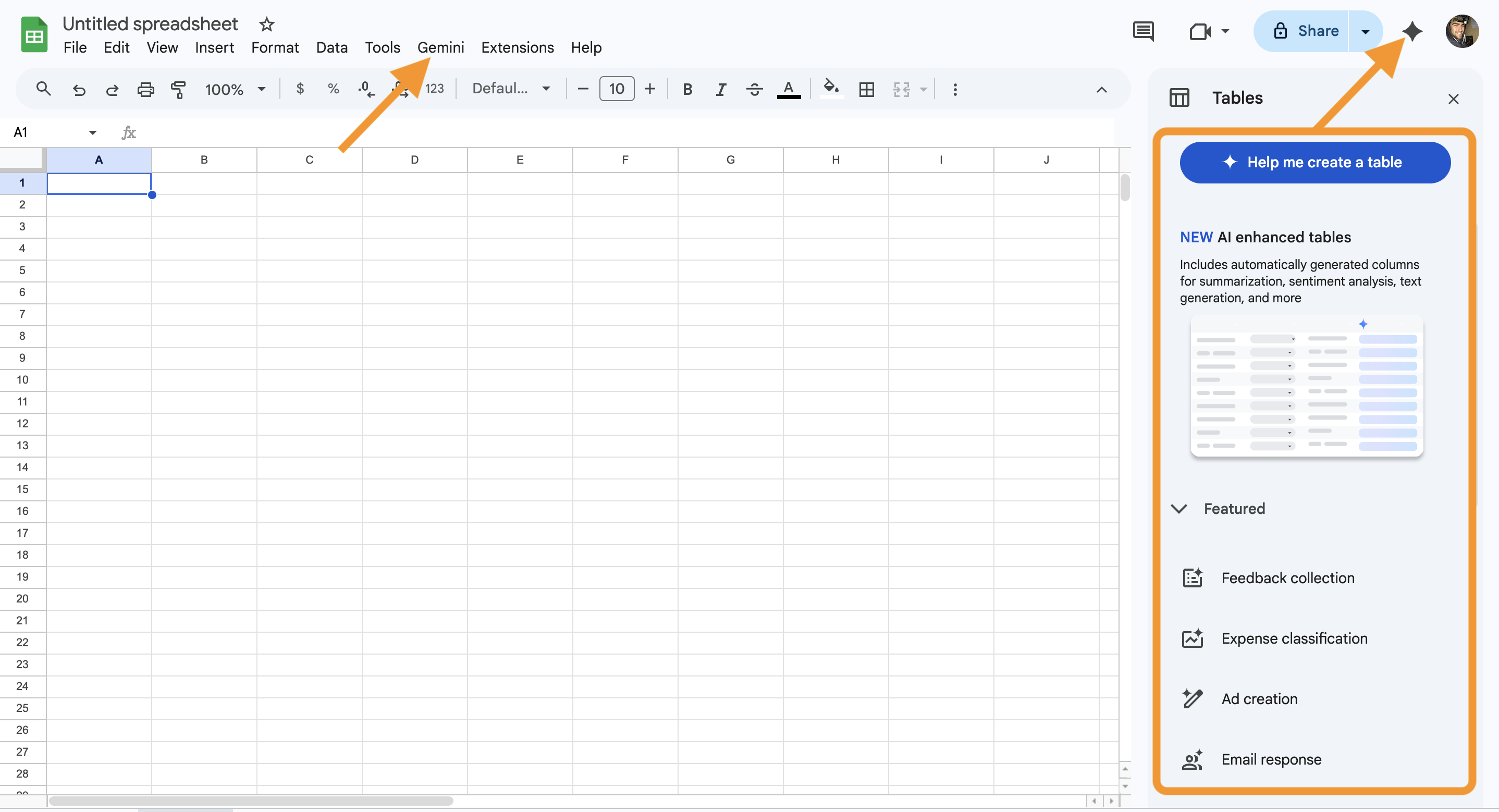
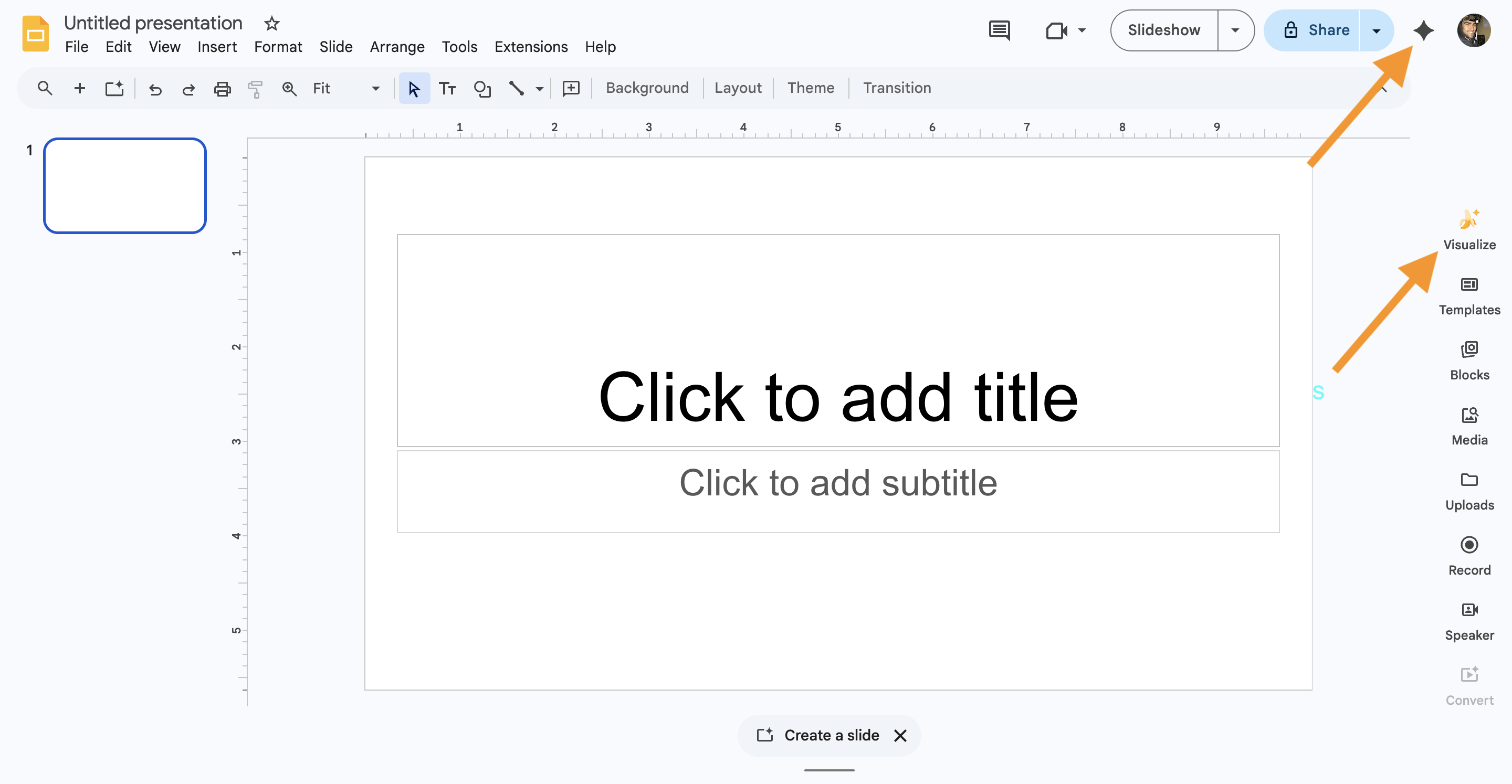

You may not see all features shown in this course.
This is normal.
Some features may not be enabled in your account, may depend on your region, or may look slightly different in your interface.
You can still follow everything in this course.
Even if access is limited, you will understand how Gemini works in real scenarios and be ready to use it as soon as it becomes available in your account.
Thanks for your feedback!
Ask AI

Ask AI

Ask anything or try one of the suggested questions to begin our chat
