Dynamic Charts with Formulas
Swipe to show menu
A dynamic chart range is a data range that changes automatically based on a condition or selection. Instead of building a chart from a fixed range, you build it from a formula-driven range. When the formula result changes, the chart updates. The chart itself is not dynamic. The data source is.
How It Works
- A user selects a value from a dropdown;
- A formula returns only the matching rows;
- The chart is built from that formula output;
- When the selection changes, the formula output changes;
- The chart updates automatically.
The key idea: the chart depends on a formula range, not the full dataset.
Creating the Dynamic Range
Assume:
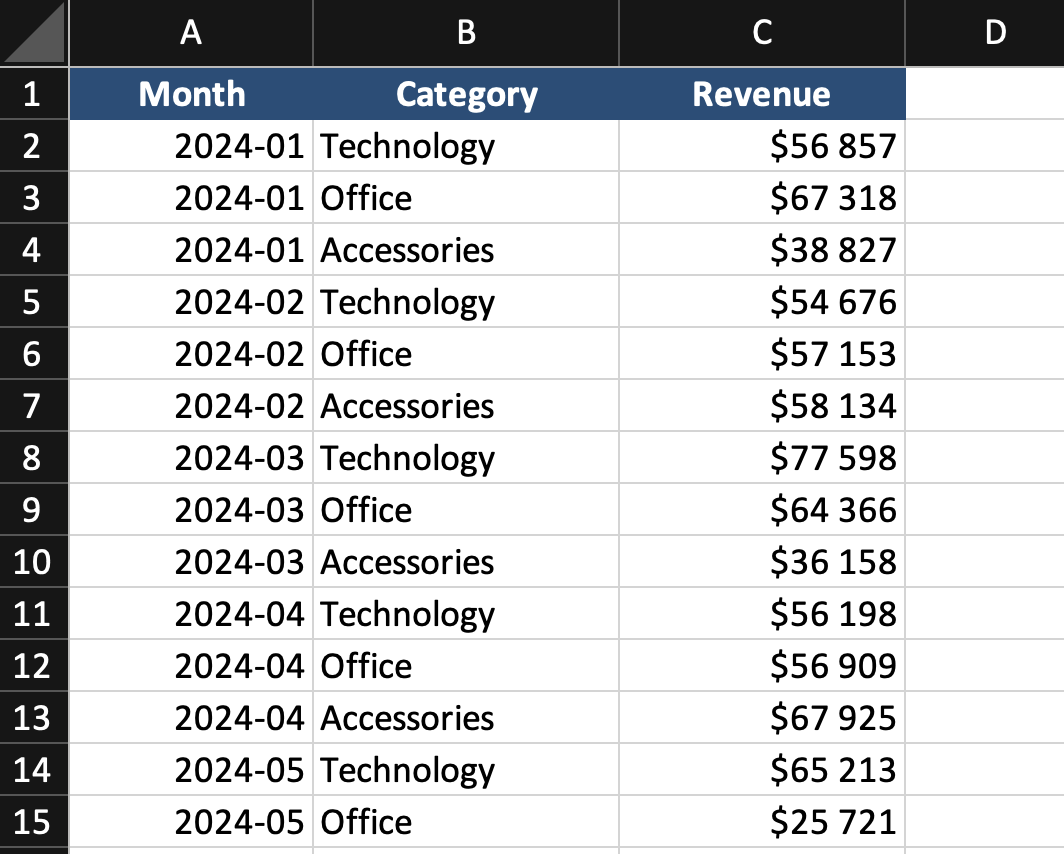
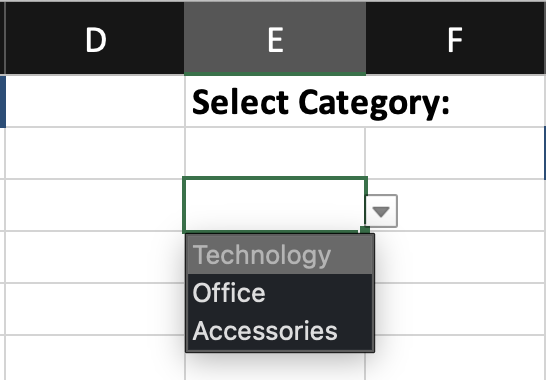
Step 1: Create a Dropdown
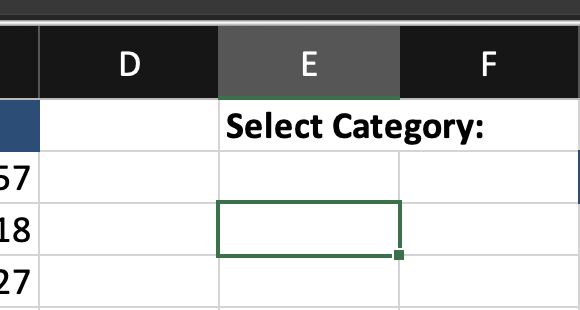
- Select an empty cell;
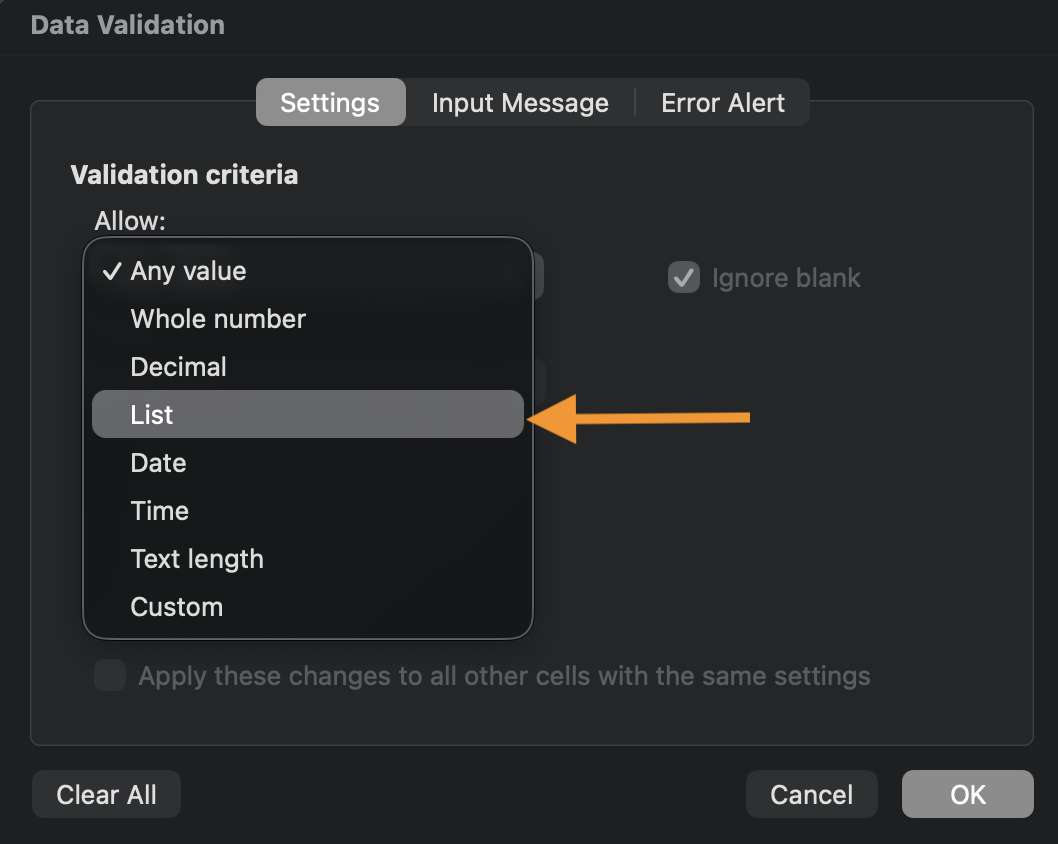
- Go to Data → Data Validation;
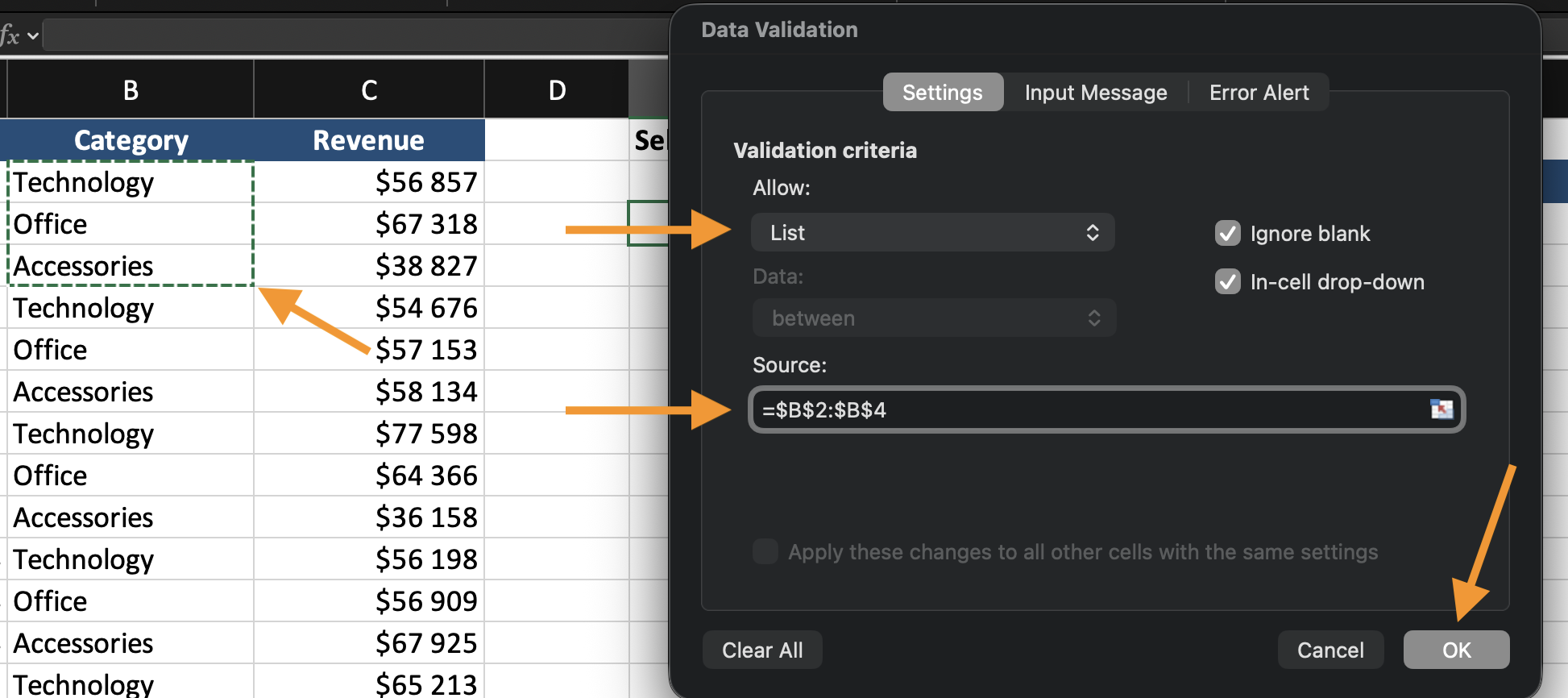
- Choose List;
- Select the category range.

Step 2: Create the Formula Output
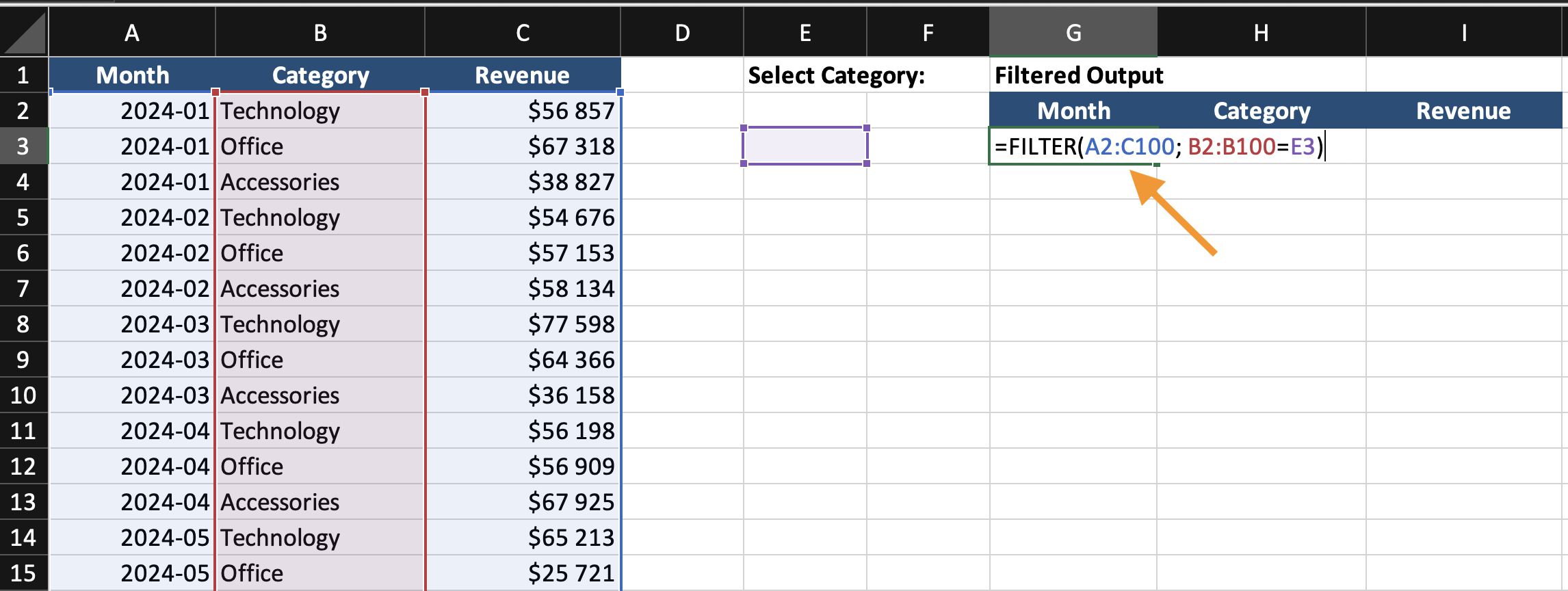
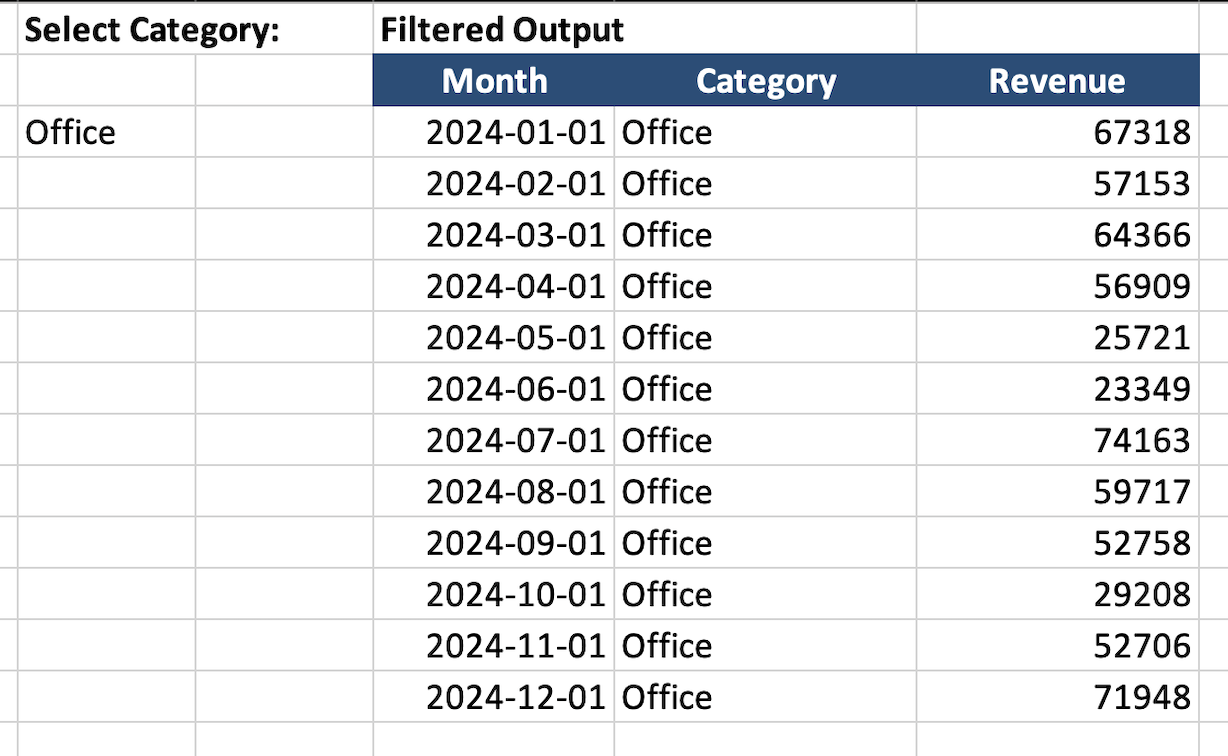
In a new area, enter: =FILTER(A2:C100; B2:B100=E2)
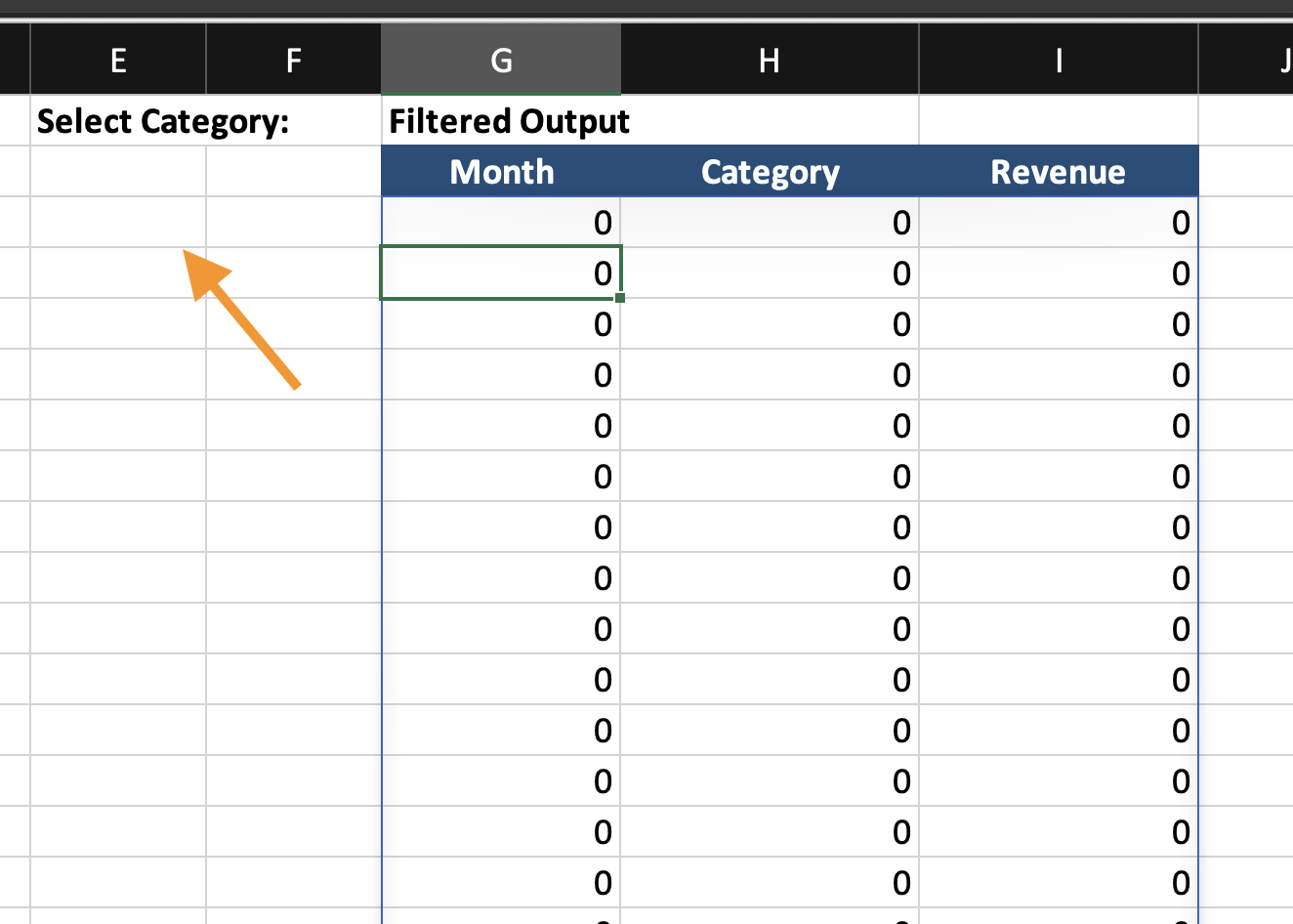
This creates a dynamic output table.
Step 3: Build the Chart
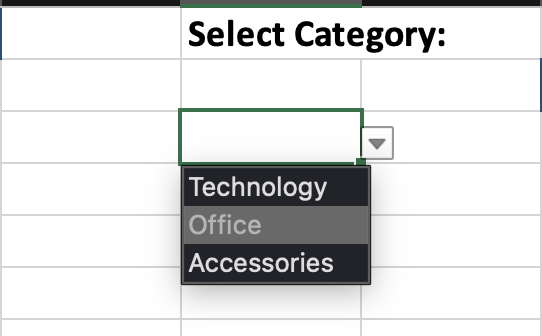
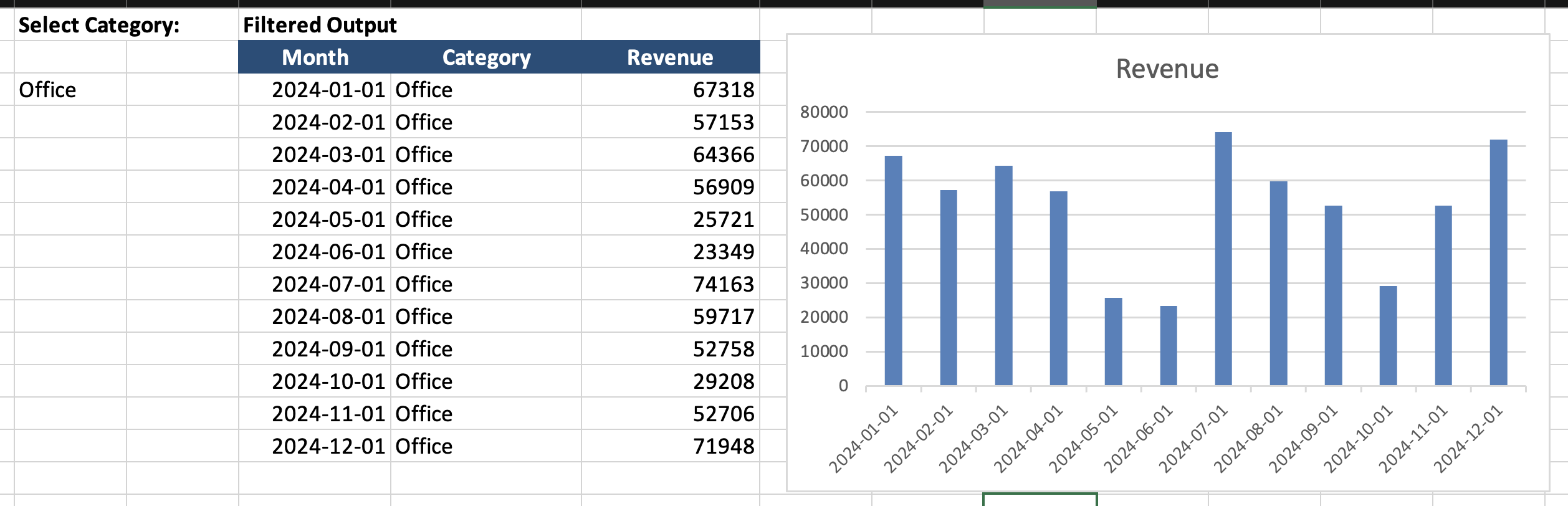
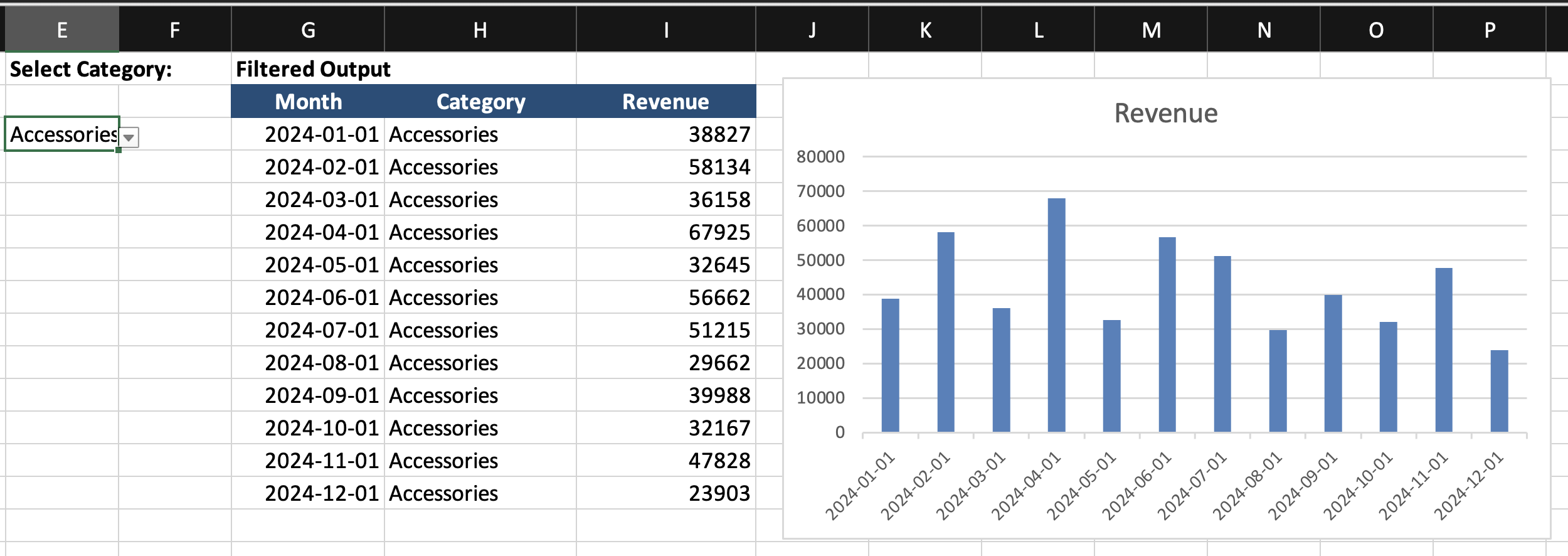
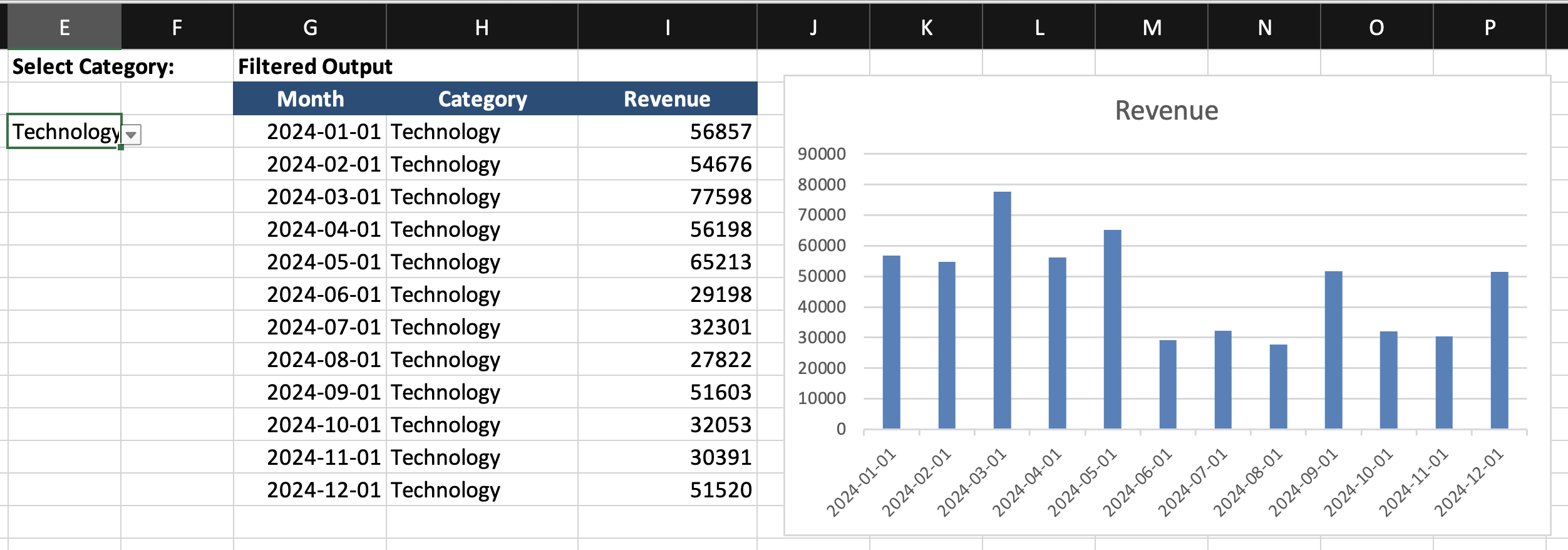
Insert a chart using the filtered output, not the original data. Now the chart updates when the dropdown changes.
Task
Using the provided dataset:
- Create a dropdown cell to select a Category;
- Use the
FILTERfunction to return matching rows into a separate output area; - Insert a Line or Column Chart based on the filtered output range;
- Change the dropdown selection and confirm that the chart updates automatically.
Goal: build a chart that updates based on a formula-driven data range, not manual filtering.
Thanks for your feedback!
Ask AI

Ask AI

Ask anything or try one of the suggested questions to begin our chat
