Claude Design
Swipe to show menu

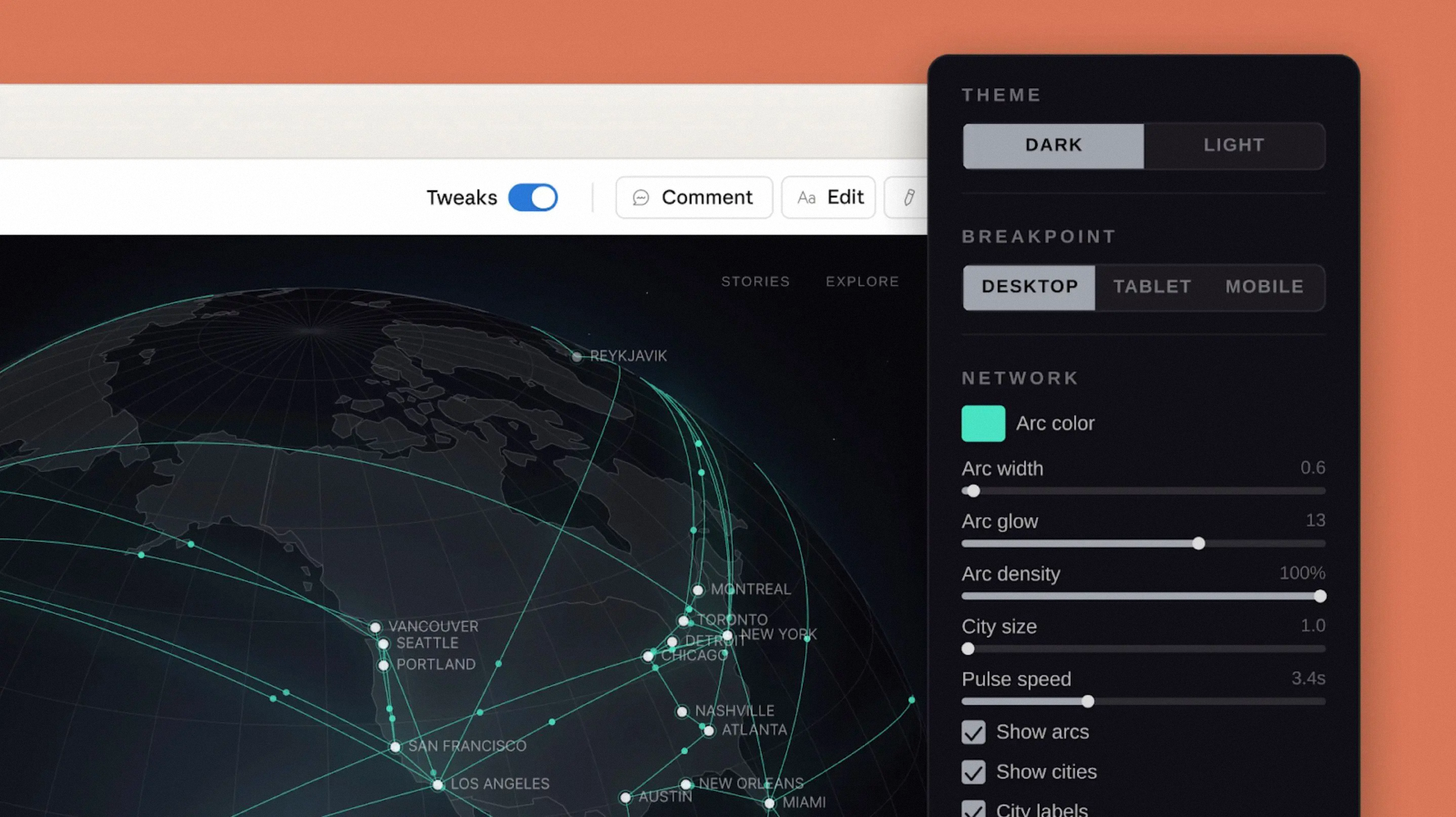
Claude Design by Anthropic Labs helps you create visuals, interactive prototypes, presentations, and other design materials through a conversation with Claude.
Claude Design is a workspace for creating visual content using natural language. Instead of designing from scratch, you describe what you need, and Claude generates designs, prototypes, presentations, or mockups.
It combines idea generation, design, and iteration in one flow. You can refine results through conversation until they match your goal.
The key advantage is speed. You can quickly turn ideas into usable visuals and explore multiple directions without starting from a blank canvas.

- Open Claude Design.
- In the lower-left corner of the project picker, click the current organization name.
- Select your organization or create a new one.
- Complete the onboarding flow.
- Upload the materials that represent your brand and product.
- You can do this during onboarding or later from your organization settings.
- Claude will analyze these assets and use them to create a reusable design system.
- You can upload:
- Codebases, such as a React component library.
- Prototypes, such as screenshots, web flows, or design files.
- Slide decks or documents, such as PowerPoint files or PDFs.
- Individual assets, such as logos, color palettes, and typography examples.
- One source is enough to start, but multiple assets give Claude more context.
- Claude generates a design system, or UI kit, for your organization.
- It may include:
- Color palette
- Typography
- Reusable components
- Layout patterns
- Create a test project to check whether the output matches your brand.
- Turn on the Published toggle when you are satisfied with the result.
- After publishing, projects created from the Claude Design homescreen within your organization will use your custom design system instead of the default one.
Thanks for your feedback!
Ask AI

Ask AI

Ask anything or try one of the suggested questions to begin our chat
Claude Design
Claude Design by Anthropic Labs helps you create visuals, interactive prototypes, presentations, and other design materials through a conversation with Claude.
Claude Design is a workspace for creating visual content using natural language. Instead of designing from scratch, you describe what you need, and Claude generates designs, prototypes, presentations, or mockups.
It combines idea generation, design, and iteration in one flow. You can refine results through conversation until they match your goal.
The key advantage is speed. You can quickly turn ideas into usable visuals and explore multiple directions without starting from a blank canvas.
- Open Claude Design.
- In the lower-left corner of the project picker, click the current organization name.
- Select your organization or create a new one.
- Complete the onboarding flow.
- Upload the materials that represent your brand and product.
- You can do this during onboarding or later from your organization settings.
- Claude will analyze these assets and use them to create a reusable design system.
- You can upload:
- Codebases, such as a React component library.
- Prototypes, such as screenshots, web flows, or design files.
- Slide decks or documents, such as PowerPoint files or PDFs.
- Individual assets, such as logos, color palettes, and typography examples.
- One source is enough to start, but multiple assets give Claude more context.
- Claude generates a design system, or UI kit, for your organization.
- It may include:
- Color palette
- Typography
- Reusable components
- Layout patterns
- Create a test project to check whether the output matches your brand.
- Turn on the Published toggle when you are satisfied with the result.
- After publishing, projects created from the Claude Design homescreen within your organization will use your custom design system instead of the default one.
Thanks for your feedback!
