Claude Code
Swipe to show menu
Claude's code capabilities help automate and streamline technical workflows. Instead of handling repetitive tasks manually, you can describe what you need and let Claude generate scripts to do the work for you. This is especially useful for data processing, file manipulation, and routine automation.
Claude works best when your instructions are clear and structured, including details like inputs, outputs, and formats. With the right context, it can generate code that fits directly into your workflow.
One of Claude's key strengths is its flexibility across programming languages, with a strong focus on Python for automation. You can use it to clean CSV files, rename batches of files, extract data from text, or automate reports. This allows you to focus on higher-level problem-solving, while Claude handles the repetitive coding tasks.
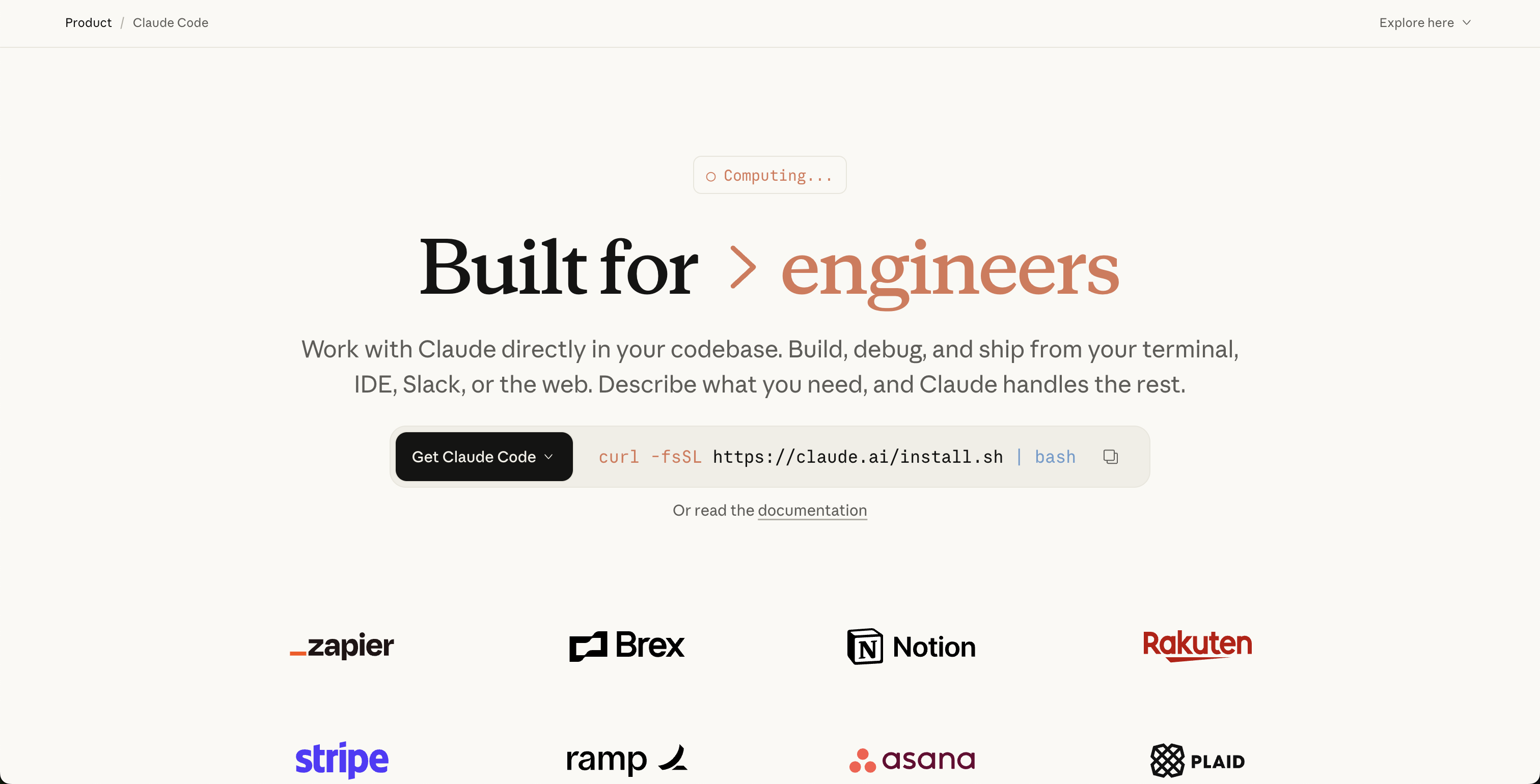
To see Claude's code capabilities in action, imagine a scenario where you need to automate a repetitive data processing task. For example, you regularly receive CSV files that need cleaning before analysis, such as removing empty rows, trimming whitespace, and saving a cleaned version.
Instead of repeating these steps manually each time, you can ask Claude to generate a Python script that handles the entire process. This not only saves time, but also ensures consistency and reduces the risk of human error.
Here is an example prompt you could give to Claude to generate such a script:

Write a Python script that reads a CSV file named input.csv, removes any rows with missing values, trims whitespace from all text fields, and saves the cleaned data to "output.csv".

For best results, always specify your data format, file names, and the exact steps you want to automate. Clear instructions help Claude generate code that matches your needs. With the right details, Claude can tailor scripts to your workflow, making them easy to integrate into your daily routine.
Whether you are automating data processing, file operations, or other repetitive programming chores, Claude's capabilities can become a valuable productivity tool in your daily toolkit.
Thanks for your feedback!
Ask AI

Ask AI

Ask anything or try one of the suggested questions to begin our chat
