Comparing Documents
Swipe to show menu
When you need to make informed decisions, comparing documents with Claude can help you quickly identify key differences, similarities, advantages, and potential issues. In this context, document comparison means using Claude to analyze two or more files side by side and highlight their unique features, overlaps, strengths, and weaknesses.
While the Google Drive connector is very powerful, it is not capable of everything on its own and still needs clear guidance. There is no direct command that simply says, "compare these documents" and automatically handles every step perfectly. This can be especially challenging when the files are large or contain a lot of detailed information.
The Google Drive connector works through several tools. Two important ones are search_files and read_file_content. However, you do not need to mention these tools directly in your prompt. You can simply ask Claude in natural language to find and read the files you need.
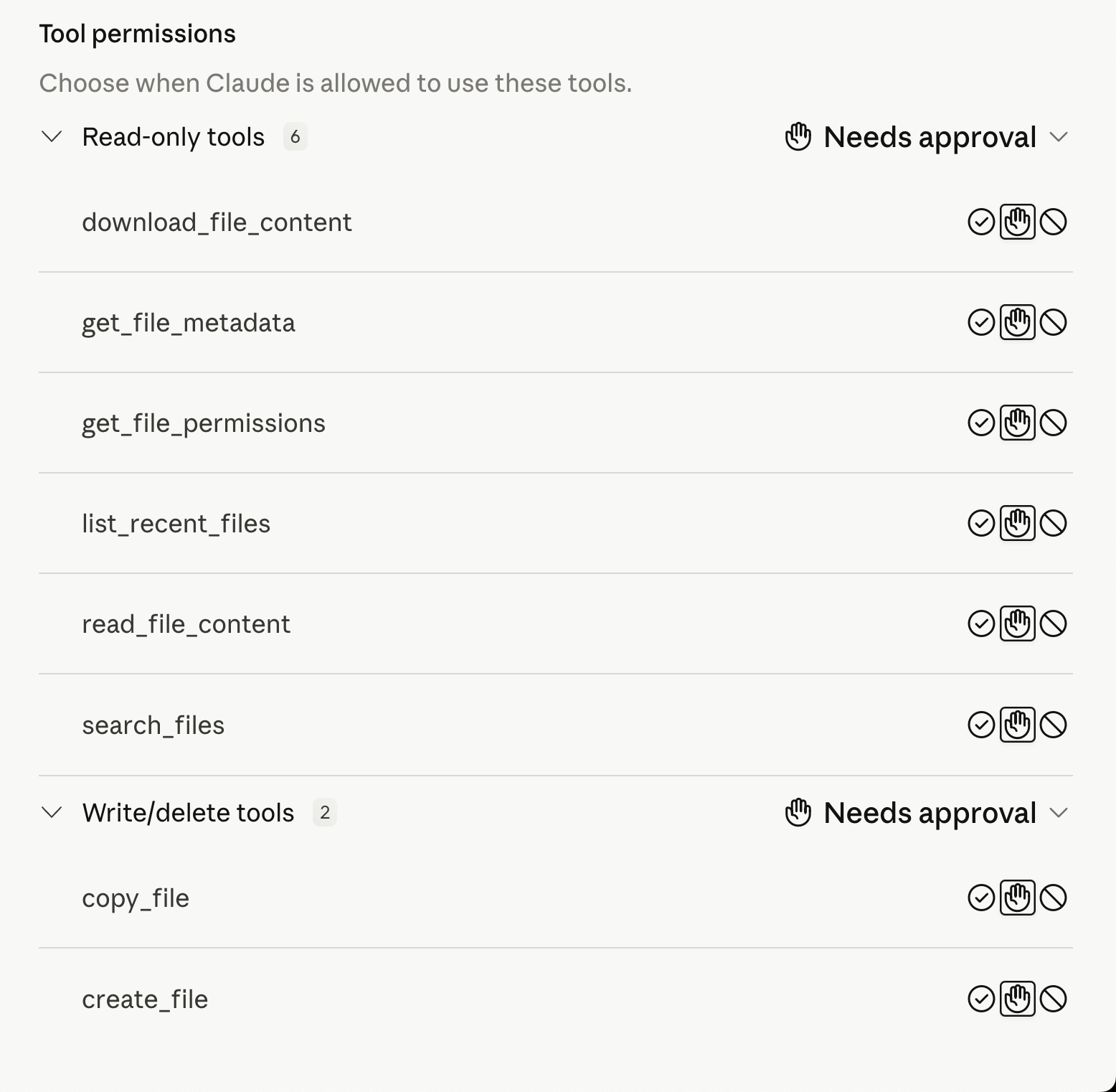
The first step is to ask Claude to get the context from your first file. After Claude understands the first document, you can ask it to find and analyze the second file. Then, you can request a comparison based on the specific criteria that matter to your task.
Make sure the Google Drive connector is enabled before prompting Claude to work with your files.
You also do not need to worry about file access happening automatically. Before taking any action, Claude will ask for the required permissions and approval, so you stay in control of what it can access or use.
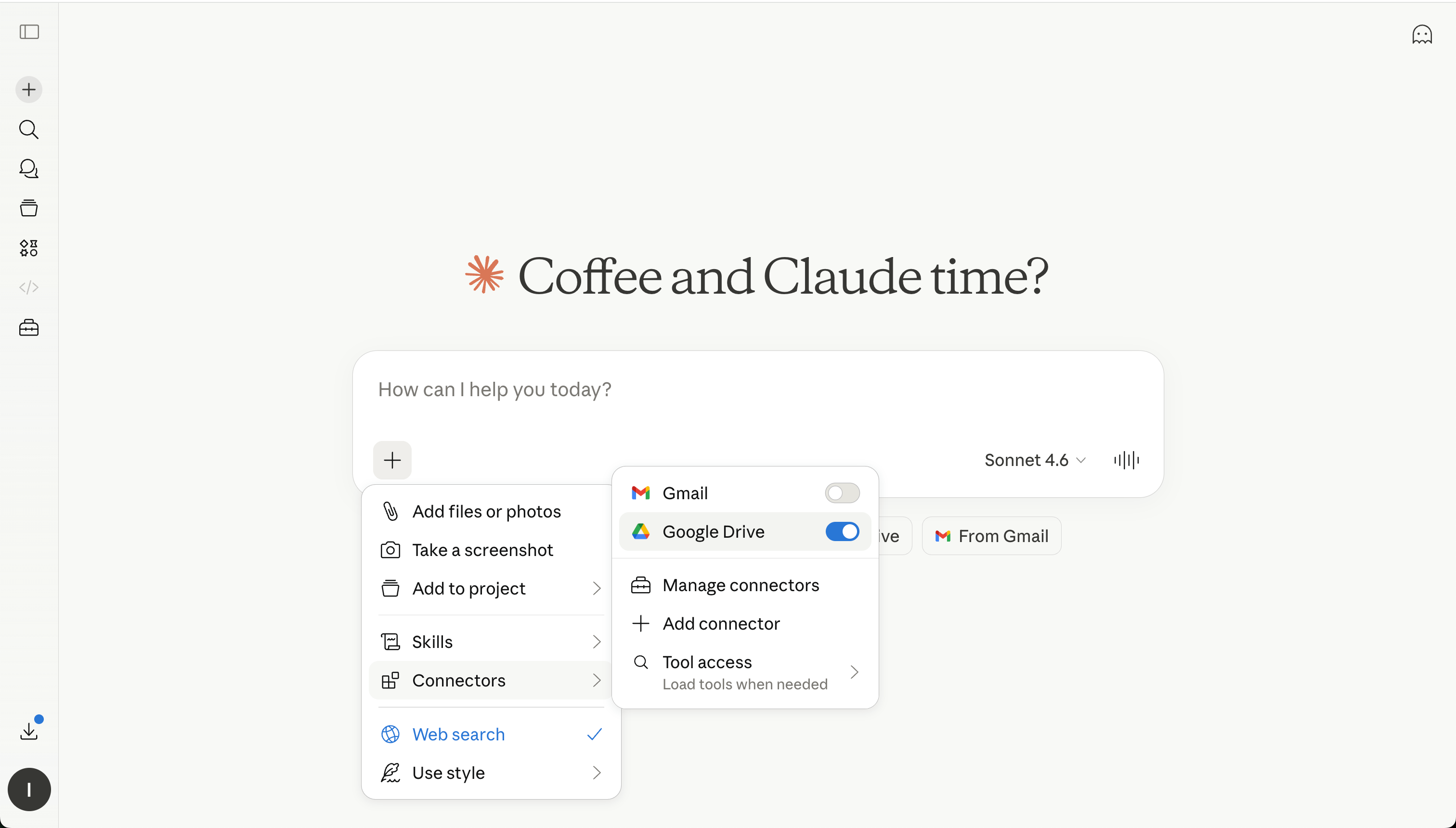

Reference each one clearly, and request a structured comparison. This helps Claude streamline analysis and support more confident decisions.
Thanks for your feedback!
Ask AI

Ask AI

Ask anything or try one of the suggested questions to begin our chat
