Controlling Output Format
Swipe to show menu
When you ask Claude for help, you often want the answer in a specific way, such as a table, bullet list, or summary. This is called the output format. In prompts, the output format is the structure or style you request for the response. It guides Claude on how to present the information, making it easier to use or share.
Controlling the output format is important because it helps you get results that are clear, consistent, and easy to reuse. When you specify the format, you avoid surprises and save time on reformatting. For example, a table works well for comparisons, while a bullet list is better for quick highlights. By clearly defining the format, you make Claude's output more predictable and useful.

Best for quick insights or key points. Easy to scan and useful for summaries or highlights. Ideal for step-by-step instructions or processes where order matters.
Great for comparing data, organizing structured information, or showing relationships between items.
Helps organize complex information into clear parts, making it easier to read and navigate.
Useful for clean, readable content with headings, lists, tables, links, and code blocks.
Useful when you need formatted content for web pages, including tags like headings, lists, tables, and divs.
Best for simple tabular data that can be imported into spreadsheets.
Best for technical use cases where the output needs to be processed by another system.
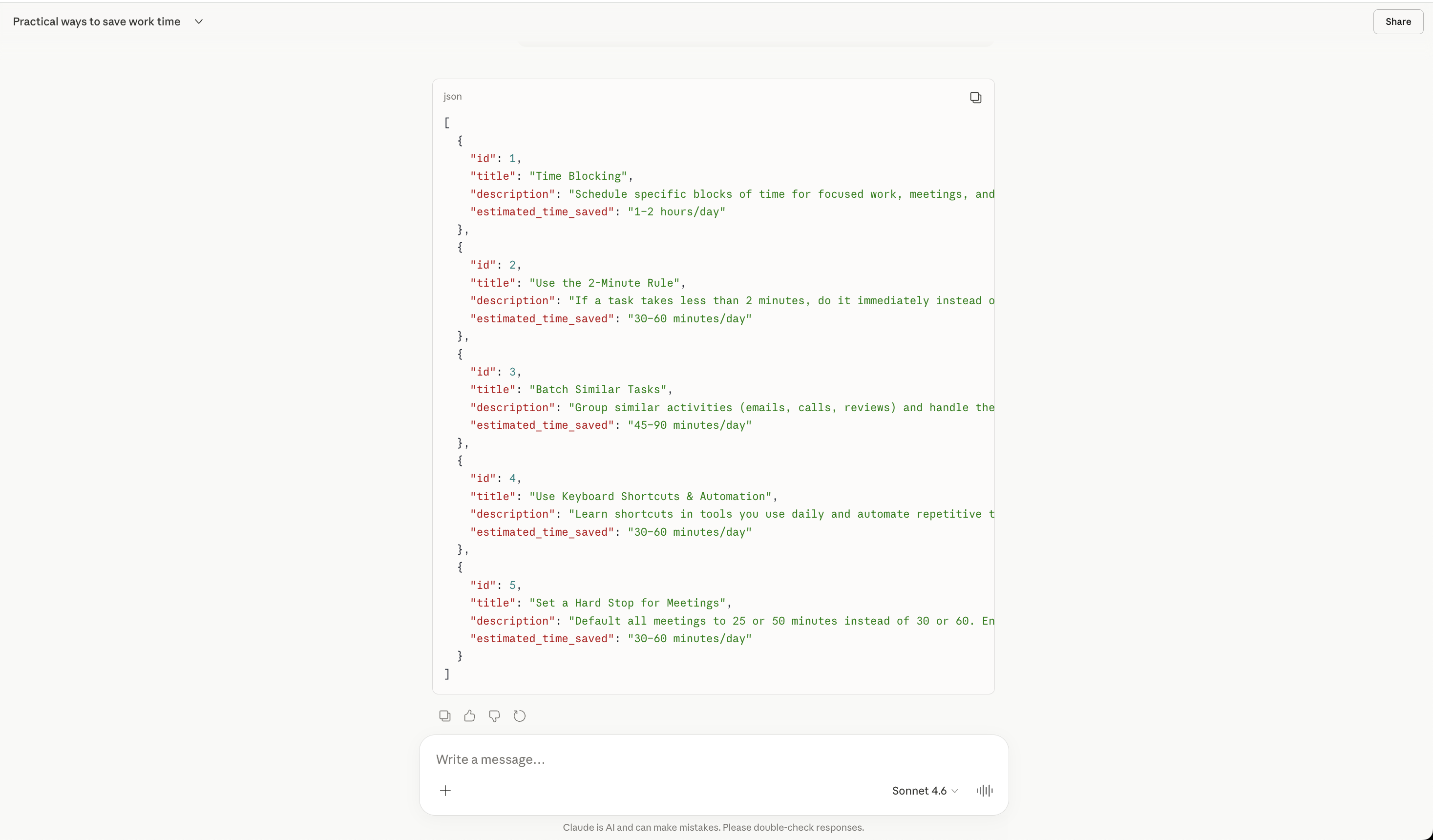
Here is how the replies to the same prompt look when you ask Claude to format them differently.

Give me 5 practical ways to save time during a workday.
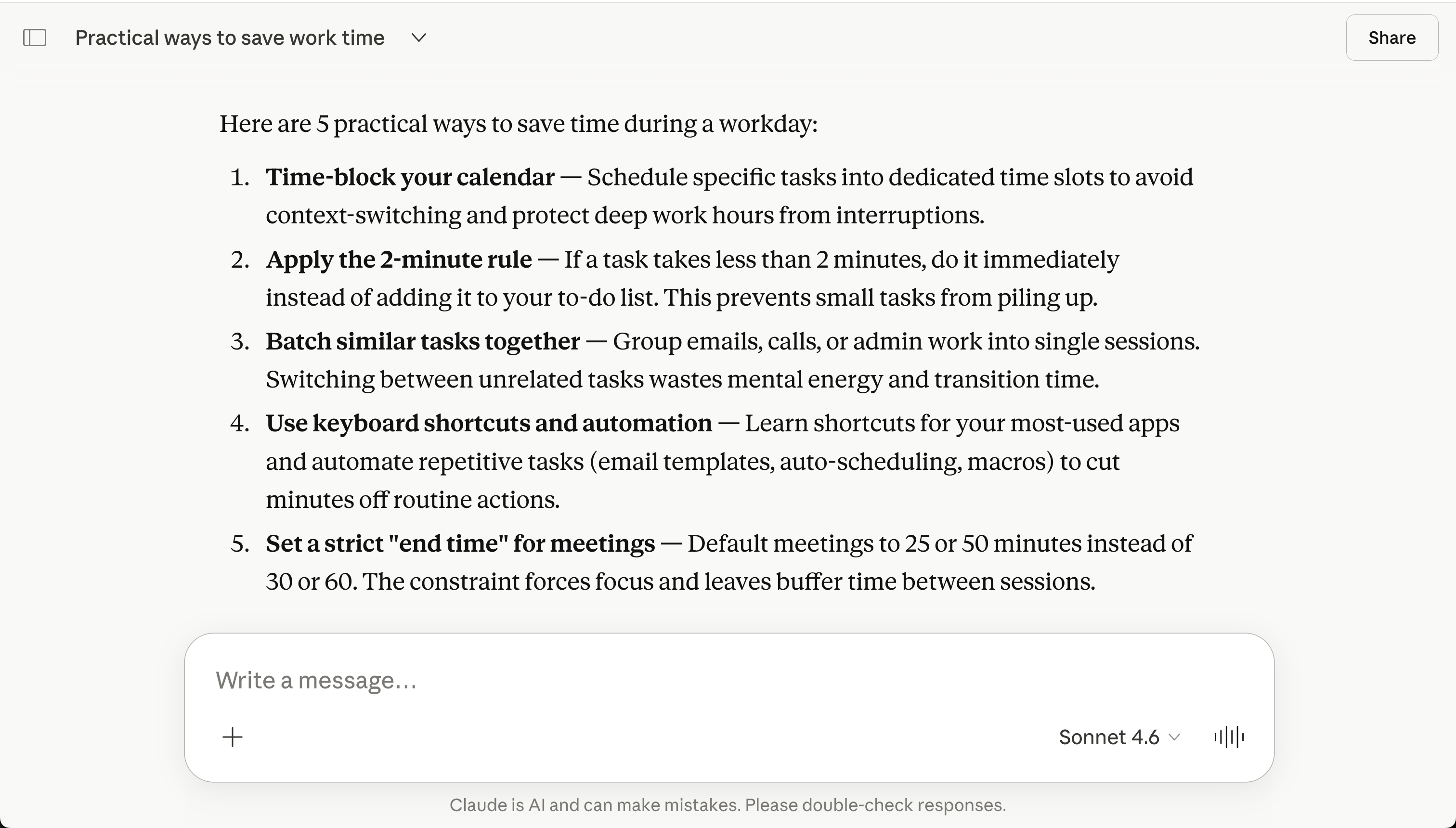
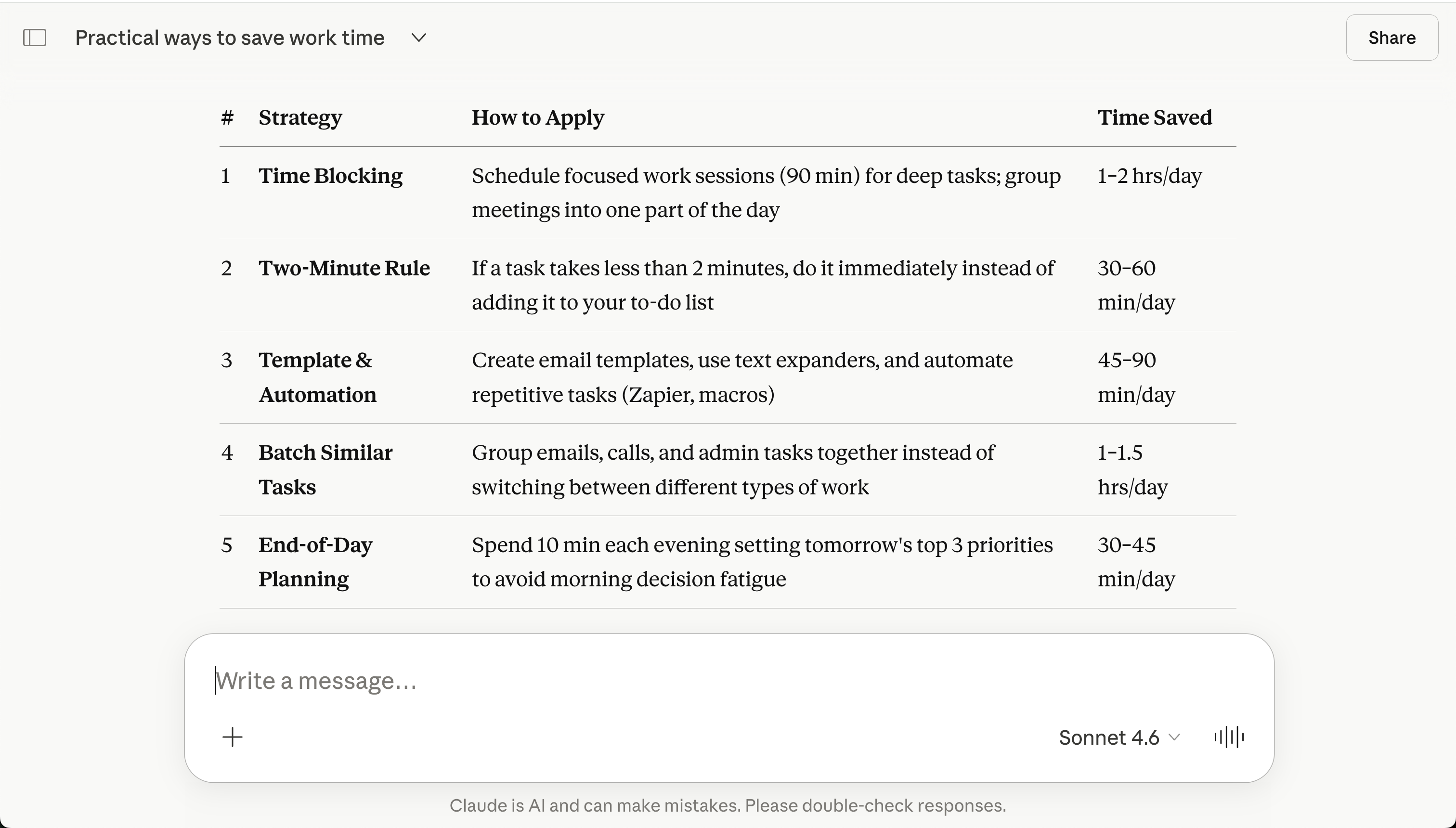

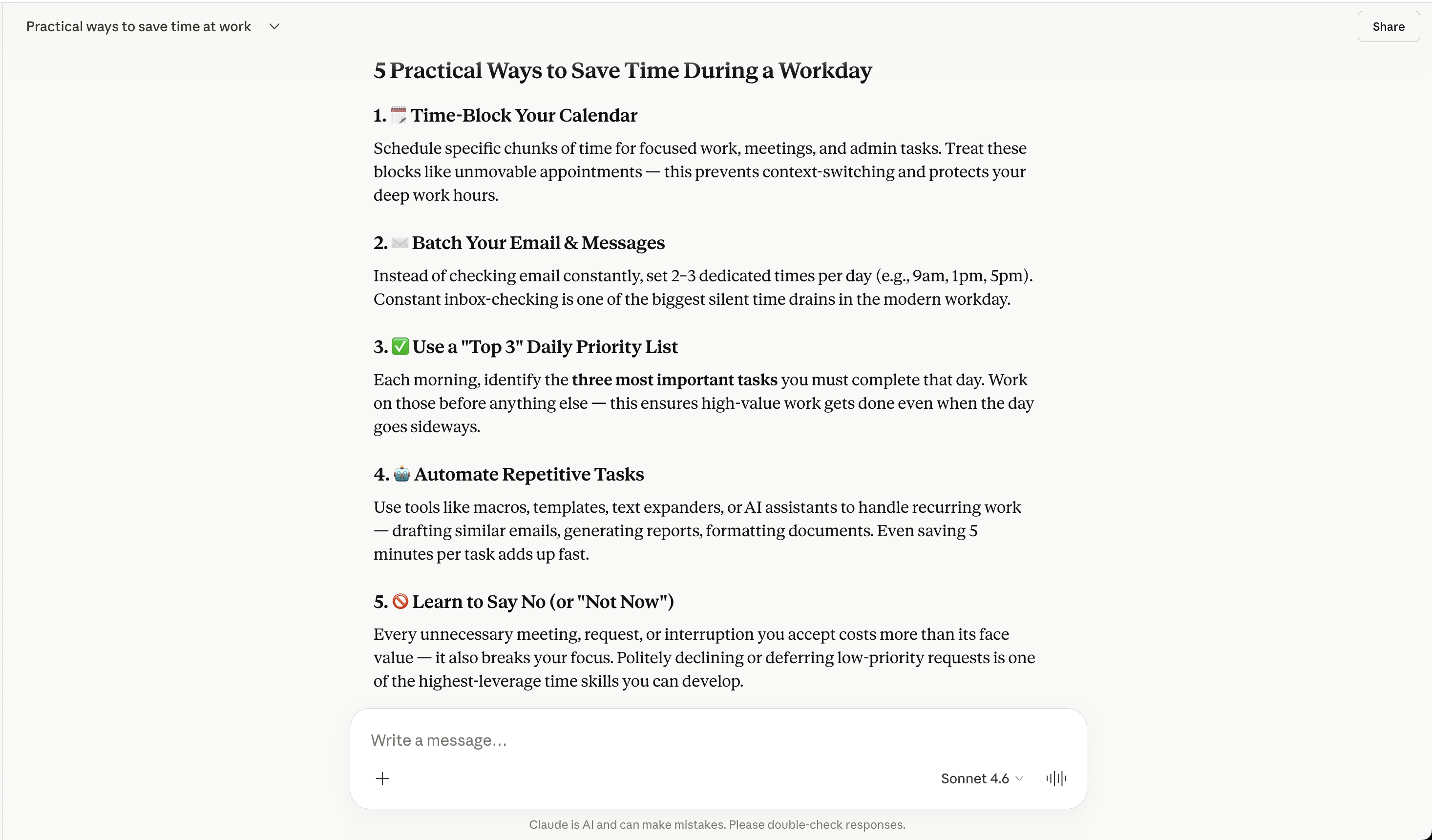
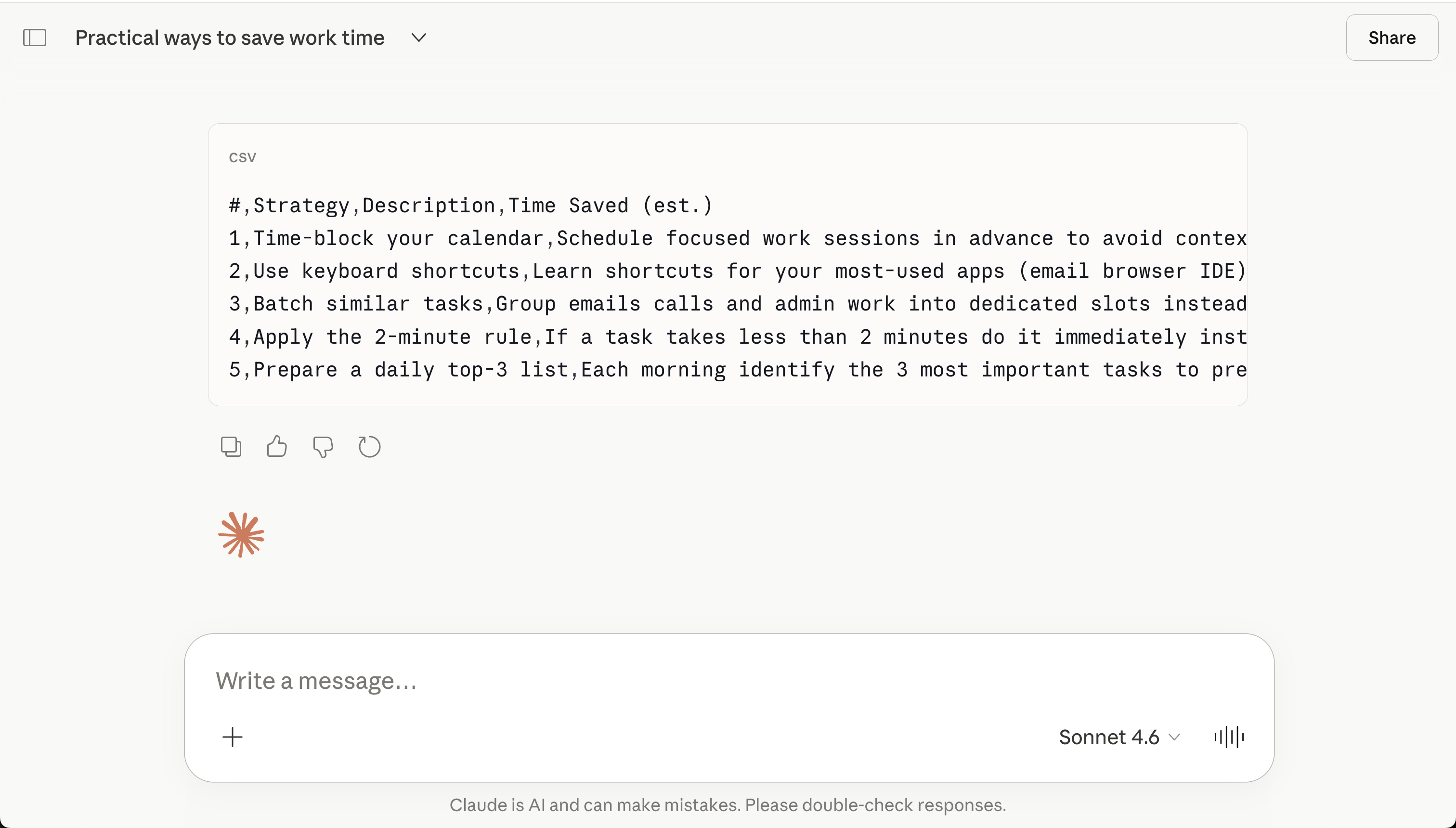

If you do not specify a format in your prompt, Claude will choose one automatically. This can result in answers that may not match your needs or require extra editing.
Thanks for your feedback!
Ask AI

Ask AI

Ask anything or try one of the suggested questions to begin our chat
