Creating and Managing Tables in Excel
Swipe to show menu
Tables help you organize data in Excel in a structured and efficient way. They automatically apply formatting, enable built-in filtering and sorting, allow the use of structured references in formulas, and make data analysis more convenient and reliable.
Key Points
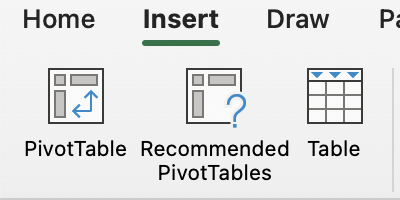
- Use Table in the Insert tab → Tables group to convert a data range into a structured table and enable headers;
- Press
Tabin the last cell of a table to quickly add a new row; - Enter formulas directly in table columns to calculate values, such as multiplying cells from the same row to compute revenue.
Essential Keyboard Shortcuts
Everything was clear?
Thanks for your feedback!
Section 1. Chapter 21
Ask AI

Ask AI

Ask anything or try one of the suggested questions to begin our chat
