Mastering IF Logical Tests and Relational Operators in Excel
Swipe to show menu
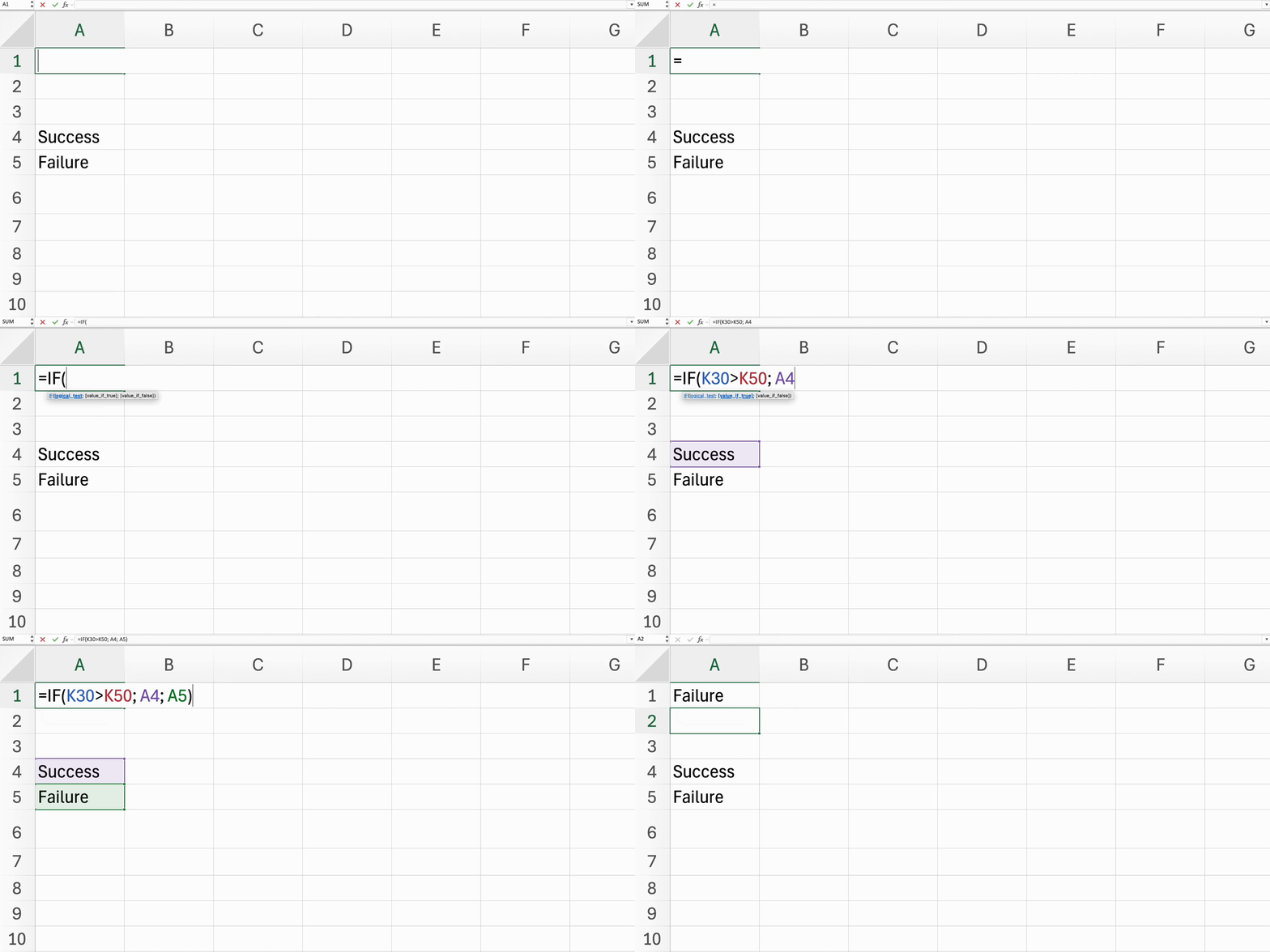
Understanding the IF function and relational operators is essential for automating decision-making processes within your spreadsheets.
Key Points
- Structure the
IFfunction using=IF(logical_test, value_if_true, value_if_false); - Use relational operators like
=,<>,>,<,>=, and<=to compare values; - Incorporate text conditions in the
IFfunction by using quotation marks around text values.
Everything was clear?
Thanks for your feedback!
Section 1. Chapter 12
Ask AI

Ask AI

Ask anything or try one of the suggested questions to begin our chat
