Challenge: Create Links to Popular Websites
Swipe to show menu
Goal
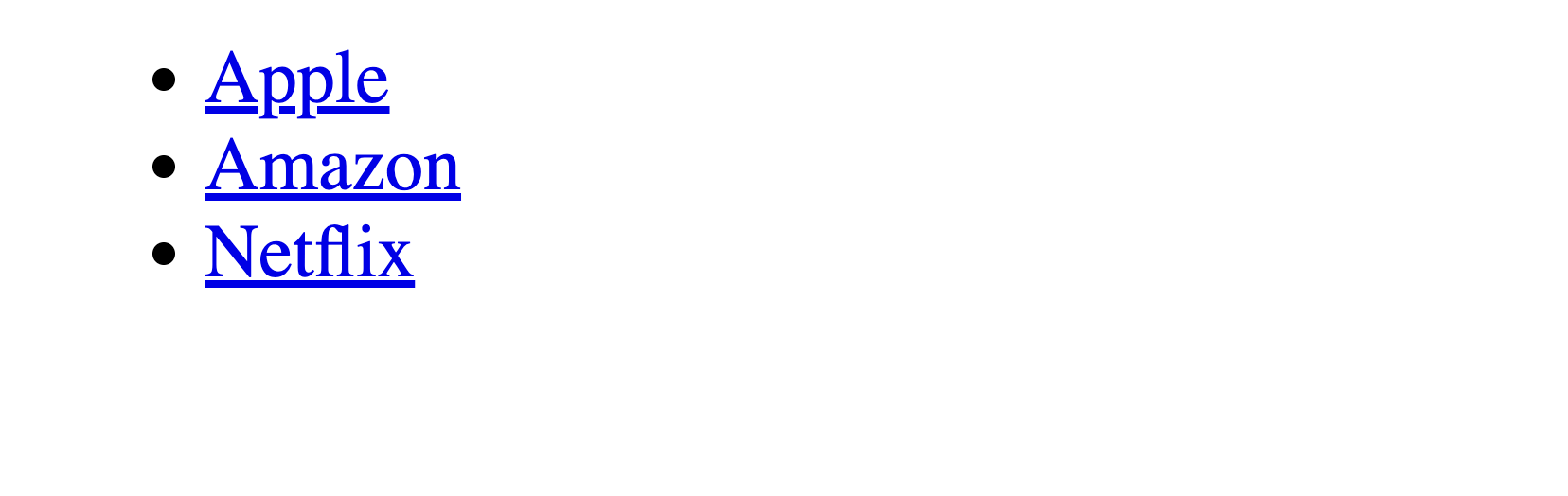
Create a captivating web page featuring an unordered list (<ul>) with links (<a>) to three popular websites. The magic lies in ensuring these links open in new tabs when clicked, enhancing the user experience and allowing them to explore each destination effortlessly.
Task
Use the following elements to create an exciting web discovery experience:
- Create an unordered list with three items using a
<ul>element. - Each list item should contain a link (
<a>) to a popular website and its name. - The list should contain the following items:
- "Apple" - Link to Apple's website:
https://www.apple.com/; - "Amazon" - Link to Amazon's website:
https://www.amazon.com/; - "Netflix" - Link to Netflix's website:
https://www.netflix.com/.
- "Apple" - Link to Apple's website:

index.html

- Use the
<ul>tag to create an unordered list; - Use the
<li>tag to create list items for each website link; - Use the
<a>tag to create links and specify the website URL using thehrefattribute; - To make the links open in new tabs, include the
target="_blank"attribute inside the<a>tag.
<ul>
  <li>
    <a href="https://www.apple.com/" target="_blank">Apple</a>
  </li>
  <li>
    <a href="https://www.amazon.com/" target="_blank">Amazon</a>
  </li>
  <li>
    <a href="https://www.netflix.com/" target="_blank">Netflix</a>
  </li>
</ul>
Thanks for your feedback!
Ask AI

Ask AI

Ask anything or try one of the suggested questions to begin our chat
Challenge: Create Links to Popular Websites
Goal
Create a captivating web page featuring an unordered list (<ul>) with links (<a>) to three popular websites. The magic lies in ensuring these links open in new tabs when clicked, enhancing the user experience and allowing them to explore each destination effortlessly.
Task
Use the following elements to create an exciting web discovery experience:
- Create an unordered list with three items using a
<ul>element. - Each list item should contain a link (
<a>) to a popular website and its name. - The list should contain the following items:
- "Apple" - Link to Apple's website:
https://www.apple.com/; - "Amazon" - Link to Amazon's website:
https://www.amazon.com/; - "Netflix" - Link to Netflix's website:
https://www.netflix.com/.
- "Apple" - Link to Apple's website:
index.html
- Use the
<ul>tag to create an unordered list; - Use the
<li>tag to create list items for each website link; - Use the
<a>tag to create links and specify the website URL using thehrefattribute; - To make the links open in new tabs, include the
target="_blank"attribute inside the<a>tag.
<ul>
  <li>
    <a href="https://www.apple.com/" target="_blank">Apple</a>
  </li>
  <li>
    <a href="https://www.amazon.com/" target="_blank">Amazon</a>
  </li>
  <li>
    <a href="https://www.netflix.com/" target="_blank">Netflix</a>
  </li>
</ul>
Thanks for your feedback!
