Relaterade kurser
Visa samtliga kurserNybörjare
Introduction to JavaScript
Dive into the world of the most popular language for front-end development – JavaScript. JavaScript is a language built into almost every browser and can be used for a wide variety of tasks. Learn the basic functionality and prepare yourself for the challenges and more advanced programming techniques.

Avancerad
Asynchronous JavaScript Explained
Master the core concepts of asynchronous programming in JavaScript, from the event loop to modern async/await syntax. Learn how JavaScript handles non-blocking operations, why asynchronous code is essential, and how to write robust, readable, and maintainable asynchronous code using Promises and async/await.
Nybörjare
Functions in JavaScript
JavaScript functions from the fundamentals to modern syntax and best practices. Gain understanding of how functions shape every part of JavaScript, helping create clean, modular, and efficient code. Master both classic patterns and modern approaches to writing reusable, maintainable functions for any project.
Managing JavaScript Packages with npm
Node Package Manager

by Oleh Subotin
Full Stack Developer
Jun, 2024・
4 min read


Introduction
npm, which stands for Node Package Manager, is an essential tool for modern web developers. As a package manager for JavaScript, npm enables efficient installation, sharing, and management of project dependencies. This article delves into npm’s functionality, its integral role in the JavaScript ecosystem, and its core features.
What is npm?
npm is more than just a package manager; it’s a cornerstone of the JavaScript development world, designed to streamline the management of libraries and dependencies. Bundled with Node.js, installing Node.js on your computer also installs npm. It includes:
- The npm CLI (Command Line Interface): This command line tool facilitates direct interaction with npm for installing, updating, and managing packages;
- The npm registry: A comprehensive database of both public and private packages, enabling developers to publish and share their JavaScript projects;
- The package.json file: Found in every npm-managed Node.js project’s root directory, this file catalogs all dependencies and their versions, along with other crucial project metadata.
Run Code from Your Browser - No Installation Required

Key Features of npm
Package Installation
npm streamlines the addition of libraries and frameworks to your projects. By executing npm install <package_name>, developers can integrate any package from the npm registry, with npm automatically handling all dependency resolutions.
Version Management
To prevent dependency conflicts, npm employs semantic versioning (semver). This system facilitates compatibility and stability across different project versions.
Dependency Management
npm maintains a detailed record of all packages and their versions within the package.json file. It supports bulk updates to the latest versions of all packages, simplifying project maintenance.
npm Scripts
npm scripts in the package.json file automate common tasks such as testing, building, and deploying applications, enhancing workflow efficiency.
Why Use npm?
Vast Registry
Hosting the largest software registry in the world, npm offers developers access to packages that cover nearly every conceivable functionality.
Community and Support
The extensive npm user base fosters a robust community, providing ample tutorials, support forums, and collective knowledge to troubleshoot issues and enhance package functionality.
Efficiency and Productivity
By leveraging community-developed packages, developers can concentrate on crafting unique application features, thereby boosting productivity and efficiency.
Conclusion
npm transcends its role as a mere package manager by fostering a vibrant ecosystem that empowers JavaScript developers with comprehensive tools for efficient package and dependency management. Indispensable for both small personal projects and large-scale enterprise applications, npm connects developers with a global community, streamlining the development process and enhancing productivity.
Start Learning Coding today and boost your Career Potential
FAQs
Q: What is npm?
A: npm, or Node Package Manager, is a tool that helps JavaScript developers manage and install libraries and dependencies for their projects.
Q: How do I install a package using npm?
A: To install a package using npm, you can use the command npm install <package_name>. This command downloads the package and its dependencies into your project.
Q: What is a package.json file?
A: The package.json file is a key file in any Node.js project managed by npm. It lists all the dependencies of the project, specifies versions, and includes other metadata about the project.
Q: How does npm handle version management?
A: npm uses semantic versioning, or semver, to manage package versions. This helps ensure that packages and their dependencies remain compatible and stable across different project versions.
Q: What are npm scripts?
A: npm scripts are commands defined in the package.json file that can automate tasks like testing, building, and deploying applications.
Q: Why is the npm registry important?
A: The npm registry is an extensive online database where developers can publish their JavaScript projects and access hundreds of thousands of other packages, making it a vital resource for finding and implementing diverse functionalities.
Var denna artikel nyttig?
Dela:
Var denna artikel nyttig?
Dela:
Relaterade kurser
Visa samtliga kurserNybörjare
Introduction to JavaScript
Dive into the world of the most popular language for front-end development – JavaScript. JavaScript is a language built into almost every browser and can be used for a wide variety of tasks. Learn the basic functionality and prepare yourself for the challenges and more advanced programming techniques.
Avancerad
Asynchronous JavaScript Explained
Master the core concepts of asynchronous programming in JavaScript, from the event loop to modern async/await syntax. Learn how JavaScript handles non-blocking operations, why asynchronous code is essential, and how to write robust, readable, and maintainable asynchronous code using Promises and async/await.
Nybörjare
Functions in JavaScript
JavaScript functions from the fundamentals to modern syntax and best practices. Gain understanding of how functions shape every part of JavaScript, helping create clean, modular, and efficient code. Master both classic patterns and modern approaches to writing reusable, maintainable functions for any project.
Why Good Developers Spend More Time Reading Code Than Writing It
Understanding Why Code Comprehension Becomes the Most Valuable Engineering Skill
by Oleh Subotin
Full Stack Developer
Mar, 2026・5 min read

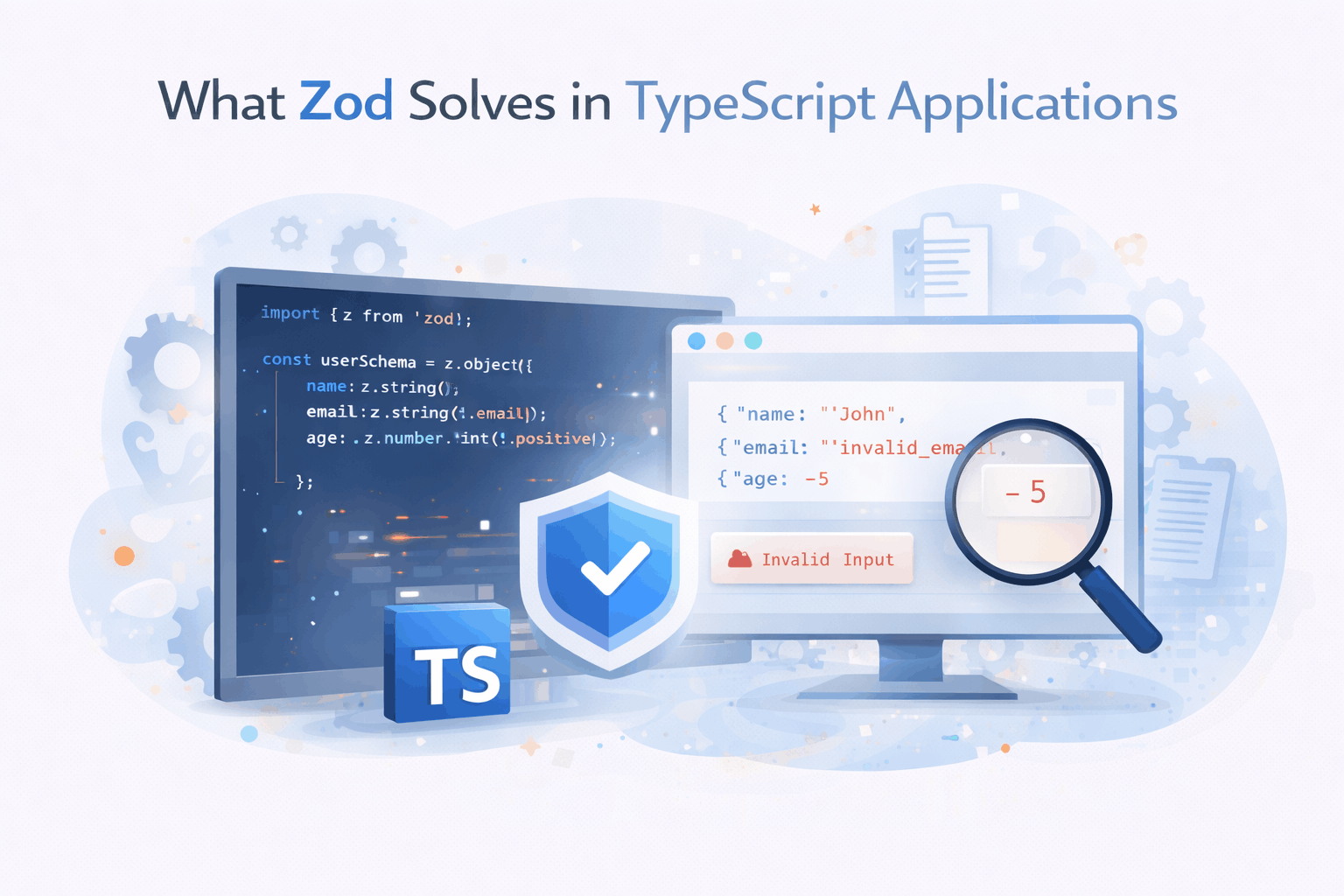
What Zod Solves in TypeScript Applications
Why Runtime Validation Became a Missing Piece in Many TypeScript Projects
by Oleh Subotin
Full Stack Developer
Mar, 2026・5 min read
What OpenClaw Is and Why Developers Are Paying Attention
How OpenClaw Connects Language Models with Real Tools and Automation Tasks
by Oleh Subotin
Full Stack Developer
Mar, 2026・6 min read

Innehållet i denna artikel
