Gerelateerde cursussen
Bekijk Alle CursussenBeginner
Kotlin for Java Developers
A hands-on course designed for Java developers to master Kotlin by focusing on practical differences, interoperability, and idiomatic Kotlin features. Start with a conceptual foundation, then dive into code-driven chapters covering functional style, null-safety, object creation, and more.

Halfgevorderd
Kotlin Classes and Objects
A beginner-friendly course introducing the fundamentals of classes and objects in Kotlin. Learn how to define classes, create objects, use properties and methods, and understand the basics of object-oriented programming in Kotlin.
Beginner
Kotlin Loops
A beginner-friendly course introducing the fundamentals of loops in Kotlin, including for, while, and do-while loops, as well as practical use cases and loop control statements.
Inline Functions in Kotlin
Understanding inline, noinline, and crossinline through real behavior and practical examples

by Eugene Obiedkov
Full Stack Developer
Mar, 2026・
7 min read


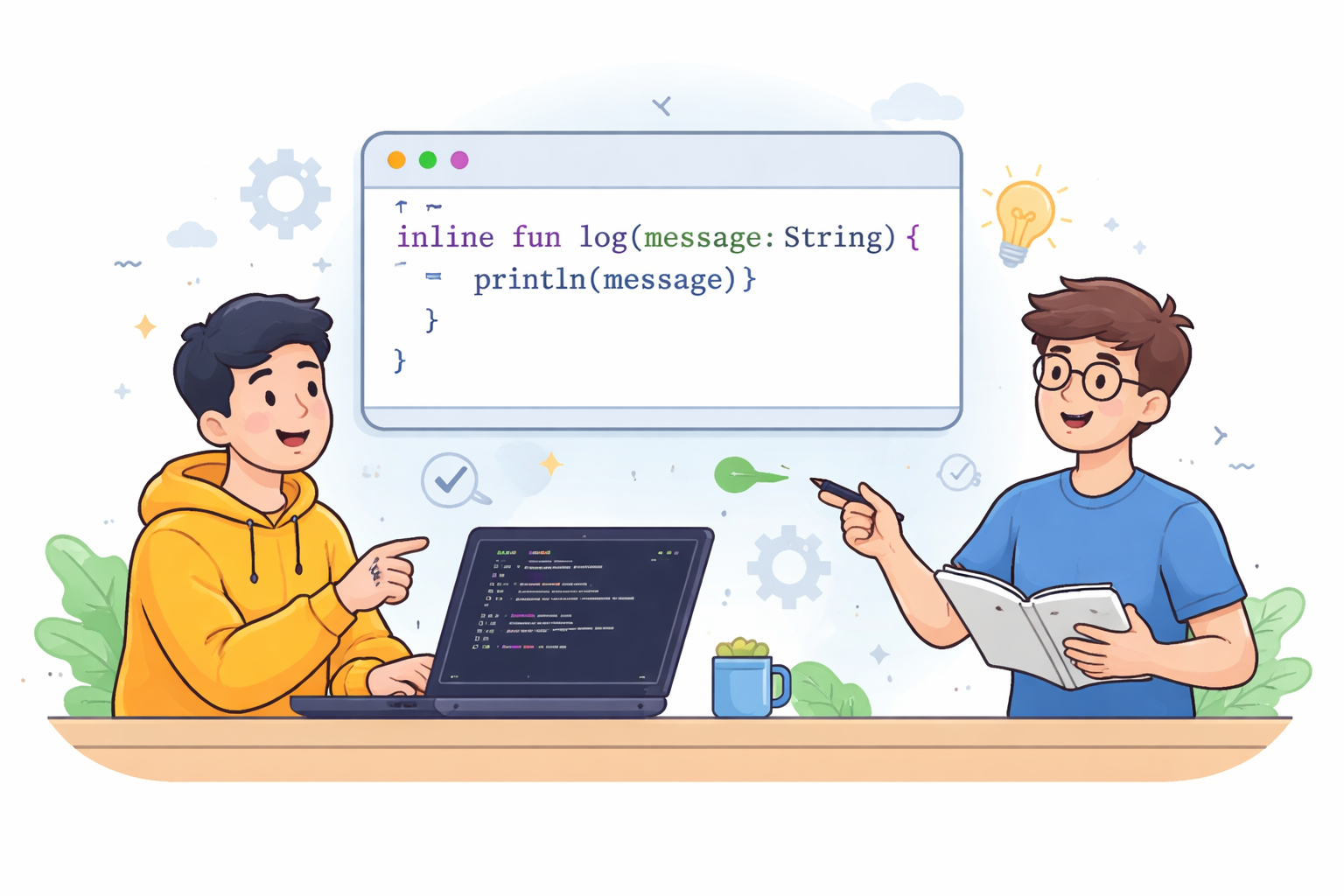
Inline functions in Kotlin are a feature that helps make your code faster and more efficient, especially when working with lambdas. At first glance, it may look like just another keyword, but it actually changes how your code is compiled and executed under the hood.
What Are Inline Functions
When you mark a function with the inline keyword, you’re telling the compiler not to call it in the usual way. Instead, the compiler takes the body of that function and inserts it directly at the call site.
For example:
inline fun log(message: String) {
    println(message)
}

fun main() {
    log("Hello")
}
After compilation, the function call essentially disappears, and the code behaves as if you had written:
fun main() {
    println("Hello")
}
This means there is no extra function call, no additional stack usage, and execution becomes slightly more efficient.
Why This Matters for Lambdas
The main reason inline functions exist in Kotlin is because of lambdas. When you pass a lambda to a regular function, Kotlin creates an object and then calls it through an interface. This introduces extra overhead, which can add up if used frequently.
When a function is marked as inline, the lambda is not turned into an object. Instead, its code is inserted directly into the function body. As a result, the program runs faster and uses less memory.
That’s why commonly used functions like let, run, apply, and also are declared as inline—they rely heavily on lambdas and are used very often.
Run Code from Your Browser - No Installation Required

Types of Inline Behavior
Although inline might sound like a simple “copy-paste” mechanism, Kotlin provides a few modifiers to control how it behaves in different scenarios.
In the default case, all lambdas passed to an inline function are also inlined. This is ideal when you want maximum performance and don’t need to store or pass the lambda elsewhere.
However, sometimes you need to keep a lambda as an object—for example, if you want to pass it to another function or store it in a variable. In that case, you can mark it with noinline, which tells the compiler not to inline that specific lambda.
There is also a case related to function returns. Inline lambdas allow something called a “non-local return,” meaning you can return not just from the lambda, but from the outer function as well. While this can be useful, it may also lead to unexpected behavior. To prevent that, Kotlin provides the crossinline modifier, which disallows such returns and makes the behavior safer, especially when the lambda is executed inside another context like a Runnable.
Special Feature: Non-Local Return
Inline functions allow a unique behavior where you can exit the outer function directly from inside a lambda. This works because the lambda is inlined into the code rather than executed separately.
inline fun test(action: () -> Unit) {
    action()
}

fun main() {
    test {
        return  // exits main
    }
}
This behavior is not possible with regular functions and is a direct result of inlining.
When to Use Inline Functions
Inline functions are most useful when you have small functions that take lambdas and are called frequently. In these cases, they can improve performance and reduce memory usage.
However, if the function is large, inlining it will duplicate its code at every call site, increasing the size of the compiled bytecode. This can negatively affect performance. Also, if a function does not use lambdas, the benefit of making it inline is usually minimal.
Start Learning Coding today and boost your Career Potential
Conclusion
Inline functions in Kotlin give you control over how your code is expanded during compilation. They are especially valuable when working with lambdas, as they eliminate unnecessary object creation and improve performance. Understanding how inline, noinline, and crossinline work allows you to write code that is not only efficient but also predictable and easier to reason about.
FAQ
Q: What is an inline function in Kotlin?
A: An inline function is a function whose body is inserted directly at the call site during compilation, instead of being called in the usual way. This helps reduce overhead and improve performance.
Q: Why are inline functions mainly used with lambdas?
A: Inline functions eliminate the need to create lambda objects and additional function calls. This reduces memory usage and makes execution faster, especially when lambdas are used frequently.
Q: What problem do inline functions solve?
A: They solve the performance overhead caused by object creation and function calls when working with lambdas, making the code more efficient.
Q: What is the difference between inline and regular functions?
A: Regular functions are called at runtime and involve stack operations, while inline functions are expanded at compile time by inserting their code directly into the caller.
Q: What does noinline mean?
A: The noinline modifier prevents a specific lambda from being inlined, allowing it to be treated as a normal object that can be stored or passed around.
Q: What does crossinline mean?
A: The crossinline modifier prevents non-local returns from a lambda, ensuring that the lambda cannot exit the outer function unexpectedly.
Q: What is a non-local return?
A: A non-local return allows a lambda inside an inline function to return from the outer function, not just from the lambda itself.
Q: When should you use inline functions?
A: They should be used for small, frequently called functions that take lambdas, especially when performance matters.
Q: When should you avoid inline functions?
A: You should avoid them for large functions or when lambdas are not involved, as they can increase bytecode size without providing real benefits.
Was dit artikel nuttig?
Delen:
Was dit artikel nuttig?
Delen:
Gerelateerde cursussen
Bekijk Alle CursussenBeginner
Kotlin for Java Developers
A hands-on course designed for Java developers to master Kotlin by focusing on practical differences, interoperability, and idiomatic Kotlin features. Start with a conceptual foundation, then dive into code-driven chapters covering functional style, null-safety, object creation, and more.
Halfgevorderd
Kotlin Classes and Objects
A beginner-friendly course introducing the fundamentals of classes and objects in Kotlin. Learn how to define classes, create objects, use properties and methods, and understand the basics of object-oriented programming in Kotlin.
Beginner
Kotlin Loops
A beginner-friendly course introducing the fundamentals of loops in Kotlin, including for, while, and do-while loops, as well as practical use cases and loop control statements.
Top 25 C# Interview Questions and Answers
Master the Essentials and Ace Your C# Interview

by Ihor Gudzyk
C++ Developer
Nov, 2024・17 min read
Rust for Web Backend Development: Axum, Actix, and the Memory-Safe Future
Why Rust is no longer just a systems language

by Daniil Lypenets
Full Stack Developer
May, 2026・16 min read

Best Laptops for Coding in 2024
Top Picks and Key Features for the Best Coding Laptops

by Anastasiia Tsurkan
Backend Developer
Aug, 2024・12 min read

Inhoud van dit artikel
