Gerelateerde cursussen
Bekijk Alle CursussenWhat Google AI Studio Actually Is and When It Makes Sense
Where Google AI Studio Fits in the AI Development Workflow

by Oleh Subotin
Full Stack Developer
Mar, 2026・
5 min read


A Tool That Appeared Faster than Its Explanation
Over the last year, AI development tools have multiplied quickly. New interfaces appear for testing prompts, experimenting with models, and wiring them into applications.
Google AI Studio is one of those tools. Many developers encounter it while exploring Gemini models, but its role isn't always obvious at first. It's not an IDE and it's not a platform for building complete applications.
Instead, it sits earlier in the process, in the stage where developers are still trying to understand how a model behaves.
That stage is more important than it sounds.
Why Prompt Experimentation Exists at All
Working with language models is different from traditional programming. With normal code, behavior is mostly deterministic. Given the same inputs, the system produces the same output. Logic is explicit and predictable.
Large language models behave differently. Small changes in wording, examples, or context can produce noticeably different responses. Documentation rarely captures that nuance. Because of that, developers spend time experimenting:
- Adjusting prompts;
- Adding examples;
- Changing system instructions;
- Tuning parameters like temperature, top-p, or max output tokens.
Understanding how the model reacts often requires iteration. That experimentation phase is exactly where AI Studio fits.
What AI Studio Actually Provides
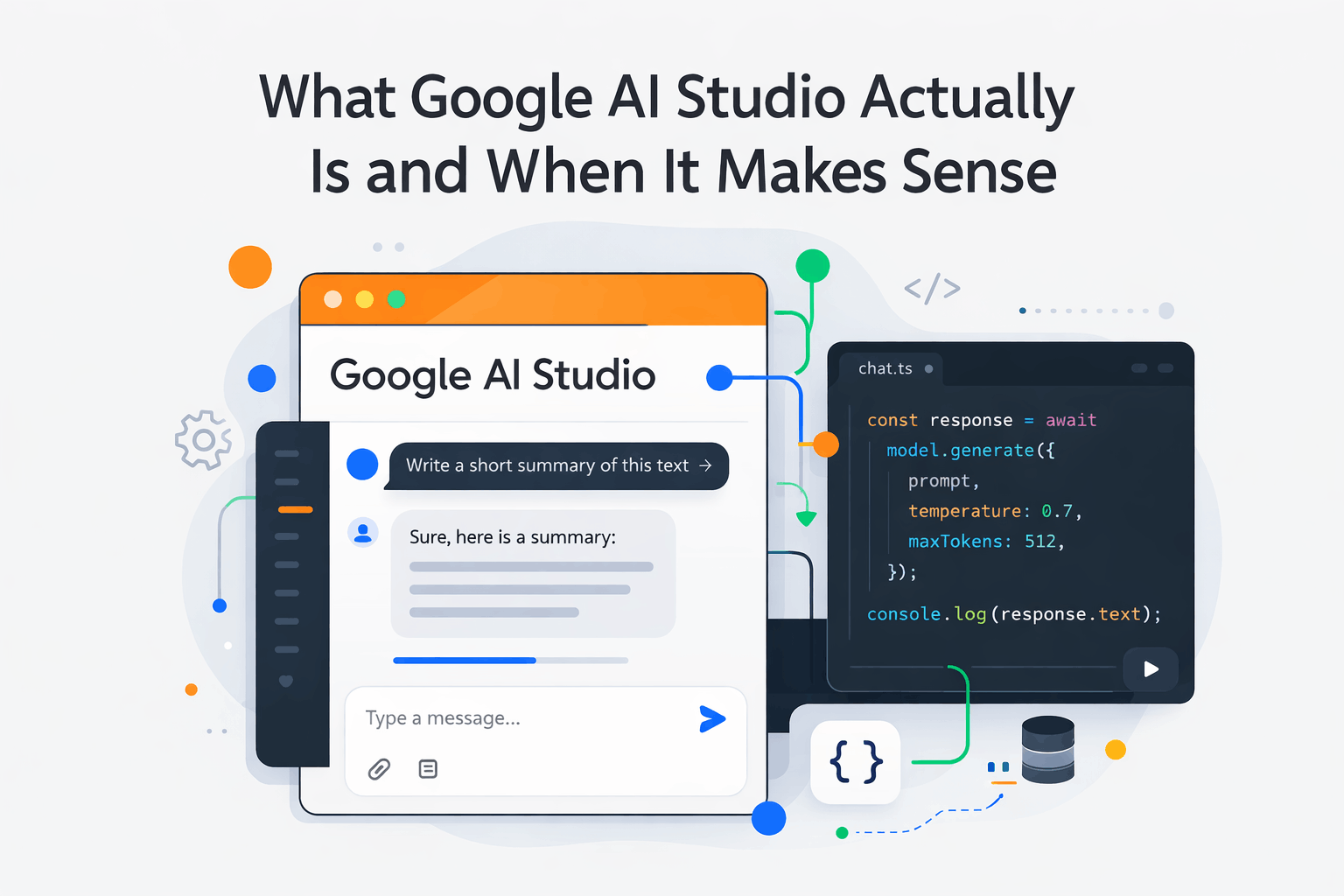
At its core, Google AI Studio is a visual interface for interacting with Gemini models.
Developers can write prompts, tweak generation settings, and observe responses without writing code. The interface exposes common parameters used in text generation, such as:
- Temperature, which affects response creativity;
- Top-p sampling, which changes token selection diversity;
- Output token limits, which control response length.
The tool also allows developers to structure prompts using examples or system instructions and quickly see how the model responds to different variations.
Once a prompt behaves consistently, AI Studio can generate the corresponding API request that developers later integrate into an application. In other words, it helps translate experimentation into something that can run in production code.
Run Code from Your Browser - No Installation Required

Where It Fits in a Real Development Workflow
For teams building AI features, the workflow often looks something like this:
- Experimenting with prompts and parameters in a playground tool;
- Observing model behavior across multiple variations;
- Identifying a prompt structure that produces stable responses;
- Moving that prompt into application code through an API.
Without tools like AI Studio, that experimentation usually happens inside backend scripts or temporary code. That makes iteration slower and clutters the development process. Separating prompt experimentation from system implementation makes the workflow cleaner.
What It Doesn't Replace
It's also important to understand the limits of tools like AI Studio. They don't replace the rest of the system. Production applications still require:
- Backend services;
- Authentication;
- Data storage;
- Monitoring;
- Rate limiting and error handling.
AI Studio simply helps answer a different question earlier in the process:
"How should the model behave?"
Once that question is reasonably understood, the real engineering work begins.
Conclusion
The existence of tools like AI Studio reflects a subtle change in how software is built.
Part of development is no longer just writing logic. It involves exploring how probabilistic systems behave under different prompts and contexts.
That exploration stage used to happen informally in code or notebooks. Now it has its own tools.
AI Studio isn't trying to be a full development environment. It's simply a place where developers can understand model behavior before turning that behavior into a real feature.
And for AI-powered systems, that step is becoming hard to skip.
Start Learning Coding today and boost your Career Potential
FAQs
Q: What is Google AI Studio used for?
A: Google AI Studio is mainly used to experiment with Gemini models. It allows developers to test prompts, adjust generation parameters, and observe how the model responds before integrating it into an application.
Q: Is Google AI Studio meant for building full applications?
A: No. It's primarily a prototyping environment. Production systems still require backend services, authentication, data storage, and other infrastructure.
Q: How is Google AI Studio different from writing prompts directly in code?
A: It removes the need to constantly change and rerun backend scripts. Developers can iterate on prompts and parameters quickly before translating them into API calls.
Q: When does it make sense to use Google AI Studio?
A: It is most useful during the early stages of building AI features, when teams are still exploring prompt structure, model behavior, and output quality.
Q: Is Google AI Studio similar to tools like OpenAI Playground?
A: Yes. Both tools serve a similar purpose: providing an interface for experimenting with prompts and model parameters before moving to production code.
Q: Do developers still need backend logic when using AI Studio?
A: Absolutely. AI Studio only helps design interactions with the model. The real application logic, data handling, and system integration still happen in backend services.
Was dit artikel nuttig?
Delen:
Was dit artikel nuttig?
Delen:
Gerelateerde cursussen
Bekijk Alle CursussenTop 50 Must Know JavaScript Interview Questions
JavaScript Interview Questions and Answers
by Oleh Subotin
Full Stack Developer
Apr, 2024・24 min read

How Does AI Improve Customer Experience
AI-Powered User Experiences
by Oleh Subotin
Full Stack Developer
Feb, 2025・4 min read

URL vs URI vs URN
Uniform Resource Identifiers

by Andrii Chornyi
Data Scientist, ML Engineer
Mar, 2024・7 min read

Inhoud van dit artikel
