Relaterade kurser
Visa samtliga kurserNybörjare
AI Automation Workflows with n8n
n8n is a flexible automation platform for connecting apps, transforming data, and building AI-powered workflows. You'll develop strong fundamentals through real, practical examples, covering triggers, JSON handling, data-flow theory, AI integration, webhooks, and complete automation builds. The focus is on understanding how information moves through a workflow and how to structure that information so nodes and APIs behave predictably. The result is the ability to design, debug, and ship reliable automations that work end to end.

Nybörjare
Workflow Automation with Make.com
Learn how to build powerful, real-world automation systems using Make.com and AI. Start with the fundamentals of scenario building and flow control, then master data handling, functions, APIs, and webhooks. Move into advanced workflows that combine RSS feeds, AI agents, and multimedia processing to create intelligent content pipelines. Finish by assembling a complete automation system, managing AI outputs, and exploring expansion ideas for scaling your workflows.

10 Real Work Tasks You Can Automate with OpenClaw
Turn repetitive work into automated workflows with an AI that actually executes tasks

by Ihor Gudzyk
C++ Developer
Mar, 2026・
10 min read


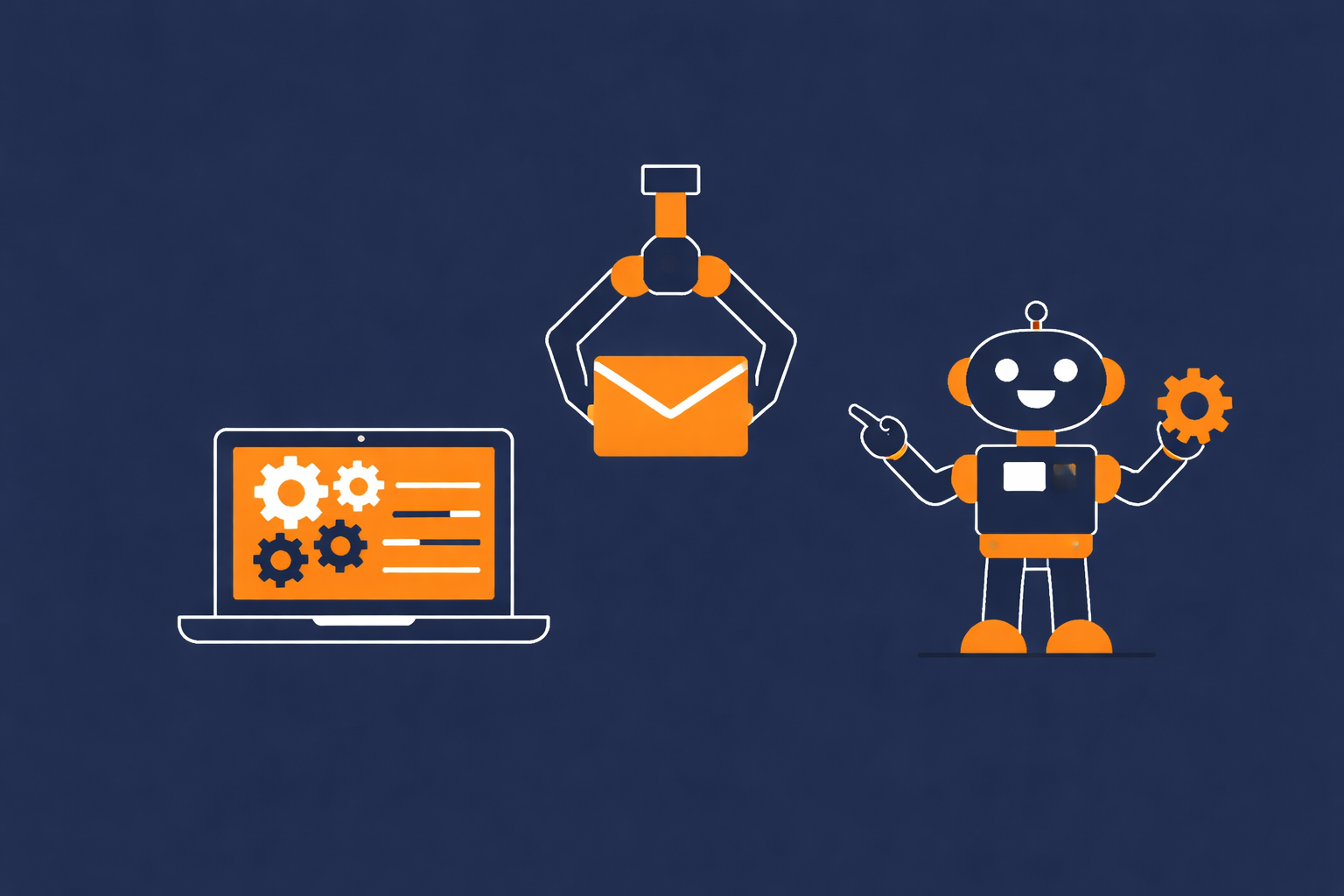
Imagine messaging an AI assistant and saying, Handle my emails, organize my files, and prepare a report for tomorrow. Not suggestions. Not drafts. Done.
That is exactly what OpenClaw is built for. Unlike traditional AI tools that only generate text, OpenClaw is an autonomous AI agent that can take real actions across your system, apps, and workflows. It connects to your files, browser, and services, then executes multi-step tasks with minimal supervision. It behaves more like a digital operator than a chatbot:
- Reads and writes files;
- Sends emails and manages calendars;
- Automates workflows across tools;
- Runs continuously and retains context.
In short, it is software that does the work, not just explains it.
What You Can Actually Automate
Here are 10 real, work-related tasks you can automate with OpenClaw:

|

|

|
| Task | What It Automates |
|---|---|
| Email Management | Inbox cleanup, replies, summaries |
| Scheduling | Meetings, calendar coordination |
| Research & Reports | Data gathering and summaries |
| File Organization | Sorting, renaming, structuring |
| Task Management | To-do tracking and reminders |
| Content Creation | Drafting posts, emails, docs |
| Lead Generation | Prospect research, CRM updates |
| Travel Planning | Booking and itinerary creation |
| Data Processing | Spreadsheet updates, analysis |
| Cross-App Workflows | Multi-step automation across tools |
Email Management
OpenClaw can take over your inbox by reading, organizing, and responding to emails automatically. Unlike traditional tools, it does not just suggest replies, it can actually send them and manage your communication workflow end to end like:
- Sort and prioritize incoming emails;
- Summarize long threads;
- Draft or send replies;
- Follow up or extract useful data.
Because it connects directly to your email account, it can monitor messages and act on them in real time, reducing manual work.
Email is one of the most repetitive parts of work. With OpenClaw handling it, you move from constantly managing your inbox to simply reviewing completed actions instead of doing them yourself.
Scheduling and Calendar Coordination
OpenClaw can automate research by gathering information and turning it into structured reports, saving you from manual searching and summarizing:
- Collect data from multiple sources;
- Summarize key insights;
- Generate structured reports;
- Update documents automatically.
Run Code from Your Browser - No Installation Required

File and Document Management
OpenClaw can keep your workspace organized by automatically sorting, renaming, and structuring files. It works directly with your system, so you don’t need to manually clean folders or manage documents.
This helps maintain a clean and consistent file structure, reducing clutter and saving time, so you can focus on work instead of file management.
Task Tracking and Workflow Automation
OpenClaw can manage your tasks by turning requests into actionable items and automating entire workflows, tracking progress, updating statuses, and triggering next steps without manual input, which reduces the need for constant planning and coordination and allows you to focus on execution while routine processes run automatically in the background.
Content Creation and Marketing Workflows
OpenClaw can streamline content creation by generating, editing, and preparing marketing materials automatically, helping you move from idea to publish-ready content much faster.
| Task | Automation |
|---|---|
| Writing | Draft emails, posts, articles |
| Editing | Improve tone and clarity |
| Formatting | Structure content for platforms |
| Publishing | Prepare or schedule posts |
This reduces the time spent on repetitive writing and editing, allowing you to focus on strategy while OpenClaw handles the execution and consistency of your content workflows.
Lead Generation and CRM Updates
OpenClaw can automate lead generation by finding potential prospects, extracting relevant data, and updating your CRM automatically. It can scan websites, emails, or databases to identify opportunities without manual research.
This ensures your pipeline stays updated and reduces time spent on repetitive data entry, allowing you to focus on closing deals while your system continuously collects and organizes new leads.
Start Learning Coding today and boost your Career Potential
Data Extraction and Spreadsheet Automation
OpenClaw can automate data work by extracting information from emails, documents, or websites and updating spreadsheets automatically, reducing manual entry and ensuring your data stays accurate and up to date while you focus on analysis instead of repetitive processing.
Cross-Tool Business Workflows
OpenClaw can automate complex workflows by connecting multiple tools, reading data from one app, processing it, and triggering actions in another, allowing entire multi-step processes to run automatically without manual coordination.
| Workflow Example | Result |
|---|---|
| Email → Extract data → Update CRM | Leads added automatically |
| Form submission → Update sheet → Notify team | Instant tracking and alerts |
| Invoice email → Save file → Log in spreadsheet | Automated record keeping |
FAQs
Q: What is OpenClaw in simple terms?
A: OpenClaw is an AI agent that can perform real tasks on your computer, like managing emails, organizing files, and automating workflows instead of just generating text.
Q: Do I need coding skills to use OpenClaw?
A: Not necessarily, basic setups can be used without coding, but more advanced automations may require some technical knowledge.
Q: Is OpenClaw safe to use?
A: It depends on how you configure it, since it can access your files and apps, you should carefully manage permissions and security settings.
Q: Can OpenClaw replace tools like Zapier or Make?
A: In some cases yes, because it can handle multi-step workflows dynamically, but traditional tools may still be more stable for predefined automations.
Q: What are the main limitations?
A: It may require setup, can make mistakes, and is still evolving, so it is best used with supervision rather than full autonomy.
Var denna artikel nyttig?
Dela:
Var denna artikel nyttig?
Dela:
Relaterade kurser
Visa samtliga kurserNybörjare
AI Automation Workflows with n8n
n8n is a flexible automation platform for connecting apps, transforming data, and building AI-powered workflows. You'll develop strong fundamentals through real, practical examples, covering triggers, JSON handling, data-flow theory, AI integration, webhooks, and complete automation builds. The focus is on understanding how information moves through a workflow and how to structure that information so nodes and APIs behave predictably. The result is the ability to design, debug, and ship reliable automations that work end to end.
Nybörjare
Workflow Automation with Make.com
Learn how to build powerful, real-world automation systems using Make.com and AI. Start with the fundamentals of scenario building and flow control, then master data handling, functions, APIs, and webhooks. Move into advanced workflows that combine RSS feeds, AI agents, and multimedia processing to create intelligent content pipelines. Finish by assembling a complete automation system, managing AI outputs, and exploring expansion ideas for scaling your workflows.
The 80 Top Java Interview Questions and Answers
Key Points to Consider When Preparing for an Interview

by Daniil Lypenets
Full Stack Developer
Apr, 2024・30 min read
Top 50 Python Interview Questions for Data Analyst
Common Python questions for DA interview

by Ruslan Shudra
Data Scientist
Apr, 2024・27 min read

The 50 Top SQL Interview Questions and Answers
For Junior and Middle Developers

by Oleh Lohvyn
Backend Developer
Apr, 2024・31 min read

Innehållet i denna artikel
