Relaterede kurser
Se alle kurserMellemniveau
JavaScript Data Structures
Learn to work confidently with data in JavaScript by mastering objects and arrays. Understand how to create, access, and manage object properties and methods effectively. Dive into advanced object manipulation techniques, including iteration, cloning, and destructuring for cleaner code. Build a strong foundation in working with arrays and learn to manage, iterate, and modify array elements efficiently. Master advanced array methods like map, filter, find, and sort to transform and handle data effectively in your applications.

Begynder
JavaScript Ninja
Welcome to the JavaScript Ninja Course! This engaging and interactive course is designed to introduce you to the fundamentals of JavaScript programming through a fun and educational game. You'll guide a ninja through various challenges, using JavaScript to control movements and interact with objects like sushi. Starting with the basics, you'll learn how to navigate the map, pick up and place sushi, and gradually progress to more complex programming concepts such as functions, loops, and conditional statements. Each chapter offers hands-on practice to reinforce your learning, culminating in exciting challenges that test your skills. Whether you're a complete beginner or looking to sharpen your coding abilities, this course provides a comprehensive and enjoyable learning experience. Join us and become a coding ninja!
Mellemniveau
Working with Dates and Times in JavaScript
A complete, hands-on introduction to working with dates and times in JavaScript. This course covers everything from basic date creation and formatting to advanced concepts like time zones and modern libraries. Build the skills to handle dates accurately and confidently in any real-world web project.
Users Don't See Features — They See Friction
Why Product Quality Starts before Features Load

by Oleh Subotin
Full Stack Developer
Feb, 2026・
5 min read


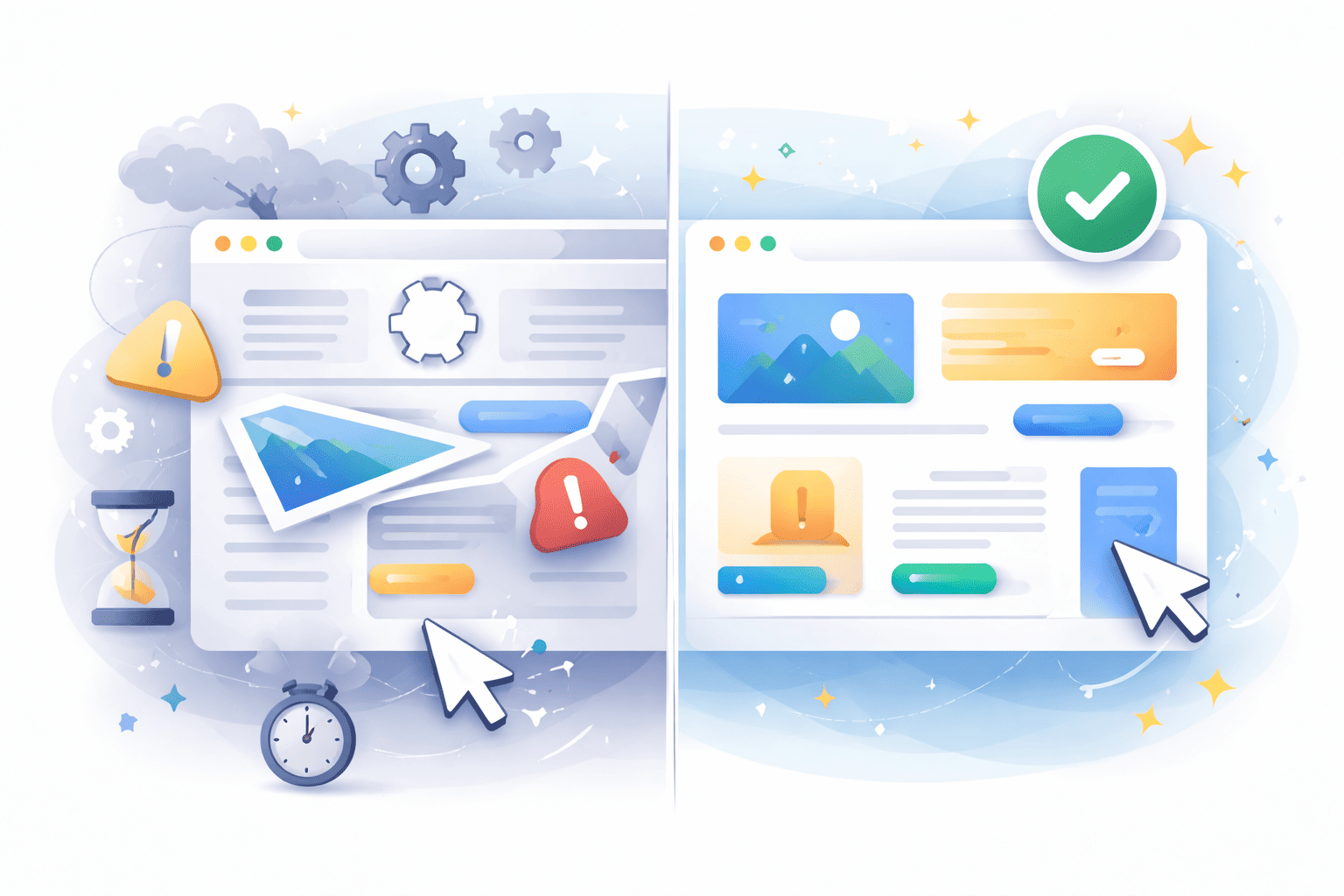
Users Experience Resistance, Not Roadmaps
Users rarely experience a product the way teams build it.
Internally, development revolves around features: roadmaps, releases, and capabilities shipped over time. Progress is measured by what was added. But from the outside, users don't perceive products through feature depth. They perceive them through resistance.
They notice a delay. They notice instability. They notice when something feels harder to use than expected. These signals shape trust long before the value of any feature is fully understood.
That's why the amount of functionality doesn't define product quality. It's defined by how little friction stands between the user and that functionality.
Speed Is the First Signal of Quality
Speed is often the earliest and most visible form of friction.
When an interface hesitates, even slightly, confidence drops. A delayed interaction makes the system feel uncertain. Users may not articulate the cause, but they feel the effect immediately. Responsiveness communicates reliability faster than design or messaging ever can.
Friction at this layer often comes from:
- Heavy JavaScript blocking interaction;
- Delayed rendering of critical UI;
- Poorly timed loading sequences;
- Unnecessary re-renders.
Nothing appears broken, but everything feels heavier than it should. Performance, in this sense, is less about metrics and more about perception. Fast systems feel dependable. Slow ones feel temporary.
Run Code from Your Browser - No Installation Required

Usability Friction Is Quiet but Persistent
Friction also appears in ways that rarely get labeled as performance issues.
When keyboard navigation breaks, users don't think about accessibility standards, they think the interface is clumsy. When focus states are missing, interactions feel imprecise. When contrast is weak or structure unclear, cognitive load increases.
Common friction points include:
- Missing or invisible focus states;
- Inconsistent navigation flows;
- Weak visual hierarchy;
- Unclear form feedback.
Accessibility, in this context, becomes less about compliance and more about interface maturity. The smoother the interaction, the less effort users have to put into understanding how to proceed.
Visibility Begins with Structure
Friction doesn't just affect active users, it also affects discoverability.
Search engines interpret structure the way users interpret experience. If content loads unpredictably, lacks semantic clarity, or appears unstable during rendering, meaning becomes harder to extract.
Structural friction often stems from: weak semantic markup, unstable layout during load, missing metadata context, and inconsistent content hierarchy.
Products invest heavily in features while overlooking whether those features can even be discovered. Discoverability, like usability, begins with structural clarity.
Friction Compounds Quietly over Time
What makes friction dangerous is how invisible it is.
Users rarely submit detailed reports about interaction delay or navigation discomfort. They simply disengage. Drop-off increases, retention softens, and perceived quality declines without a single catastrophic failure. Because friction accumulates gradually, teams often underestimate its cost. They focus on adding value while small usability debts continue stacking underneath.
Over time, these micro-frictions shape reputation more than feature velocity ever could.
Start Learning Coding today and boost your Career Potential
Reducing Friction Is a Habit, Not a Project
Improving experience quality doesn't require perfection or specialization. It begins with awareness embedded in everyday decisions. Habits that reduce friction include:
- Measuring interaction responsiveness;
- Respecting semantic HTML;
- Designing predictable loading states;
- Validating keyboard navigation;
- Minimizing layout instability.
These actions rarely headline release notes, but they create environments where features can actually be appreciated instead of fought through. Quality, in this sense, is subtractive. It's defined by how much resistance has been removed.
Conclusion
Users don't see architecture diagrams, delivery velocity, or roadmap scope. They encounter the product at the surface, where responsiveness, clarity, and stability either enable exploration or quietly block it.
That's why product quality begins before features load.
If friction dominates the experience, the depth behind it becomes secondary. But when friction is low, even simple features feel powerful.
In the end, users don't measure what was built.
They measure how hard it was to use.
FAQs
Q: What does "friction" mean in frontend experience?
A: Friction refers to anything that makes interaction slower, harder, or less predictable. From delayed clicks and layout shifts to confusing navigation or unstable loading behavior.
Q: Can great features compensate for poor performance?
A: Rarely. If users encounter delays or instability early on, they often disengage before fully experiencing the product's capabilities.
Q: Is performance more important than functionality?
A: They're interdependent. Functionality creates value, but performance determines whether users stay long enough to experience that value.
Q: How does accessibility reduce friction?
A: Accessible interfaces are easier to navigate, clearer to understand, and more predictable to interact with. Improvements benefit all users, not just assistive technology users.
Q: Do teams need specialists to reduce friction?
A: Not necessarily. Most friction comes from everyday decisions. Awareness of loading behavior, semantics, and interaction clarity already prevents many issues.
Var denne artikel nyttig?
Del:
Var denne artikel nyttig?
Del:
Relaterede kurser
Se alle kurserMellemniveau
JavaScript Data Structures
Learn to work confidently with data in JavaScript by mastering objects and arrays. Understand how to create, access, and manage object properties and methods effectively. Dive into advanced object manipulation techniques, including iteration, cloning, and destructuring for cleaner code. Build a strong foundation in working with arrays and learn to manage, iterate, and modify array elements efficiently. Master advanced array methods like map, filter, find, and sort to transform and handle data effectively in your applications.
Begynder
JavaScript Ninja
Welcome to the JavaScript Ninja Course! This engaging and interactive course is designed to introduce you to the fundamentals of JavaScript programming through a fun and educational game. You'll guide a ninja through various challenges, using JavaScript to control movements and interact with objects like sushi. Starting with the basics, you'll learn how to navigate the map, pick up and place sushi, and gradually progress to more complex programming concepts such as functions, loops, and conditional statements. Each chapter offers hands-on practice to reinforce your learning, culminating in exciting challenges that test your skills. Whether you're a complete beginner or looking to sharpen your coding abilities, this course provides a comprehensive and enjoyable learning experience. Join us and become a coding ninja!
Mellemniveau
Working with Dates and Times in JavaScript
A complete, hands-on introduction to working with dates and times in JavaScript. This course covers everything from basic date creation and formatting to advanced concepts like time zones and modern libraries. Build the skills to handle dates accurately and confidently in any real-world web project.
Frontend Is No Longer Just UI
Why Frontend is no longer just a visual layer
by Oleh Subotin
Full Stack Developer
Feb, 2026・5 min read
What React Hook Form Solves in Modern React Applications
Why Many Developers Stopped Managing Form State Manually
by Oleh Subotin
Full Stack Developer
Mar, 2026・4 min read
The Frontend Developer Who Ships Faster Isn't the One Who Codes Faster
What Actually Slows Teams Down in Modern Frontend Work
by Oleh Subotin
Full Stack Developer
Feb, 2026・5 min read

Indhold for denne artikel
