Cursos relacionados
Ver Todos los Cursos
Google Antigravity
How Google Antigravity uses autonomous AI agents to change the way developers design, build, and test software.

by Eugene Obiedkov
Full Stack Developer
Feb, 2026・
11 min read


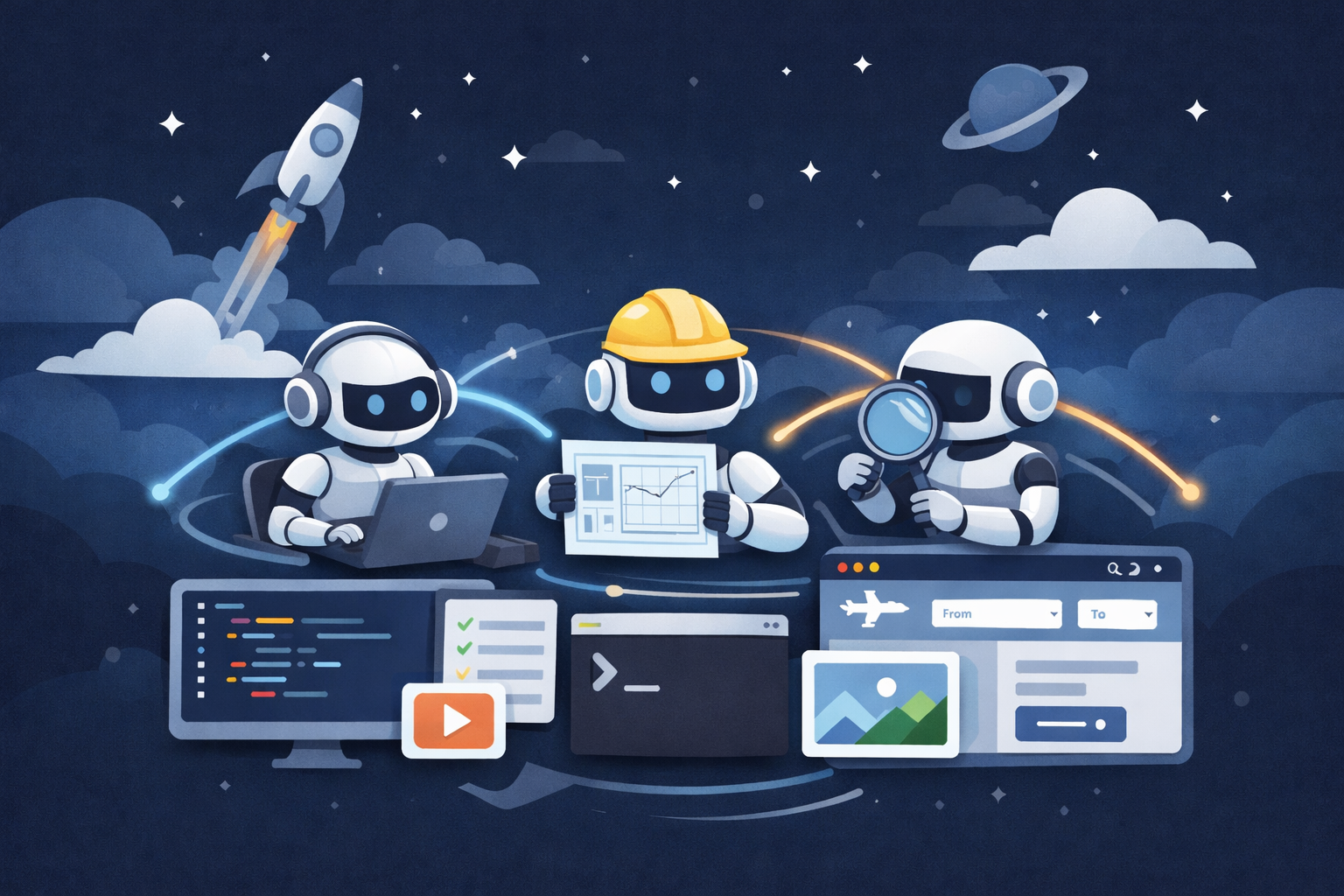
In late 2025, the software development world was shaken by a major announcement from Google. Alongside its flagship Gemini 3 model, the company unveiled not just another update, but an entirely new product: an integrated development environment (IDE) called Google Antigravity.
The name "Antigravity" is intentional. Just as anti-gravity suggests breaking free from physical pull, Google’s idea is to free developers from the gravitational pull of routine, introducing a radically different, agent-first approach to building software.
What Is Google Antigravity?
Google Antigravity is not simply a code editor with AI autocomplete. It is a fully AI-native development environment that fundamentally rethinks the role of artificial intelligence. Instead of acting as a passive assistant that suggests lines of code, AI becomes an active, autonomous participant in the development process.
At the heart of Antigravity is the Agent-First concept. Rather than writing code line by line, the developer takes on the role of an architect and project manager. They define high-level goals - such as "build a flight search web application" - and multiple specialized AI agents handle the actual implementation.
Core Architecture: Four Foundational Principles
| Principle | Description |
|---|---|
| Trust Through Transparency | All agent actions are fully documented through Artifacts, including plans, task lists, screenshots, and browser recordings, allowing developers to verify results without reviewing every line of code. |
| True Autonomy | Agents have full access to the code editor, terminal, and embedded browser, enabling them to write code, run it, and test applications end-to-end on their own. |
| Intuitive Feedback | Developers can leave comments directly on code or UI screenshots, allowing agents to understand visual feedback and apply changes naturally. |
| Continuous Self-Improvement | Agents learn from shared knowledge, past solutions, and previous mistakes, improving their performance and decision-making over time. |
Run Code from Your Browser - No Installation Required

Technical Foundation and Model Support
Technically, Antigravity is built on Visual Studio Code, ensuring a familiar interface and compatibility with a massive plugin ecosystem.
During its public preview, the IDE is completely free and provides access to multiple advanced models, including Gemini 3 Pro, Claude 4.5 Sonnet from Anthropic, and the open-source GPT-OSS model.
Competitors and Market Position
Antigravity enters a competitive market dominated by tools like Cursor and Windsurf, each with a distinct philosophy.
| IDE | Focus & Strengths |
|---|---|
| Cursor | Focuses on speed and seamless AI integration into daily development workflows. Its Composer mode enables large-scale refactoring across multiple files while keeping developers fully in control of their code. |
| Windsurf | Optimized for massive codebases. Its Cascade feature automatically identifies relevant context and loads the right files from large monolithic projects, making it well suited for enterprise teams. |
What Makes Antigravity Different?
Antigravity’s most distinctive advantage is parallel agent orchestration. While Cursor acts like a single brilliant assistant, Antigravity functions as an entire AI team managed through a dedicated Manager View. One agent can build the backend, another can design the UI, and a third can write tests—all simultaneously and without interference.
This approach gained visibility after public praise from Linus Torvalds, who used Antigravity to generate Python code he wasn’t personally familiar with, describing the experience as "vibe coding".
Another major strength is deep browser integration. With a dedicated Google Chrome extension, agents can actively interact with websites - clicking buttons, filling out forms, and validating user flows - while recording the entire session. This makes Antigravity especially powerful for frontend and full-stack development.
Pricing is the third key differentiator. Antigravity offers generous free access to top-tier models (including Claude), while Cursor and Windsurf rely on paid subscriptions. This is a clear strategic move by Google to rapidly attract developers.
Start Learning Coding today and boost your Career Potential
Weaknesses and Open Questions
Despite its strengths, Antigravity is far from perfect. Early users report significant rough edges: frequent bugs, high memory usage (often 1–2 GB of RAM), and a UI that can feel unintuitive. Many developers also criticize unclear daily usage limits in the free tier, which can be exhausted unexpectedly.
Perhaps the biggest concern is long-term trust. Google has a reputation for discontinuing even popular products, and many developers remain cautious about investing heavily in a tool whose future is uncertain.
Summary
Google Antigravity is an ambitious and conceptually bold attempt to lead the next era of agent-based software development. Its orchestration of multiple autonomous agents, artifact-based verification system, and deep browser integration genuinely expand what IDEs can do - especially for rapid prototyping and complex, multi-step tasks.
FAQ
Q: Is Google Antigravity just another AI-powered code editor?
A: No. Unlike traditional AI-assisted editors, Antigravity is built around autonomous agents that can plan, execute, test, and iterate on tasks across the entire development environment—not just suggest code snippets.
Q: What does “agent-first” development actually mean?
A: It means the developer defines what needs to be built, while AI agents decide how to build it. The human acts as an architect and reviewer rather than the primary code author.
Q: Can Antigravity be trusted if agents work autonomously?
A: That’s the core problem Antigravity tries to solve. Its Artifacts system records plans, actions, screenshots, and browser sessions so developers can verify outcomes without blindly trusting the AI.
Q: How is this different from Cursor?
A: Cursor enhances the developer’s existing workflow and keeps humans in tight control. Antigravity shifts control toward AI agents and focuses on parallel, multi-step task execution rather than line-by-line coding assistance.
Q: Who benefits most from using Antigravity?
A: Developers working on prototypes, greenfield projects, frontend workflows, or complex multi-step tasks benefit the most. It’s less ideal for teams that require strict manual control over every code change.
Q: Does Antigravity replace the need to understand the code?
A: No—but it changes where understanding is applied. Instead of reading every line, developers validate intent, architecture, and outcomes through reports and artifacts.
Q: What are the main downsides right now?
A: Early versions are resource-heavy, sometimes buggy, and have unclear usage limits. There’s also long-term uncertainty due to Google’s history of discontinuing products.
Q: Is this the future of software development?
A: Possibly—but not universally. Agent-based IDEs are likely to coexist with traditional tools, excelling at automation and orchestration while humans remain responsible for judgment, design, and accountability.
¿Fue útil este artículo?
Compartir:
¿Fue útil este artículo?
Compartir:
Cursos relacionados
Ver Todos los CursosTop 25 C# Interview Questions and Answers
Master the Essentials and Ace Your C# Interview

by Ihor Gudzyk
C++ Developer
Nov, 2024・17 min read
10 Developer Tasks You Can Already Delegate to AI
How AI quietly takes over repetitive dev work
by Eugene Obiedkov
Full Stack Developer
Feb, 2026・6 min read
Best Laptops for Coding in 2024
Top Picks and Key Features for the Best Coding Laptops

by Anastasiia Tsurkan
Backend Developer
Aug, 2024・12 min read
Contenido de este artículo
