Cours connexes
Voir tous les cours
What Cursor Is and Why Developers Are Switching to AI Native IDEs
A Closer Look at How AI-Native Editors Are Changing the Way Developers Write, Understand, and Maintain Code

by Oleh Subotin
Full Stack Developer
Mar, 2026・
6 min read


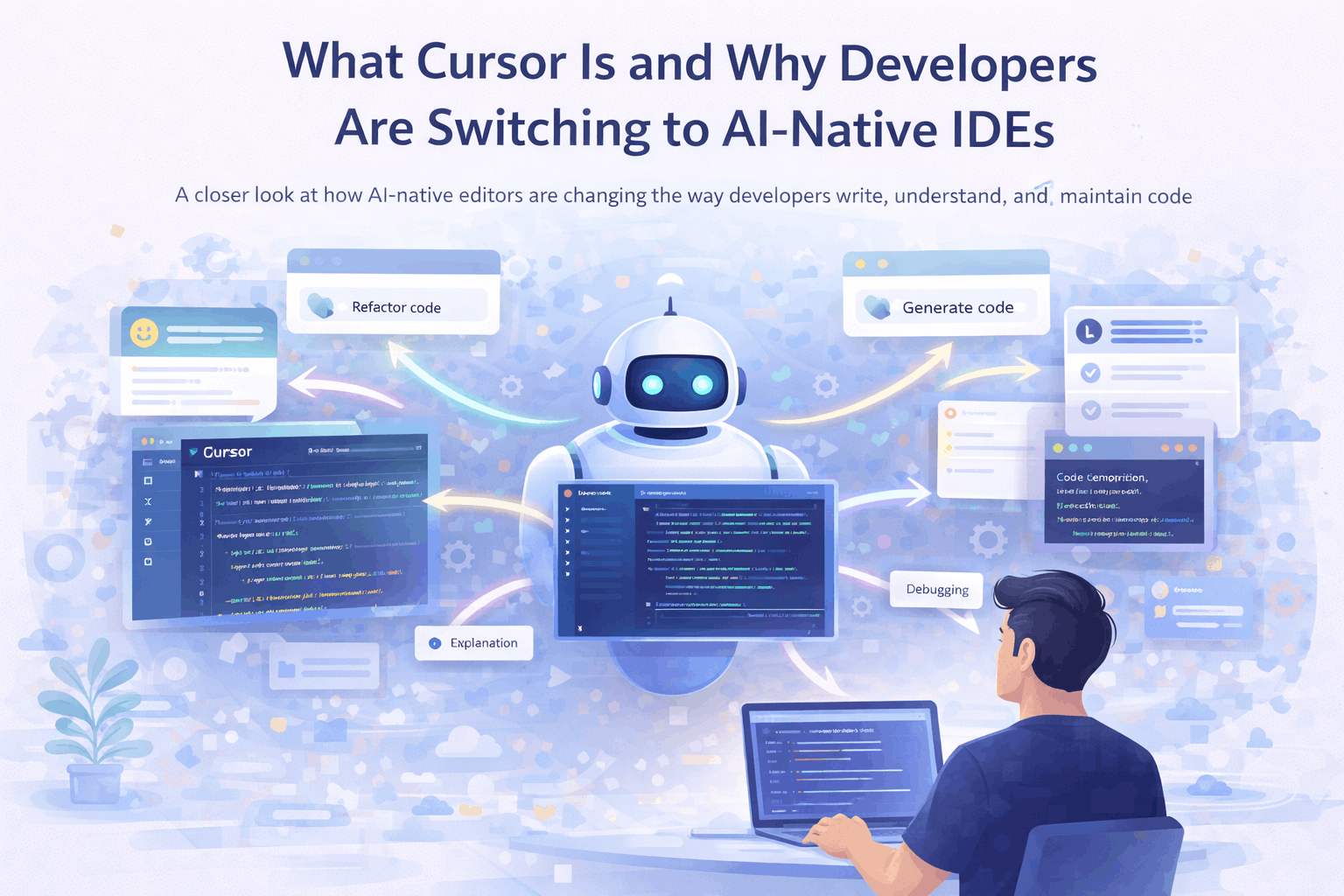
For years, developer tooling has evolved incrementally. Editors became faster, plugins more powerful, and integrations deeper. But the core workflow stayed the same. Developers wrote code, searched for answers, and occasionally used AI tools as a separate step.
Cursor represents a different approach. Instead of adding AI as an extension to an existing editor, it builds the entire development experience around it.
This shift is subtle at first, but it changes how developers interact with code.
What Cursor Actually Is
Cursor is a code editor built on top of familiar tooling, but designed with AI as a core part of the interface.
It looks similar to traditional editors, but the key difference is how tightly AI is integrated into the workflow. Instead of switching between your editor and an external assistant, Cursor allows you to interact with your codebase directly through AI.
The system understands your project structure, files, and context. This allows it to generate, modify, and explain code in a way that feels connected to your actual work rather than isolated snippets.
From Assistance to Collaboration
Most developers have already used AI tools for coding. The typical pattern is simple:
- Copy code;
- Paste into an AI tool;
- Get a response;
- Paste it back.
Cursor removes that loop.
Instead of treating AI as an external assistant, it treats it as something that operates inside the codebase. Developers can highlight a section of code and ask the editor to refactor it, explain it, or extend it.
This creates a different kind of interaction. The AI is no longer just answering questions. It is participating in the development process.
Run Code from Your Browser - No Installation Required

Why Developers Are Paying Attention
The interest around Cursor comes from how naturally it fits into everyday workflows. Rather than introducing a completely new way of working, it reduces friction in things developers already do.
Some common use cases include:
- Refactoring existing code without leaving the editor;
- Generating boilerplate based on project context;
- Navigating large codebases through natural language;
- Debugging by asking questions about specific files or functions.
These are not new problems. What changes is how quickly they can be handled.
Understanding Context Is the Real Shift
One of the main limitations of earlier AI tools was context. Generating code snippets is useful, but real development happens inside a larger system. Files depend on each other. Naming conventions matter. Architecture decisions shape how code should look.
Cursor attempts to work within that context. Because it has access to the project, it can make suggestions that align more closely with how the codebase is structured. This does not make it perfect, but it reduces the gap between generated code and usable code.
Where It Still Falls Short
Despite the improvements, Cursor does not remove the need for engineering judgment.
AI-generated changes still require validation. Suggested refactors can introduce subtle issues. Large-scale architectural decisions remain the responsibility of the developer.
There is also a learning curve. Working effectively with an AI-native editor requires understanding how to guide the system, not just how to write code.
For many developers, the biggest shift is not technical but behavioral.
Start Learning Coding today and boost your Career Potential
What Cursor Signals About Developer Tools
Cursor is part of a broader movement toward AI-native development environments.
Instead of treating AI as a feature, these tools treat it as a foundation. This changes how interfaces are designed and how workflows are structured. Over time, this could lead to editors where:
- Navigation becomes more conversational;
- Repetitive coding patterns are automated by default;
- Developers spend more time reviewing and shaping code rather than writing every line manually.
Whether Cursor becomes dominant or not, the direction is becoming clear.
Conclusion
Cursor is not just another AI coding tool. It represents a shift toward development environments where AI is embedded into the workflow rather than added on top of it.
For developers, the value is not in replacing coding, but in reducing the friction around it.
The core work remains the same. The way it is performed is starting to change.
FAQs
Q: What is Cursor IDE?
A: Cursor is an AI-native code editor that integrates artificial intelligence directly into the development workflow, allowing developers to generate, edit, and understand code inside their project.
Q: How is Cursor different from VS Code?
A: While VS Code relies on extensions for AI features, Cursor is built around AI from the start. This allows deeper integration with your codebase and more context-aware suggestions.
Q: Can Cursor replace traditional coding?
A: No. Cursor helps with tasks like refactoring, debugging, and generating code, but developers still need to review logic, architecture, and final implementation decisions.
Q: Is Cursor good for large codebases?
A: Yes. One of Cursor's strengths is understanding project context, which helps developers navigate, analyze, and modify larger codebases more efficiently.
Q: Does Cursor work with existing projects?
A: Yes. Cursor can be used with existing repositories, allowing developers to enhance their workflow without rebuilding projects from scratch.
Q: When should developers use Cursor?
A: Cursor is useful for everyday development tasks such as writing boilerplate, refactoring code, exploring unfamiliar codebases, and debugging issues faster.
Cet article a-t-il été utile ?
Partager:
Cet article a-t-il été utile ?
Partager:
Cours connexes
Voir tous les coursContenu de cet article
