Corsi correlati
Guarda tutti i corsiPrincipiante
Agentic AI for Business
Learn how to harness the power of MCP (Model Context Protocol) to connect Claude AI with your everyday tools, automate tasks, and simplify complex workflows. This course covers the foundations of MCP servers, how to set them up, and how to interact with your local environment. You'll also explore practical use cases—from integrating Google services like Gmail and Calendar, to automating Excel analysis and PowerPoint generation using Python and AI. Designed for both technical and non-technical users, this course will help you unlock real productivity gains with minimal manual effort.

Principiante
AI Automation Workflows with n8n
n8n is a flexible automation platform for connecting apps, transforming data, and building AI-powered workflows. You'll develop strong fundamentals through real, practical examples, covering triggers, JSON handling, data-flow theory, AI integration, webhooks, and complete automation builds. The focus is on understanding how information moves through a workflow and how to structure that information so nodes and APIs behave predictably. The result is the ability to design, debug, and ship reliable automations that work end to end.

Principiante
Creating Custom AI Agents with Anthropic Claude
Learn how to create a fully functional MCP (Model Context Protocol) server to integrate AI models like Claude with real-world tools like Excel. Everything from core concepts to setting up your development environment and building your first working server that can analyze real data through natural language prompts. No advanced programming knowledge required, just curiosity and willingness to explore AI automation.

Everyday Tasks You Should Never Do Manually Again
How automation replaces repetitive work.

by Ihor Gudzyk
C++ Developer
Feb, 2026・
7 min read


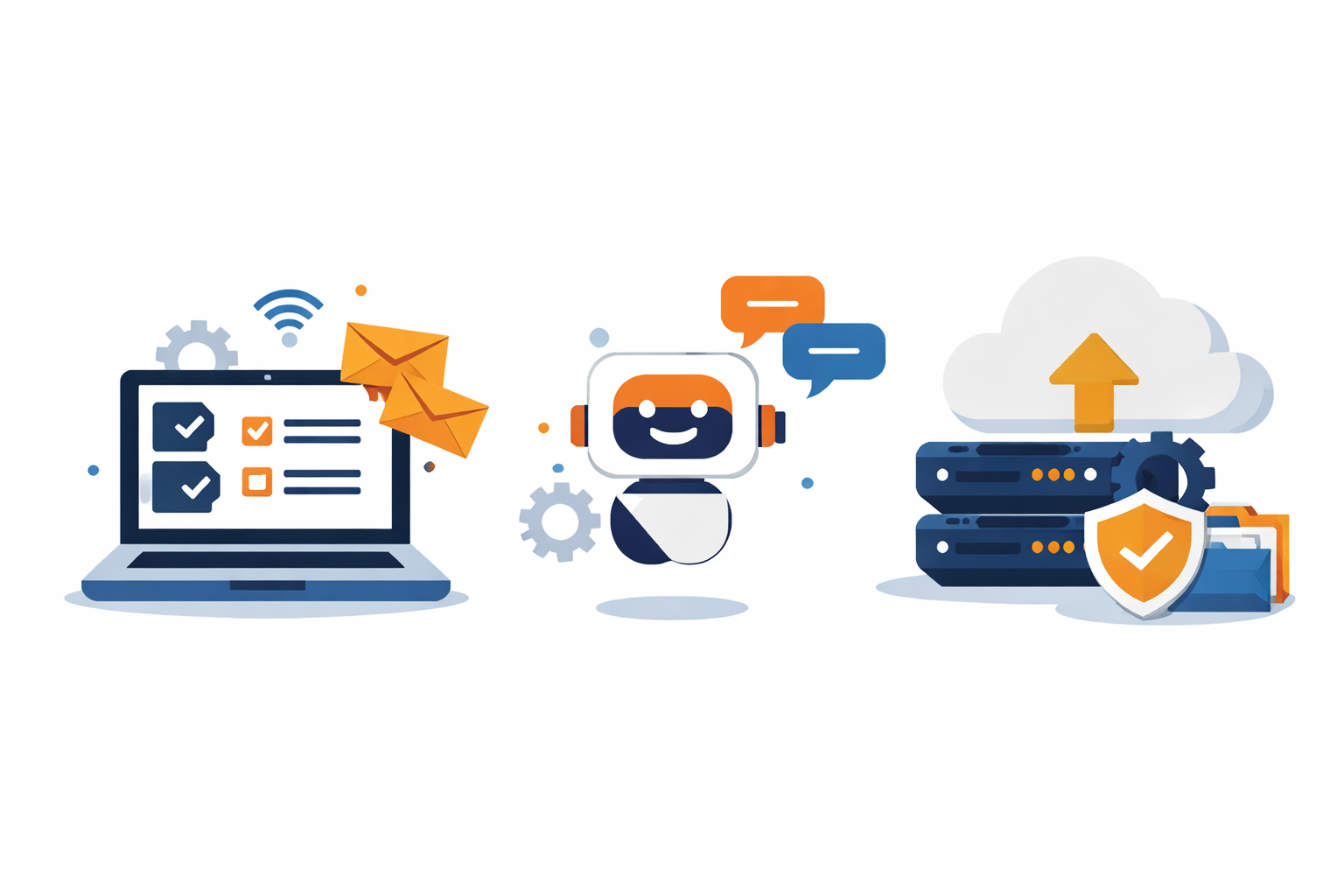
Manual work feels harmless in isolation, but it quietly compounds. Five minutes here, ten minutes there, multiplied by weeks and months, turns into lost focus, wasted energy, and avoidable mistakes. If a task is repetitive, predictable, and rule-based, it is a perfect candidate for automation.
Here are everyday tasks you should stop doing by hand and what to replace them with.
Copying Data Between Apps
If you are copying information from emails into spreadsheets, from forms into CRMs, or from tools into reports, you are burning time on work computers are built to handle.
Automation can move data instantly between apps, without typos, delays, or forgotten steps. Once set up, it runs silently in the background.
How to Achieve It
Use an automation platform like Zapier to connect a source app to a destination app.
Typical setup
- Trigger: New email, form submission, or record
- Optional step: Clean or extract data
- Action: Create or update a row, contact, or record
Once published, data flows instantly between apps with zero manual work.
Sending Repetitive Emails
Welcome emails, follow-ups, confirmations, reminders, status updates. Writing and sending these manually feels productive but adds no real value.
Automated emails trigger based on actions or time, keeping communication consistent and timely while freeing you from inbox babysitting.
How to Achieve It
Trigger emails automatically based on actions or time.
Typical setup
- Trigger: New signup, purchase, form submission, or scheduled date
- Action: Send email using Gmail, Outlook, or an email service
Messages go out consistently, on time, without you touching your inbox.
Run Code from Your Browser - No Installation Required
Organizing Files and Documents
Renaming files, moving them into folders, uploading attachments, or saving documents from emails is pure mechanical work.
Automation can sort, rename, store, and share files automatically based on rules you define, so everything ends up exactly where it should be.
How to Achieve It
Automate file handling based on rules.
Typical setup
-
Trigger: New email attachment or uploaded file
-
Actions:
- Rename file
- Move to correct folder
- Upload to cloud storage
- Share with the right people
Files land exactly where they belong, automatically.
Status Updates and Notifications
Manually notifying teammates about completed tasks, new leads, failed jobs, or published content is error-prone and easy to forget.
Automated notifications ensure the right people get the right updates instantly, without you acting as the middleman.
How to Achieve It
Automated notifications keep everyone informed instantly.
Typical setup
- Trigger: Event in a tool (new deal, completed task, error)
- Action: Send message to Slack, email, or project management tool
Updates happen in real time without you acting as the messenger.
Scheduling and Calendar Management
Booking meetings, confirming availability, sending reminders, and rescheduling drains attention fast.
Automated scheduling tools handle availability checks, confirmations, and reminders automatically, reducing back-and-forth and missed meetings.
Reporting and Routine Summaries
Weekly reports, daily metrics, monthly summaries often follow the same structure every time, yet people rebuild them manually.
Automation can pull data from multiple sources, format it, and deliver clean summaries on a schedule, without last-minute scrambling.
How to Achieve It
Let automation collect, format, and deliver reports on a schedule.
Typical setup
-
Trigger: Scheduled time
-
Actions:
- Pull data from multiple tools
- Format and calculate values
- Send report via email or Slack
Reports arrive automatically, already done.
Start Learning Coding today and boost your Career Potential
Simple Data Cleanup
Formatting text, normalizing names, converting dates, removing duplicates, or validating inputs should never be manual.
Automation handles cleanup consistently and instantly, reducing downstream errors and keeping your data usable.
How to Achieve It
Use built-in data transformation steps inside automations.
Typical setup
- Trigger: Incoming data
- Action: Transform, format, or validate values
- Final action: Store clean data downstream
Cleaner data, fewer errors, less rework.
FAQs
Q: Do I need to know how to code to automate everyday tasks?
A: No. Most everyday automations can be built with no-code tools like Zapier, where you connect apps using visual steps instead of writing code.
Q: What tasks are the best candidates for automation?
A: Tasks that are repetitive, rule-based, and predictable, especially ones that start in one app and end in another. If you do the same steps more than a few times a week, it is a strong automation candidate.
Q: Will automation break if something changes in my tools?
A: Automations are reliable, but changes like renamed fields, expired credentials, or updated APIs can cause failures. Most platforms provide error logs and alerts so issues can be fixed quickly.
Q: Is automation only useful for businesses?
A: No. Individuals automate personal tasks like email organization, file management, reminders, and tracking expenses just as effectively as teams and companies.
Q: How long does it take to build an automation?
A: Simple workflows often take 10 to 20 minutes. More complex, multi-step automations may take longer initially, but they usually save hours every week once running.
Q: Can I automate tasks that do not have native integrations?
A: Yes. Many tools expose APIs or webhooks that automation platforms can connect to, allowing you to automate even custom or niche software.
Q: What happens if an automation fails?
A: Most automation tools keep detailed run histories and send alerts when something fails, so you can investigate, fix the issue, and rerun the task if needed.
Q: Is automation safe for sensitive data?
A: Automation platforms use encrypted connections and permission-based access. Best practice is to limit access scopes, use separate accounts where possible, and avoid automating highly sensitive data unless necessary.
Q: Will automations replace human judgment?
A: No. Automation handles execution and consistency. Humans still make decisions, set rules, and handle edge cases that require judgment or creativity.
È utile questo articolo?
Condividi:
È utile questo articolo?
Condividi:
Corsi correlati
Guarda tutti i corsiPrincipiante
Agentic AI for Business
Learn how to harness the power of MCP (Model Context Protocol) to connect Claude AI with your everyday tools, automate tasks, and simplify complex workflows. This course covers the foundations of MCP servers, how to set them up, and how to interact with your local environment. You'll also explore practical use cases—from integrating Google services like Gmail and Calendar, to automating Excel analysis and PowerPoint generation using Python and AI. Designed for both technical and non-technical users, this course will help you unlock real productivity gains with minimal manual effort.
Principiante
AI Automation Workflows with n8n
n8n is a flexible automation platform for connecting apps, transforming data, and building AI-powered workflows. You'll develop strong fundamentals through real, practical examples, covering triggers, JSON handling, data-flow theory, AI integration, webhooks, and complete automation builds. The focus is on understanding how information moves through a workflow and how to structure that information so nodes and APIs behave predictably. The result is the ability to design, debug, and ship reliable automations that work end to end.
Principiante
Creating Custom AI Agents with Anthropic Claude
Learn how to create a fully functional MCP (Model Context Protocol) server to integrate AI models like Claude with real-world tools like Excel. Everything from core concepts to setting up your development environment and building your first working server that can analyze real data through natural language prompts. No advanced programming knowledge required, just curiosity and willingness to explore AI automation.
The 80 Top Java Interview Questions and Answers
Key Points to Consider When Preparing for an Interview

by Daniil Lypenets
Full Stack Developer
Apr, 2024・30 min read
Top 50 Python Interview Questions for Data Analyst
Common Python questions for DA interview

by Ruslan Shudra
Data Scientist
Apr, 2024・27 min read

The 50 Top SQL Interview Questions and Answers
For Junior and Middle Developers

by Oleh Lohvyn
Backend Developer
Apr, 2024・31 min read
Contenuto di questo articolo
