Corsi correlati
Guarda tutti i corsiPrincipiante
AI Automation Workflows with n8n
n8n is a flexible automation platform for connecting apps, transforming data, and building AI-powered workflows. You'll develop strong fundamentals through real, practical examples, covering triggers, JSON handling, data-flow theory, AI integration, webhooks, and complete automation builds. The focus is on understanding how information moves through a workflow and how to structure that information so nodes and APIs behave predictably. The result is the ability to design, debug, and ship reliable automations that work end to end.

Principiante
Workflow Automation with Make.com
Learn how to build powerful, real-world automation systems using Make.com and AI. Start with the fundamentals of scenario building and flow control, then master data handling, functions, APIs, and webhooks. Move into advanced workflows that combine RSS feeds, AI agents, and multimedia processing to create intelligent content pipelines. Finish by assembling a complete automation system, managing AI outputs, and exploring expansion ideas for scaling your workflows.
The Myths of No-Code
Why No-Code Tools Still Require Real Software Thinking

by Ihor Gudzyk
C++ Developer
Feb, 2026・
6 min read


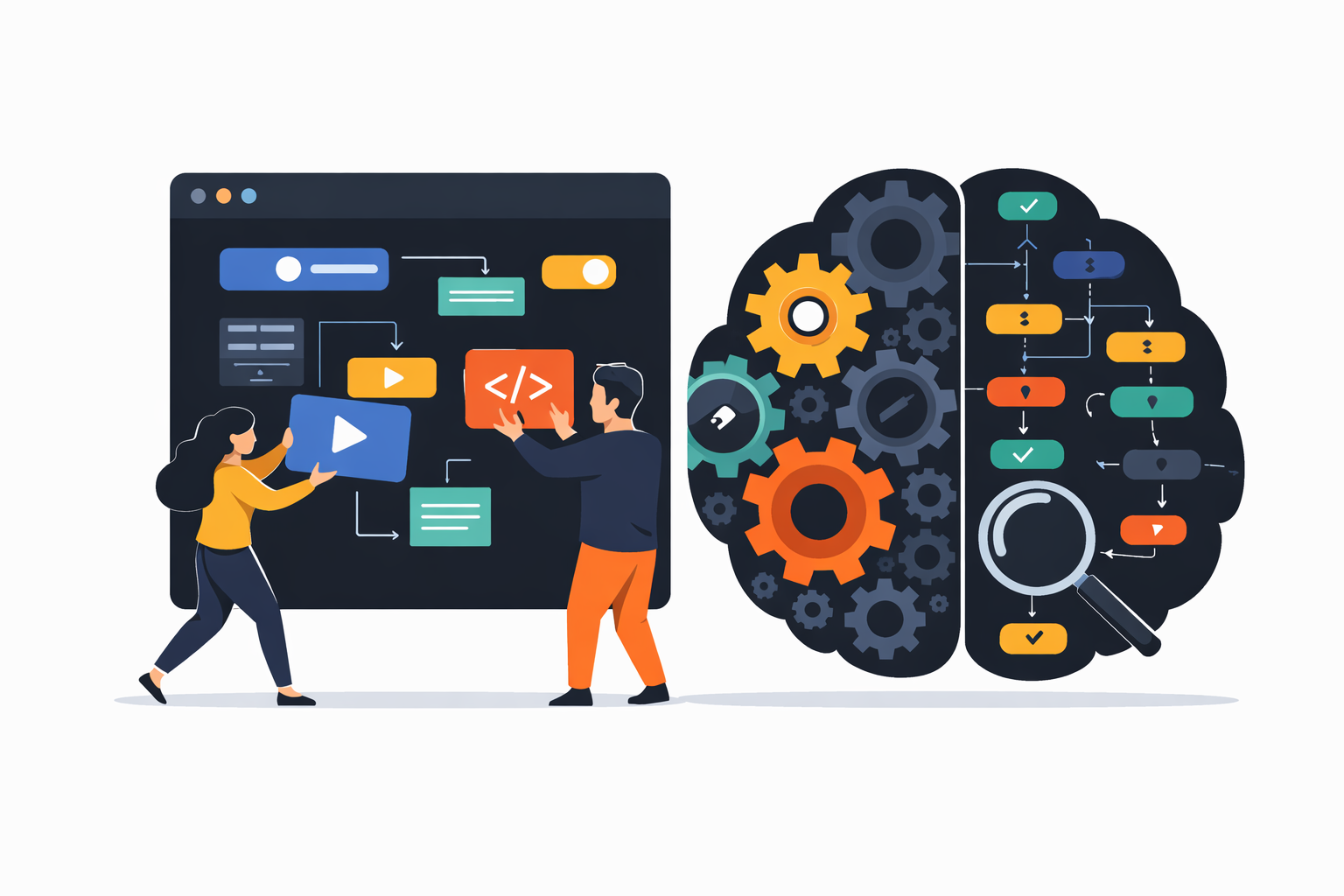
No-code promises a seductive idea, building software without writing code. For founders, marketers, and non-technical teams, it sounds like freedom. For developers, it sounds suspicious. In reality, it's neither magic nor a lie, it's a misunderstanding. No-code doesn’t eliminate code, it hides it.
What No-Code Actually Means
No-code platforms replace syntax with interfaces. Instead of writing if, for, or try/catch, you drag blocks, connect nodes, configure rules, and define conditions through forms. But every no-code tool still relies on:
- logic;
- data flow;
- state;
- error handling;
- integrations;
- constraints.
These are not optional, they are software fundamentals. The platform writes the code for you. You still design the system.
Run Code from Your Browser - No Installation Required
Visual Programming Is Still Programming
Drag-and-drop workflows feel simpler because they remove syntax errors. You can’t forget a semicolon or mismatch brackets.
| Branching logic | Decisions still need conditions | Workflow runs the wrong path |
| Edge cases | Real data is messy and unpredictable | Works in tests, fails in production |
| Race conditions | Parallel steps don’t magically sync themselves | Automation runs twice or out of order |
| Data validation | Inputs can be missing, malformed, or unexpected | Silent failures or corrupted results |
| Failure states | APIs and services fail in real life | Stuck workflows and partial executions |
A broken automation is still broken, whether it's written in JavaScript or drawn with arrows. If you've ever stared at a tangled workflow thinking why does this run twice, you've already discovered the truth.
No-Code as a Force Multiplier
No-code works best when it amplifies existing software thinking, not when it tries to replace it. In capable hands, it dramatically increases speed. Ideas turn into working systems quickly, boilerplate disappears, and integrations become configuration instead of code.
For teams that understand data flow, constraints, and failure modes, no-code enables real autonomy and reduces dependency on engineering. For teams that don’t, it often produces fragile automations that break once they become important.
Used correctly, no-code doesn’t replace engineering. It extends it. Good system design scales faster, bad system design fails faster.
Start Learning Coding today and boost your Career Potential
The Skill No-Code Actually Requires
No-code does not remove the need for thinking, it shifts it. The core skill is not knowing where to click, but knowing how a system behaves over time. You are still designing logic, defining data boundaries, and deciding what happens when things go wrong.
In practice, no-code rewards systems thinking, specifically the ability to reason about:
-
Data flow Where data comes from, how it moves, and where it ends up;
-
State: what is stored, what changes, and what persists between runs;
-
Triggers and timing: what starts a workflow and when it should or should not run;
-
Constraints and assumptions: limits, dependencies, and things you are silently relying on;
-
Failure modes: what breaks, how it fails, and how the system recovers.
If you can think this way, no-code becomes fast and empowering. If you can’t, the interface only hides complexity until it resurfaces as a broken workflow.
FAQs
Q: Does no-code mean I don’t need to understand programming?
A: No. It removes syntax, not logic. You still need to understand how data flows, how decisions are made, and how failures are handled.
Q: Why do no-code workflows break if I didn’t write any code?
A: Because the platform still generates code under the hood. If the logic is flawed, the automation fails regardless of how it was built.
Q: Are no-code tools only for simple automations?
A: They work great for simple use cases. As workflows grow, complexity appears fast, and the same software design problems show up.
Q: Why does my automation run twice or at the wrong time?
A: Usually due to triggers, parallel execution, or missing constraints. These are classic race-condition problems, just expressed visually.
Q: Should developers avoid no-code tools? A: Not at all. Developers tend to use them effectively because they already think in terms of systems, edge cases, and failure modes.
È utile questo articolo?
Condividi:
È utile questo articolo?
Condividi:
Corsi correlati
Guarda tutti i corsiPrincipiante
AI Automation Workflows with n8n
n8n is a flexible automation platform for connecting apps, transforming data, and building AI-powered workflows. You'll develop strong fundamentals through real, practical examples, covering triggers, JSON handling, data-flow theory, AI integration, webhooks, and complete automation builds. The focus is on understanding how information moves through a workflow and how to structure that information so nodes and APIs behave predictably. The result is the ability to design, debug, and ship reliable automations that work end to end.
Principiante
Workflow Automation with Make.com
Learn how to build powerful, real-world automation systems using Make.com and AI. Start with the fundamentals of scenario building and flow control, then master data handling, functions, APIs, and webhooks. Move into advanced workflows that combine RSS feeds, AI agents, and multimedia processing to create intelligent content pipelines. Finish by assembling a complete automation system, managing AI outputs, and exploring expansion ideas for scaling your workflows.
What is n8n and How to Build Automations Without Coding
A Beginner-Friendly Guide to Visual Workflow Automation
by Ihor Gudzyk
C++ Developer
Feb, 2026・10 min read
The 80 Top Java Interview Questions and Answers
Key Points to Consider When Preparing for an Interview

by Daniil Lypenets
Full Stack Developer
Apr, 2024・30 min read
Top 10 Open Source Tools That Feel Illegal
by Ihor Gudzyk
C++ Developer
Feb, 2026・12 min read
Contenuto di questo articolo
